28
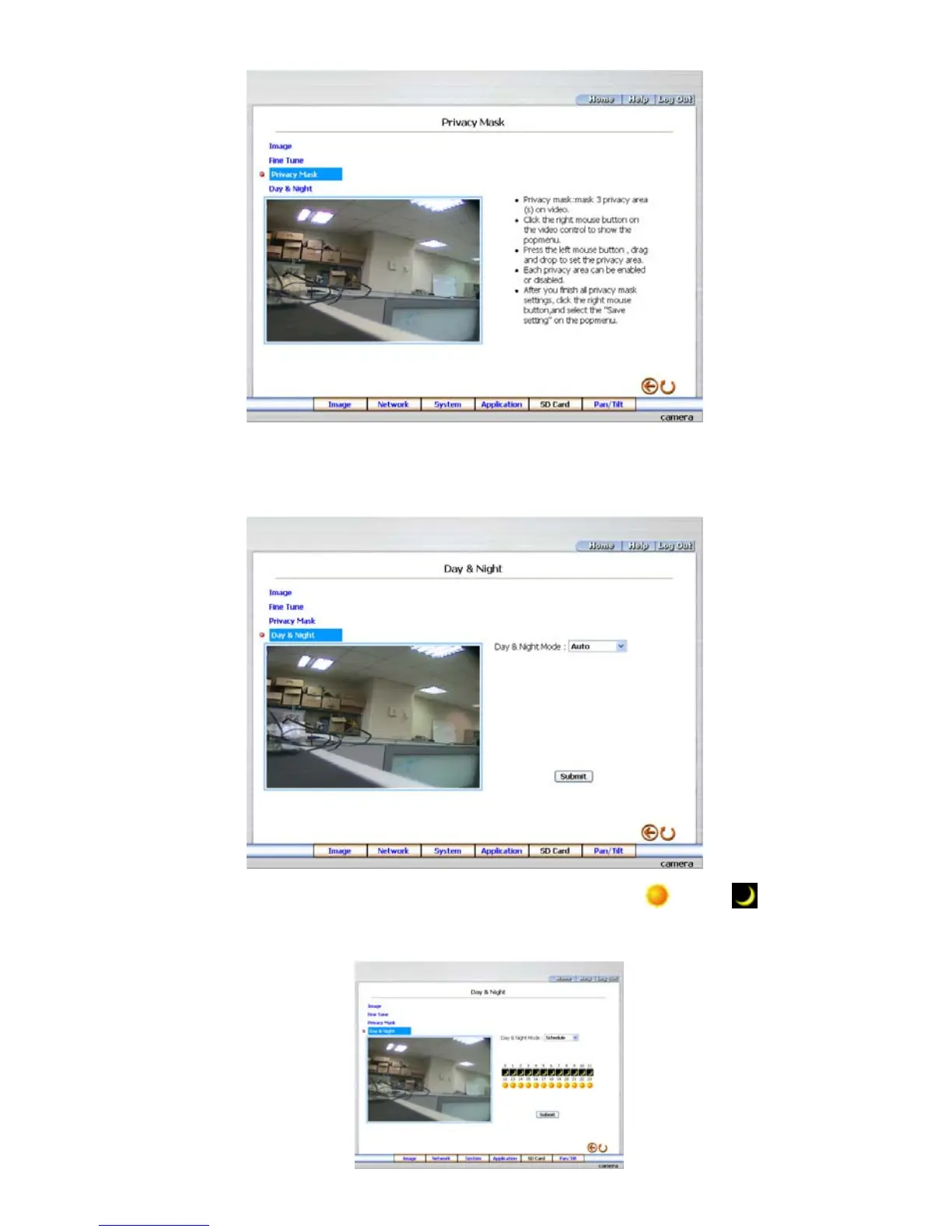
6. Click the Day & Night button to enter the Privacy Mask page. Click the drop-down list to
choose the Day & Night mode of “Auto”, “Day mode”, “Night mode” and “Schedule”.
Note: In the “Schedule” mode, you can click the icon to set the Day
or Night mode of
each hour. “0” means “00:00~00:59”, “1” means “01:00~01:59”, and so on.



 To Next Page