63
5.2.3 Login the Network camera software
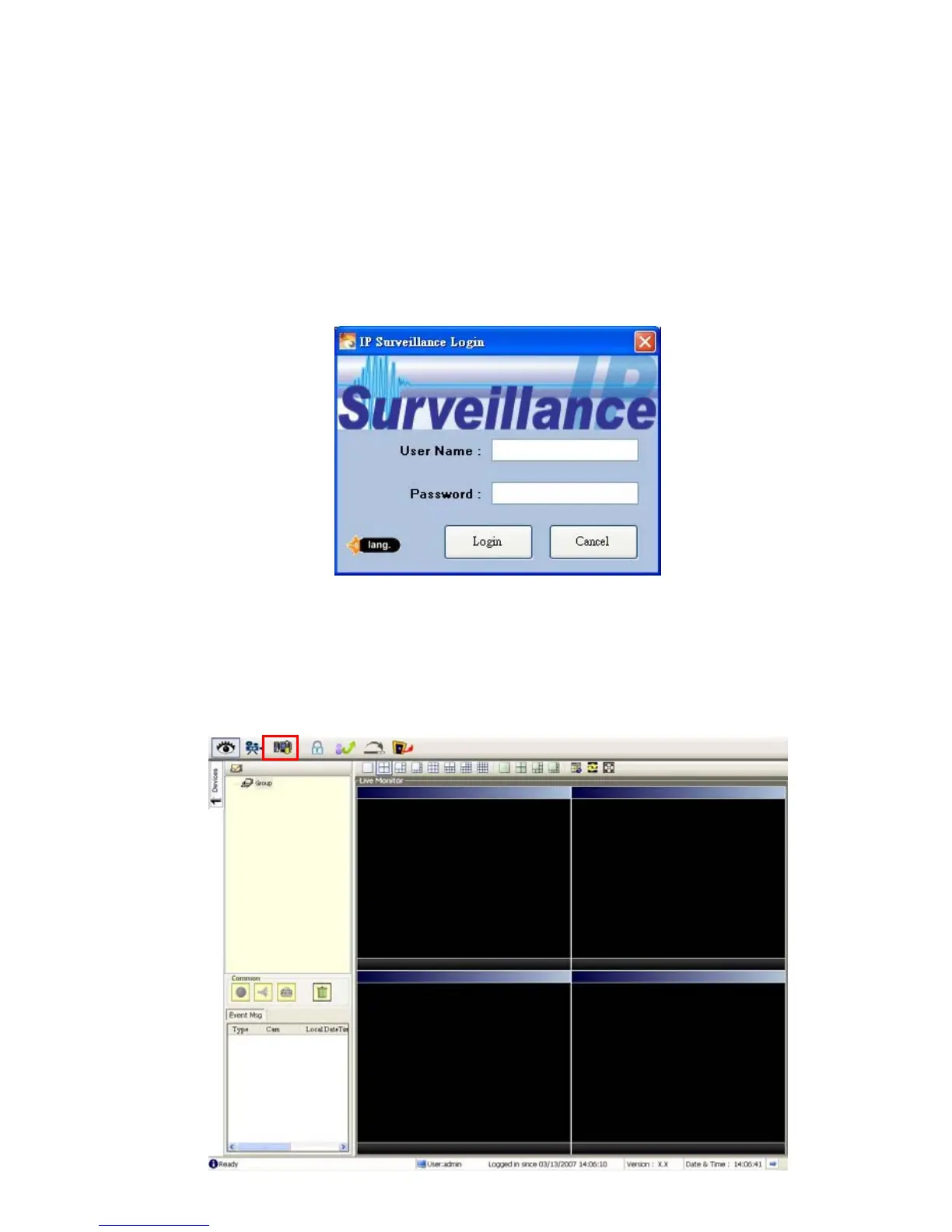
Once the IP surveillance is executed, a Login prompter will appear. You must enter the
default User Name: admin, and the password: 9999 in the respective spaces. Click the
“OK” button and enter the console page of the IP surveillance: both the user name and
password must be entered correctly. Click the “Cancel” button and exit the login of the
Network Viewer.
View the Network camera video from a remote PC
Follow the instructions below to use the IP surveillance to browse a Network camera video
from a remote location. Upon entering the IP surveillance, a connection box will appear as
follows.



 To Next Page