44
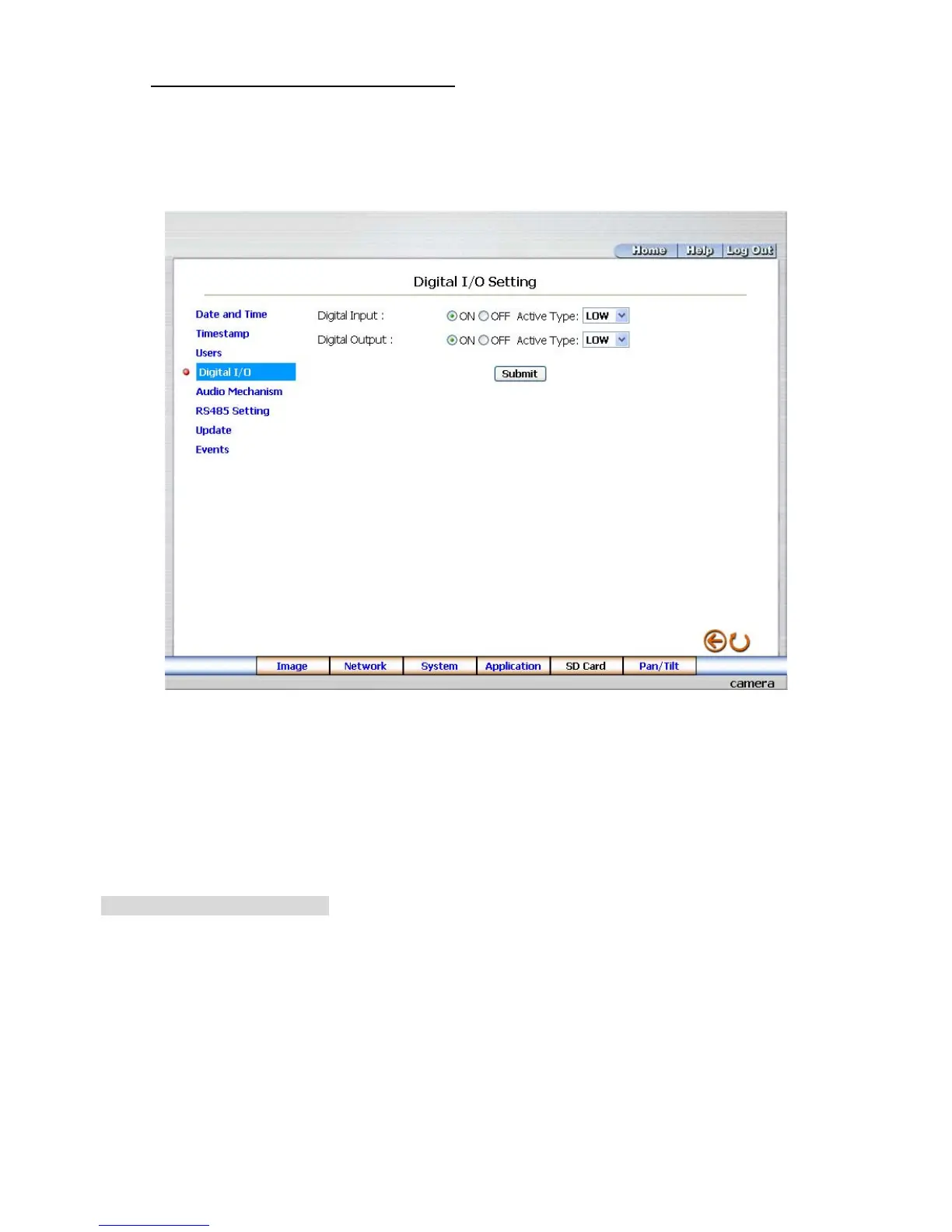
Change the System Setting — Digital I/O.
Please follow the steps below to change the Digital I/O through the network if necessary.
1. Click the Digital I/O button on the left side of the “Date and Time” page to enter the “Digital I/O
Setting” page.
2. Mark the “Digital Input” “ON” or “OFF” and the “Digital Output” “ON” or “OFF”. Click your choices to
enable.
3. Click the Submit button to submit the new user’s settings.
4. Click the Home button to return to the home page.
Description of function keys:
Digital Input: Select “ON” or “OFF” to use the GPIO connector or shut it down.
Digital Output: Select “ON” or “OFF” to use the GPIO connector or deactivate it.



 To Next Page