46
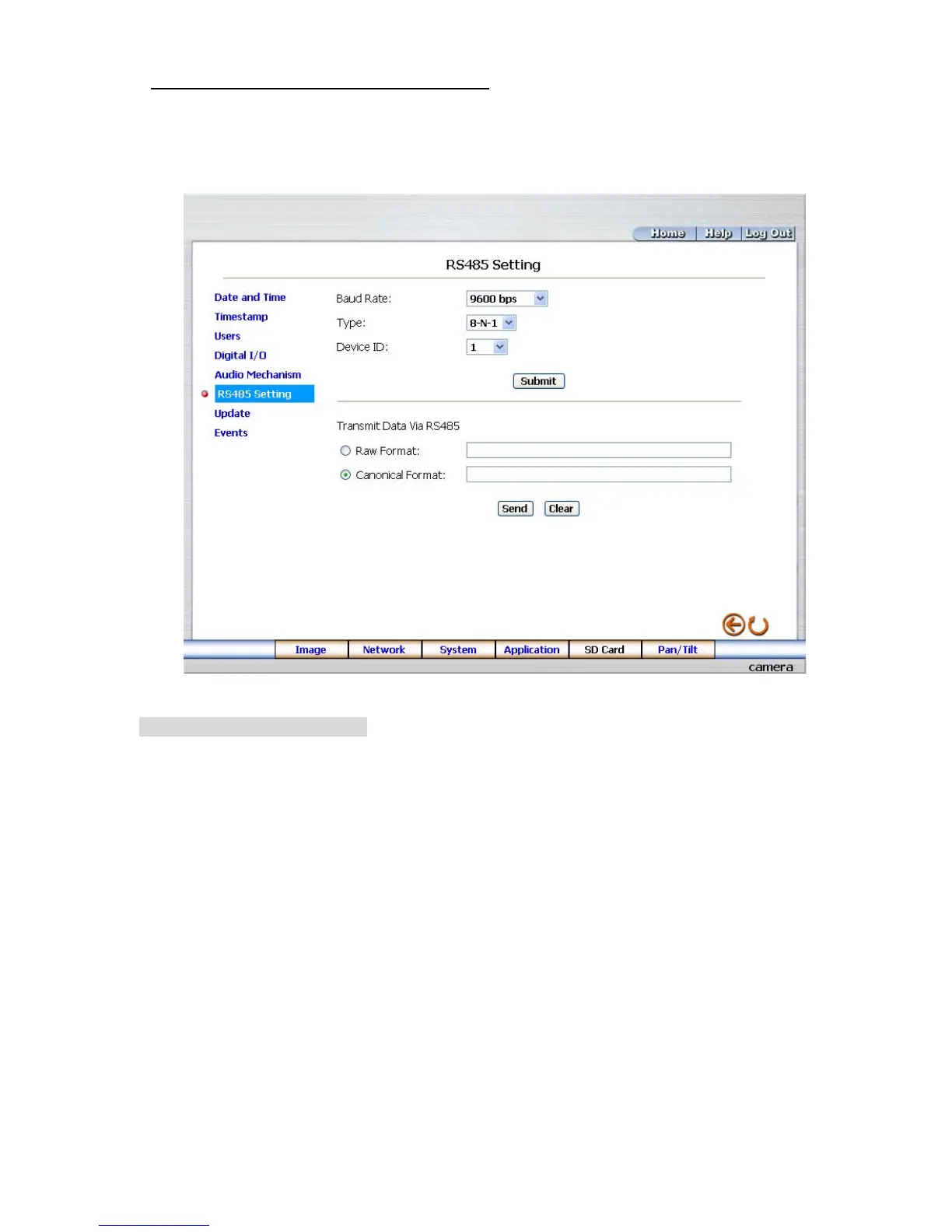
Change the System Setting — RS485 Setting.
Click the RS485 Setting button on the left side of the “Date and Time” page to enter the “RS485 Setting”
page.
Description of function keys:
Baud rate: Eight different speeds can be used: 2400 baud per second, 4800 baud, 9600 baud,
19200 baud, 28800 baud, 38400 baud, 57600 baud and 115200 baud.
Type: Choose one of the types.
Device ID:
You have the option of using an ID code (any number between 1 and 255).
Raw format: Set to transmit the ASCII codes.
Canonical format: Set to transmit the character string.



 To Next Page