48
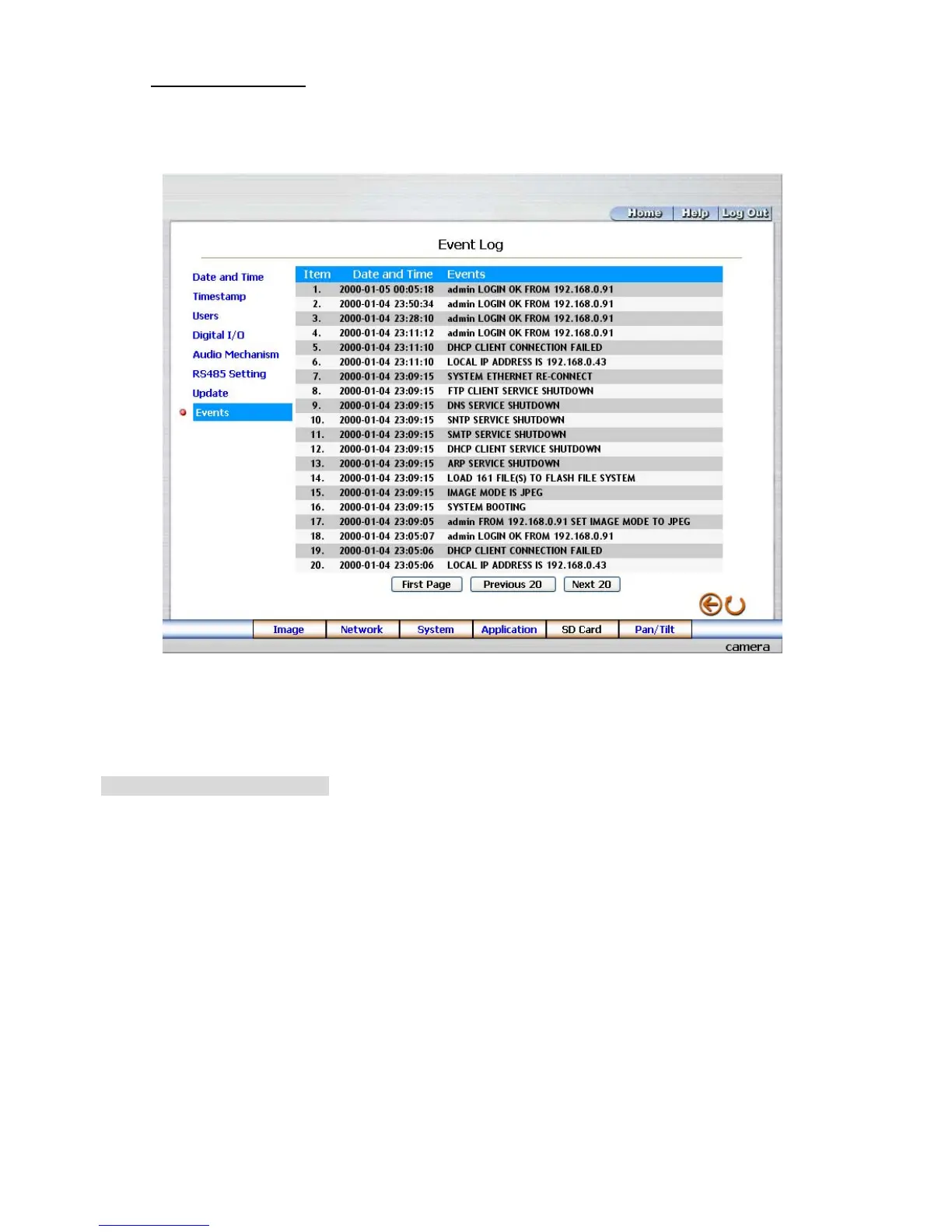
View the Event Logs.
Please follow the steps below to view events through the network if necessary.
1. Click the Events button on the upper left above to enter the “Event Log” page.
2. Choose one of the three buttons shown on the page to view an event when necessary. The three
buttons are titled “First Page”, “Previous 20”, and “Next 20”.
Description of function keys:
First Page: Displays the first page.
Previous 20: Displays the previous 20 pages.
Next 20: Displays the next 20 pages.



 To Next Page