51
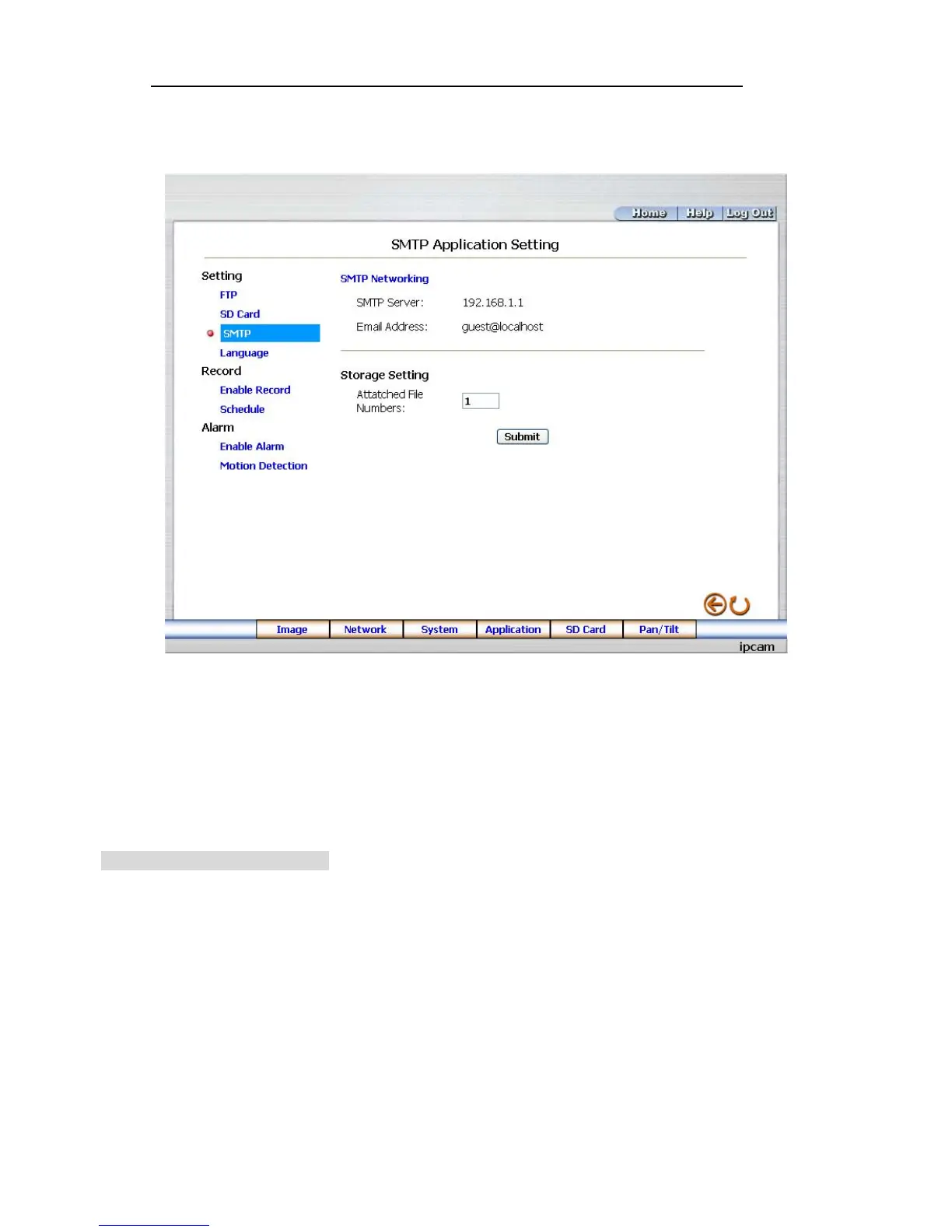
Change the Application Setting —SMTP Application Setting (MJPEG mode only).
Please follow the steps below to change the SMTP setting via the network if necessary.
1. Click the SMTP button on the left side to enter the “SMTP Application Setting” page.
2. Enter the attached file number as and when necessary. The maximum number which can be
used is 8.
3. Click the Submit button to submit the new SMTP setting of the recording.
4. Click the Home button to return to the home page.
Description of function keys:
File numbers: Sets the quantity of images per Email.



 To Next Page