82
5.2.4.7 Exit Setting
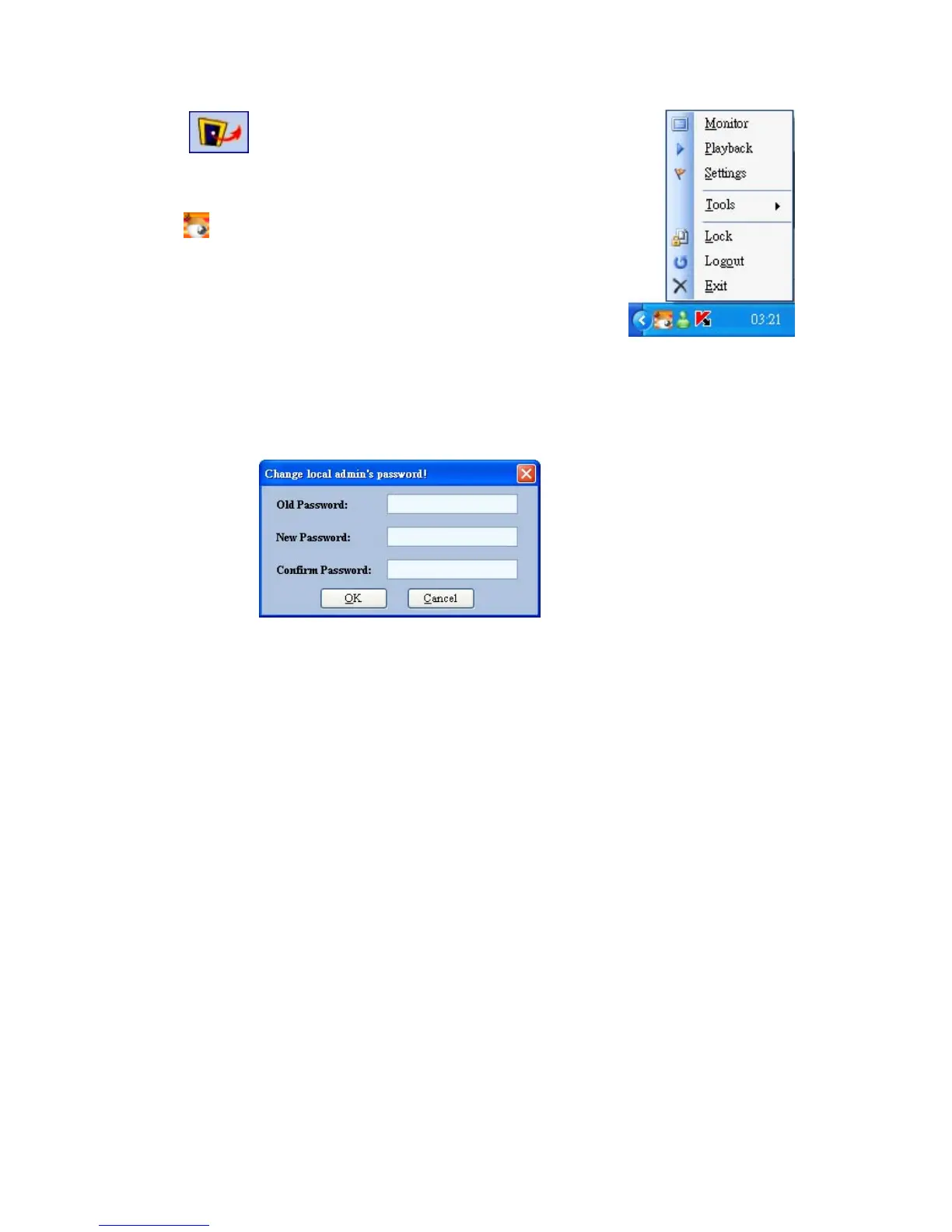
Press the
button to exit the IP surveillance monitor which
is minimized into the systray of the Windows taskbar.
Click the
button to select the functions on the list.
You can also change the password by clicking the “Tools” and “Change password” items on
the list. Enter the old password once and the new password twice, then press the “OK” button
to save it.



 To Next Page