14
www.apricorn.com
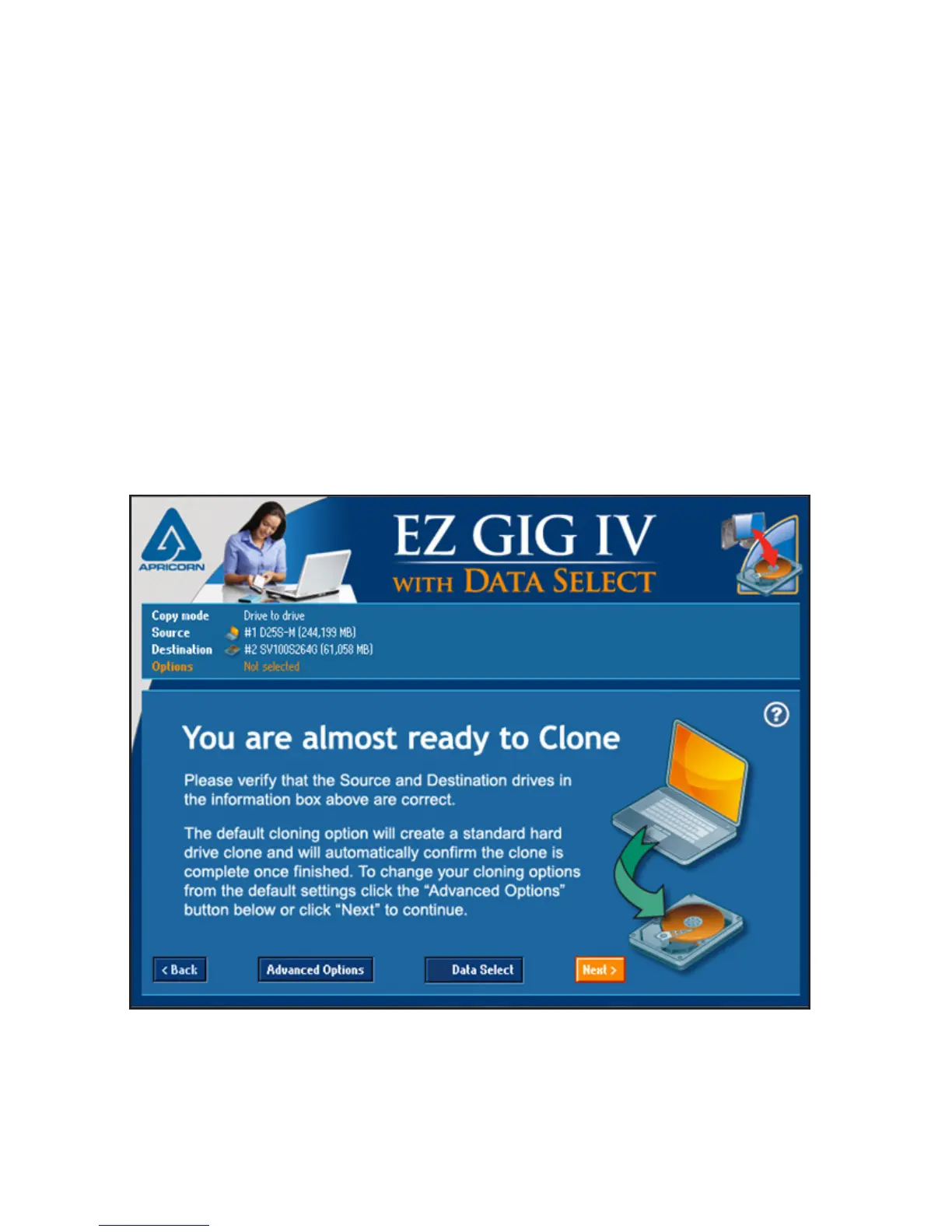
Drive Verication
You are almost ready to start your clone, but before you do, EZ Gig asks
that you verify that the choosen drives are correct.
If they are you have one of two options. Either click “Next” to
continue (go to page 24) or to deselect les from the cloning process,
press the “Data Select” button (go to page 15).
If you need to change your drive selection, click the “Back” button
At this point you can also modify the default options for your clone using
the “Advanced Options” button. Only select this option if you would like
to change your options from the default (go to page 19 for more info on
Advanced Options).


 To Next Page