EasyManua.ls Logo

Aprilaire 8444 - User Manual

Aprilaire 8444
12 pages
Print Icon
To Next Page IconTo Next Page
Loading...
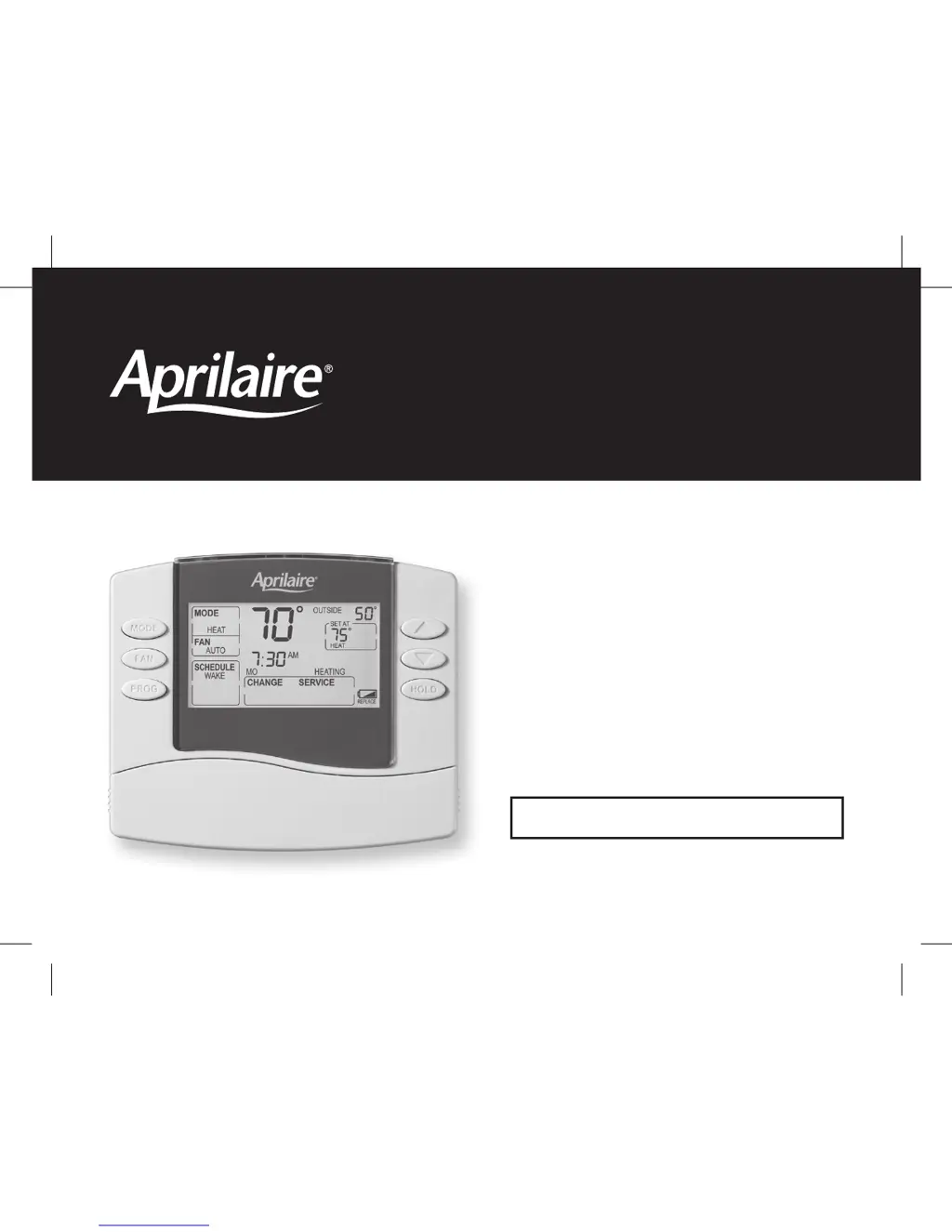
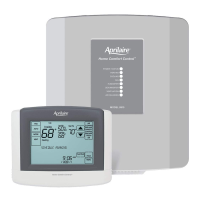
8400 Series Thermostats
READ AND SAVE THESE INSTRUCTIONS
Owner’s Manual
Includes
Operating Instructions and
Warranty Information
61000651C 8400 Tstat Owners.indd 1 10/13/09 11:13:35 AM

Other manuals for Aprilaire 8444

Questions and Answers

  • M
    Melissa Webb DDSJul 25, 2025
    What to do if the Aprilaire 8444 Thermostat heating system does not respond?
    • A
      Allison RobertsonJul 26, 2025
      If your Aprilaire thermostat's heating system isn't responding ('HEATING' appears on the screen), try these steps: First, check the circuit breaker and reset it if needed. Next, ensure the power switch at your heating and cooling system is turned on. Also, make sure the furnace door is securely closed. If your thermostat uses batteries, ensure fresh AA alkaline batteries are correctly installed. Finally, verify that your heating temperature is set between 45° to 90°F (7° to 32°C).
  • D
    Dorothy WelchAug 2, 2025
    Why is my Aprilaire 8444 Thermostat cooling system not responding?
    • A
      Angela ChungAug 2, 2025
      If your Aprilaire thermostat's cooling system isn't responding ('COOLING' appears on the screen), consider the following: Check for 24 VAC at the equipment on the secondary side of the transformer between power and common. If voltage is absent, inspect the cooling equipment to identify the problem. Verify there's 24 VAC between the cooling terminal (Y) and the transformer common. If present, the thermostat is likely functional, so check the cooling system. Inspect for loose or broken wires between the thermostat and the cooling equipment. Ensure SW1 (Equipment Type) is correctly set to match your installed heating/cooling equipment. Lastly, confirm that heating and cooling wires are not shorted together.
  • J
    Julie HardinAug 9, 2025
    What to do if Aprilaire 8444 Thermostat heating equipment is running in cool mode?
    • J
      James ThompsonAug 9, 2025
      If your heating equipment is running in cool mode on your Aprilaire Thermostat, you can try the following: Check System Setting #02 (Fan Control) to ensure the fan control is correctly set to match your system type. Also, change the System Mode to Heat and set the temperature higher than the current room temperature.
  • P
    peter49Aug 17, 2025
    Why is my Aprilaire 8444 heat pump blowing cool air in heat mode?
    • L
      lewismichaelAug 17, 2025
      If your heat pump is blowing cool air in heat mode, or warm air in cool mode, with your Aprilaire Thermostat, check System Setting #12 (Reversing Valve). You can also try changing the System Mode to Cool, and set the temperature level below the current room.

Summary

About Your New Thermostat

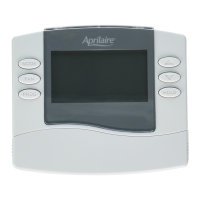
Thermostat Features and Model Identification

Overview of all 8400 series features and how to identify your specific model.

Controls and Display Overview - Non-Programmable Models

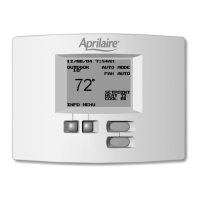
Non-Programmable Models (8444, 8446, 8448)

Explanation of controls and display for non-programmable thermostats.

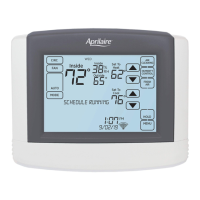
Controls and Display Overview - Programmable Models

Programmable Models (8463, 8465, 8466)

Explanation of controls and display for programmable thermostats.

Thermostat Operation - All Models

Select System Mode

How to select between Heat, Cool, Auto, Off, and Emergency Heat modes.

Change Temperature Setting

Instructions for changing the desired temperature using the up/down buttons.

Select Fan Setting

How to select fan operation modes: ON, AUTO, or CIRC.

Service Reminders and Battery Management

How to reset service messages and manage battery installation.

Programmable Model Operation and Programming

Set Time and Day

Step-by-step guide to setting the current time and day on the thermostat.

Understanding Program Schedules

Explanation of the four daily schedule periods: WAKE, LEAVE, RETURN, SLEEP.

Understanding Program Schedules (Continued)

Details the default start times and temperatures for each schedule event.

Progressive Recovery Feature

How the thermostat anticipates heating/cooling to reach setpoints on time.

Changing Program Schedules

Instructions on modifying start times and temperatures for schedule events.

Program Schedule Overrides

How to temporarily or permanently hold a temperature setting.

Warranty Information

Five Year Limited Warranty Details

Details of the manufacturer's limited warranty terms and coverage.

Warranty Registration Process

How to register the product to activate the warranty.

Aprilaire 8444 Specifications

General IconGeneral
Wi-Fi EnabledNo
TouchscreenNo
Energy Saving FeaturesYes
Programmability7-day programmable
Humidification ControlYes
Dehumidification ControlYes
Ventilation ControlYes
Air Cleaner ControlYes
Remote AccessNo
InstallationProfessional installation recommended
TypeProgrammable Thermostat
CompatibilityHVAC systems
Power Source24V
Outdoor Temperature DisplayYes

Related product manuals