EasyManua.ls Logo

Aprilaire 8620W - User Manual

Aprilaire 8620W
21 pages
Print Icon
To Next Page IconTo Next Page
Loading...
READ AND SAVE THESE INSTRUCTIONS
Owners Manual
Includes
Operating Instructions and
Warranty Information
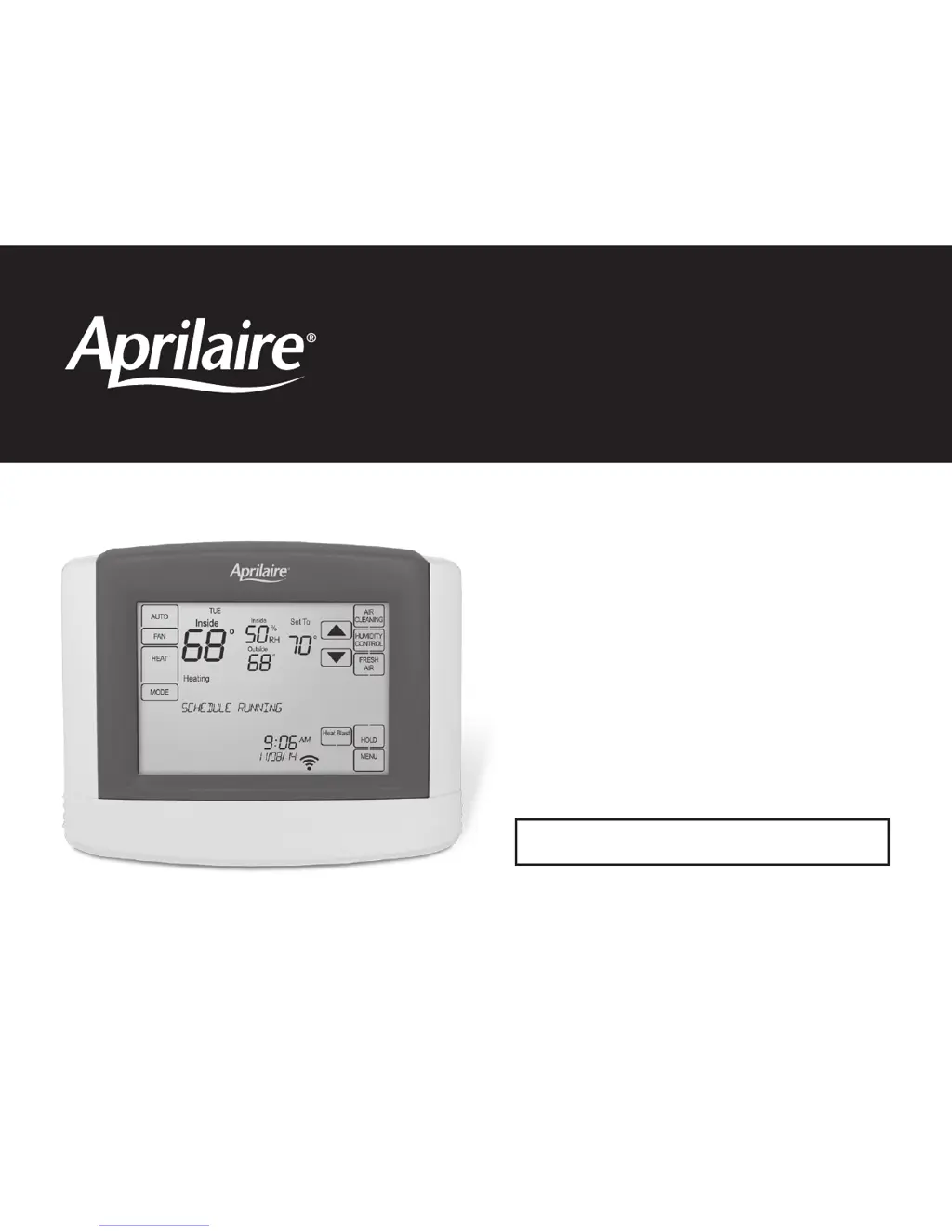
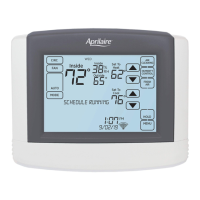
Model 8620W Thermostat with
Wi-Fi, Event-Based
Air Cleaning and
Humidity or Ventilation Control

Other manuals for Aprilaire 8620W

Questions and Answers

  • M
    Miss Jessica JohnsonJul 27, 2025
    What to do if the Aprilaire Thermostat display is blank?
    • H
      Holly ManningJul 27, 2025
      If your Aprilaire Thermostat display is blank, start by checking the circuit breaker and reset it if needed. Also, ensure that the power switch for your heating and cooling system is turned on and that the furnace door is securely closed.
  • T
    Tyler MercerAug 6, 2025
    Why temperature settings do not change on Aprilaire Thermostat?
    • S
      Samuel RamseyAug 6, 2025
      If your Aprilaire Thermostat's temperature settings are not changing, first verify that the heating and cooling temperatures are set within the acceptable ranges: 40° to 90°F (4° to 32°C) for heat and 50° to 99°F (10° to 37°C) for cool. Also, check SW1 (Equipment Type) to ensure it matches your installed heating/cooling equipment and make sure the heating and cooling wires are not shorted together.
  • A
    amandaprestonAug 15, 2025
    How to fix cool air in heat mode with Aprilaire Thermostat heat pump?
    • E
      Erin HillAug 15, 2025
      If your Aprilaire Thermostat heat pump is blowing cool air in heat mode or warm air in cool mode, check System Setting 03 (O/B Operation) to ensure the reversing valve operation matches the heat pump.

Summary

Owners Manual

New Thermostat Overview

Home Screen Controls & Display

Details the main screen layout and interactive elements of the thermostat.

Main Menu Controls & Display

Explains the main menu interface and navigation options for the thermostat.

Thermostat Operation

Select System Operating Mode

Guides on choosing the operating mode (EM HEAT, HEAT, OFF, COOL, AUTO) for the thermostat.

Adjust Temperature Set Point

Instructions on how to adjust the desired temperature setting on the thermostat.

Indoor Air Quality Control

Event-Based Air Cleaning Operation

Details how to use the air cleaning feature for improved indoor air quality.

Manage Home Humidity Levels

Guides on managing home humidity levels using the thermostat.

Fresh Air Ventilation System

Explains the operation of the fresh air ventilation system.

Schedule and Hold Management

Modify Program Schedules

Step-by-step guide to modify existing program schedules.

Activate Heat Blast Feature

How to activate the temporary heat boost feature.

Temporary Schedule Hold

How to temporarily override the schedule with a new temperature.

Permanent Schedule Hold

How to permanently hold the temperature setting, overriding the schedule.

Wi-Fi Connectivity Management

Troubleshoot Wi-Fi Connection

Explains how to diagnose and resolve Wi-Fi connection issues.

Aprilaire 8620W Specifications

General IconGeneral
TypeSmart Thermostat
ConnectivityWi-Fi
DisplayColor touchscreen
Temperature Range40°F to 99°F
Operating ModesHeat, Cool, Auto, Off
Programmability7-day programmable
Humidification ControlYes
Dehumidification ControlYes
Ventilation ControlYes
IAQ ControlYes
Humidity ControlYes
GeofencingYes
Energy ReportsYes
AlertsYes
Power Source24 VAC
Dimensions4.5" x 5.5" x 1"
Stages2 Heat / 2 Cool
Remote AccessYes (via Aprilaire app)

Related product manuals