- 10 -
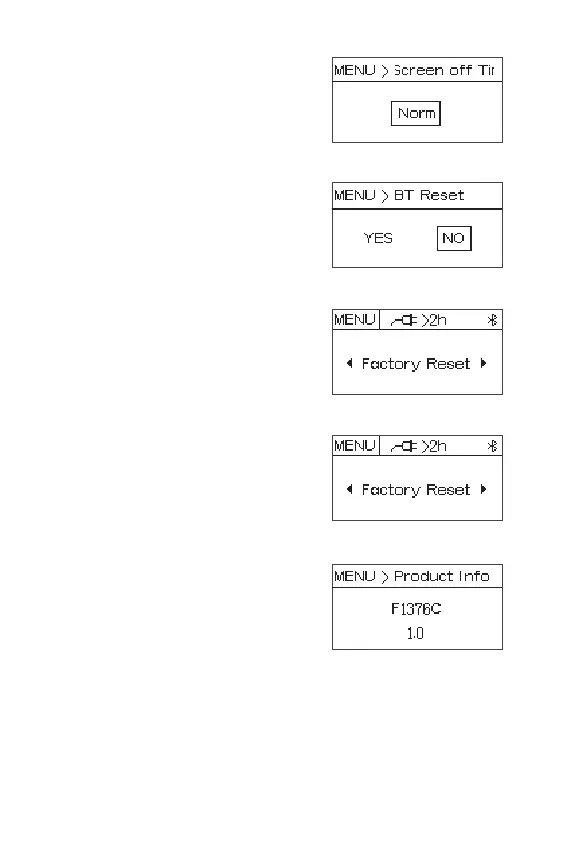
2.9 Screen-off time: press the knob to enter
screen-off time setting, rotate the knob to
select Norm, 15S, 30S, 60S.
2.10 BT Reset: press the knob to enter BT
Reset, rotate the knob to select “YES”, press
the knob to reset Bluetooth; select "No" to
return to the main menu.
2.11 Language menu : press the knob to enter
language menu, rotate the knob to select
“English” or “中文”, press the knob to confirm.
2.12 Factory Reset: press the knob to enter
“Factory Reset”, rotate the knob to select "Yes"
or "No" and press the knob to confirm.
2.13 Product Info: press the knob to enter
“Product Info”, then display the product
information menu.














 To Next Page