-13-
* As of writing, you cannot set a fixed base CCT for certain effects, such as: Fireworks, TV, and Fire.
* If the light is powered off, upon turning on again, the light resumes its last saved setting.
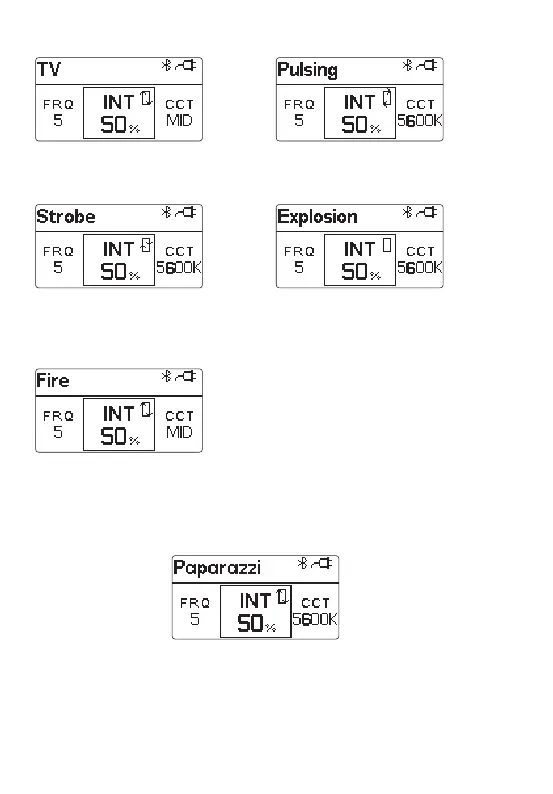
Rotate the MENU key to select "CCT, INT, frequency", and then rotate the "OK"
knob to adjust the CCT(2700K~6500K), brightness value (10% ~ 100%), and
frequency [1-10, R (random)].
* In TV mode, the CCT can be switched
between cool, neutral and warm colors.
* In Fire mode, the CCT can be switched
between cool, neutral and warm colors.
* In explosion mode, short press the Trigger
button to single trigger the light effect.
* The adjustable frequency of explosion mode
is 1~10.
f. Pulsing Modee. TV Mode
g. Strobe Mode h. Explosion Mode
i. Fire Mode
* In FX mode, click "MENU" to return to the light effects MENU interface. At this point, rotate "OK" to
switch to different light effects. Click "MENU" again to return to the main MENU interface.
At this time, the selected FX mode is still maintained. You can choose different options according
to your needs, and select "CCT" to exit FX mode.



 To Next Page