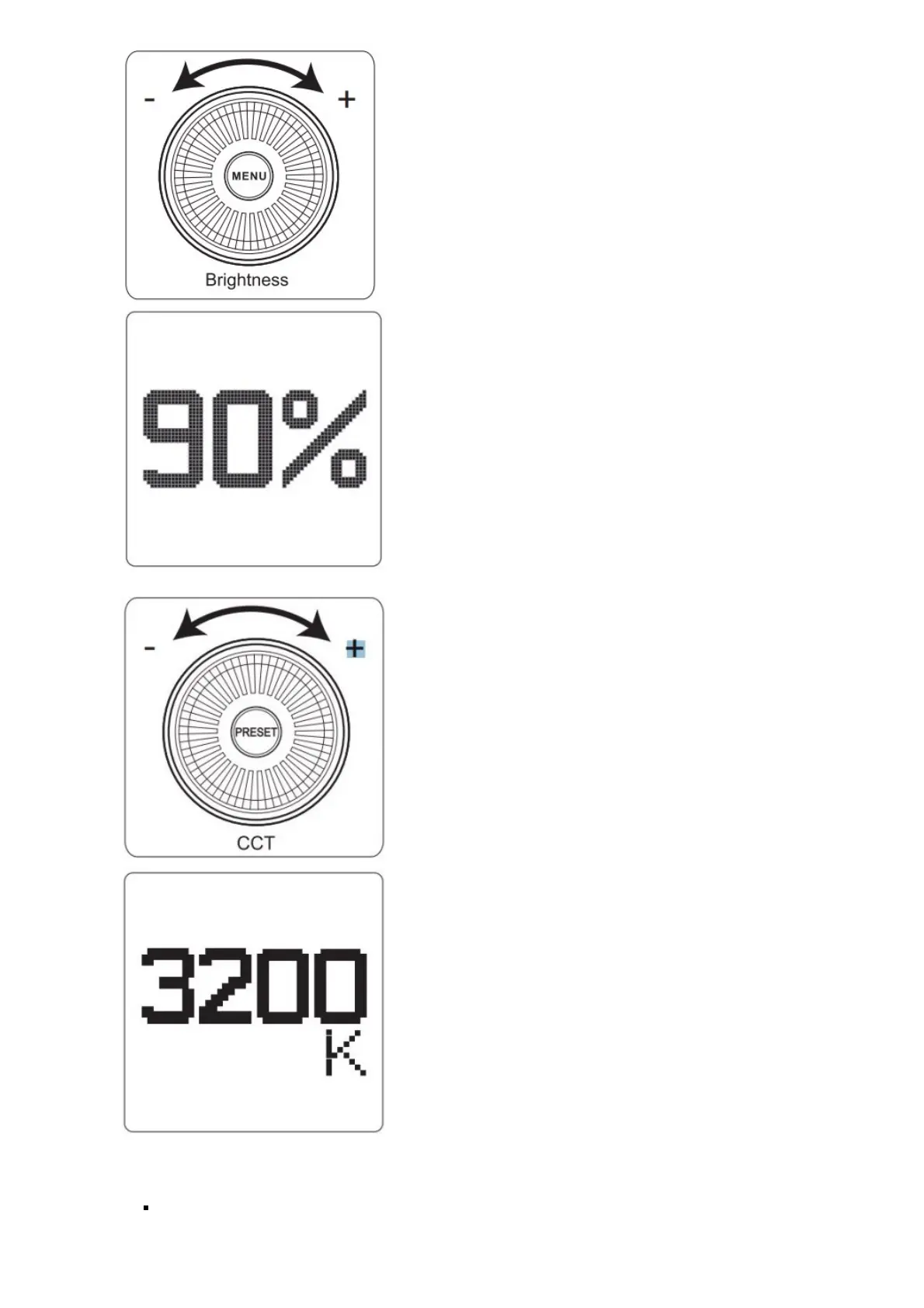
2. ) Rotate the CCT Control Wheel to adjust the color temperature of the light from 2700K-6500K.
3. ) Lighting FX Mode
Press and hold the Eects button for 2 seconds to activate Lighting FX mode, then short press the Eects button to
toggle between Paparazzi, Fireworks, Faulty Bulb, Lightning, TV, Pulsing, Strobe, Explosion, Fire, etc.
Paparazzi Effect













 To Next Page