Customers can choose V-Mount or A-Mount battery plates for their control boxes upon purchase
according to their needs
6. Insert the button battery to power VA-Remote RC1+
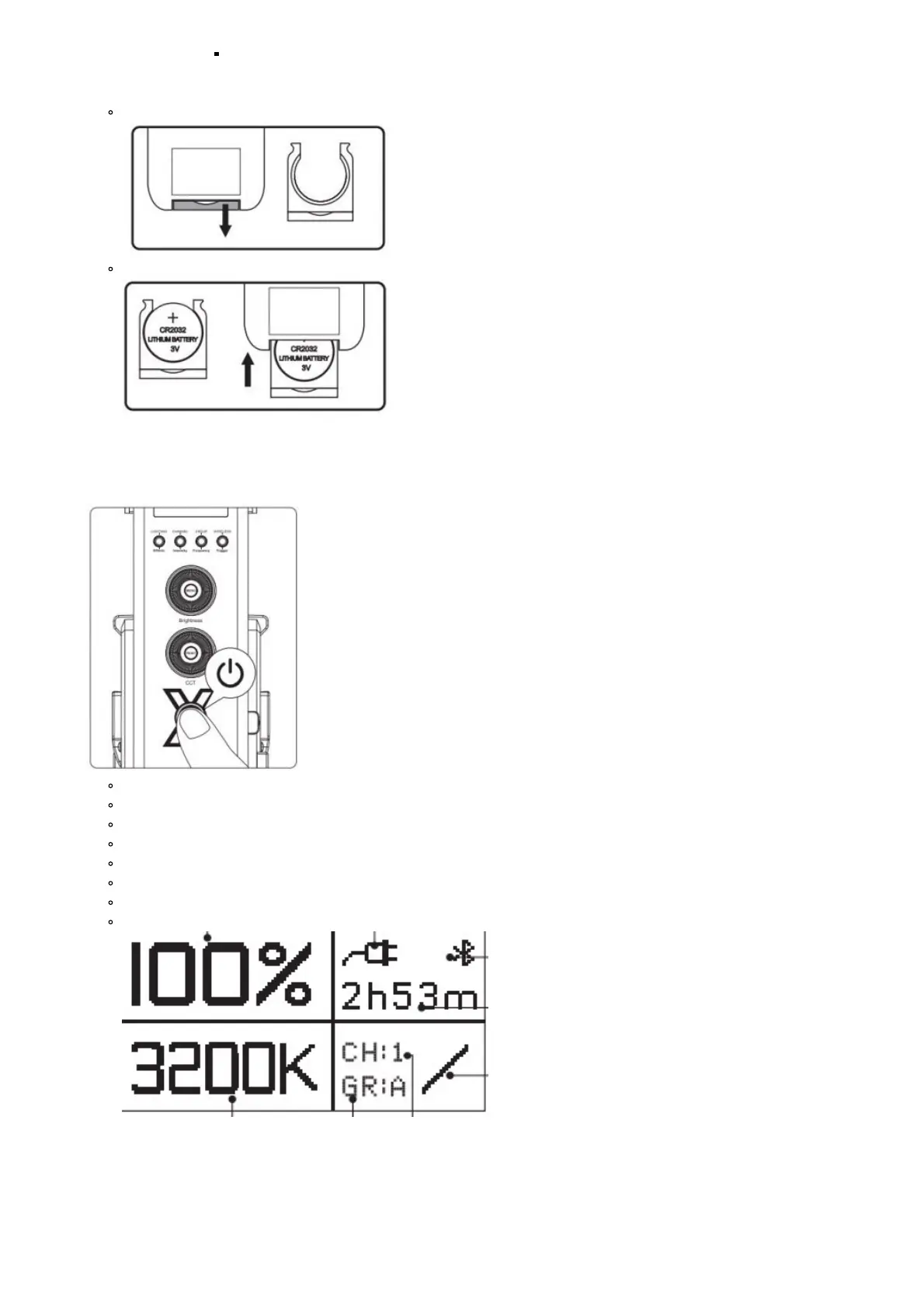
Remove battery compartment
Install button battery and insert it into the VA-Remote RC1+
Operations
1. Press the power button to turn the light on and off
Brightness
Battery Level/ AC Power Symbol
Wireless Control Mode
Remaining Operating Time
Dimming Curve
Groups
Channels
CCT
2. Manual Control
1. Rotate the Brightness Control Wheel to adjust the intensity of the light from 0-100%.













 To Next Page