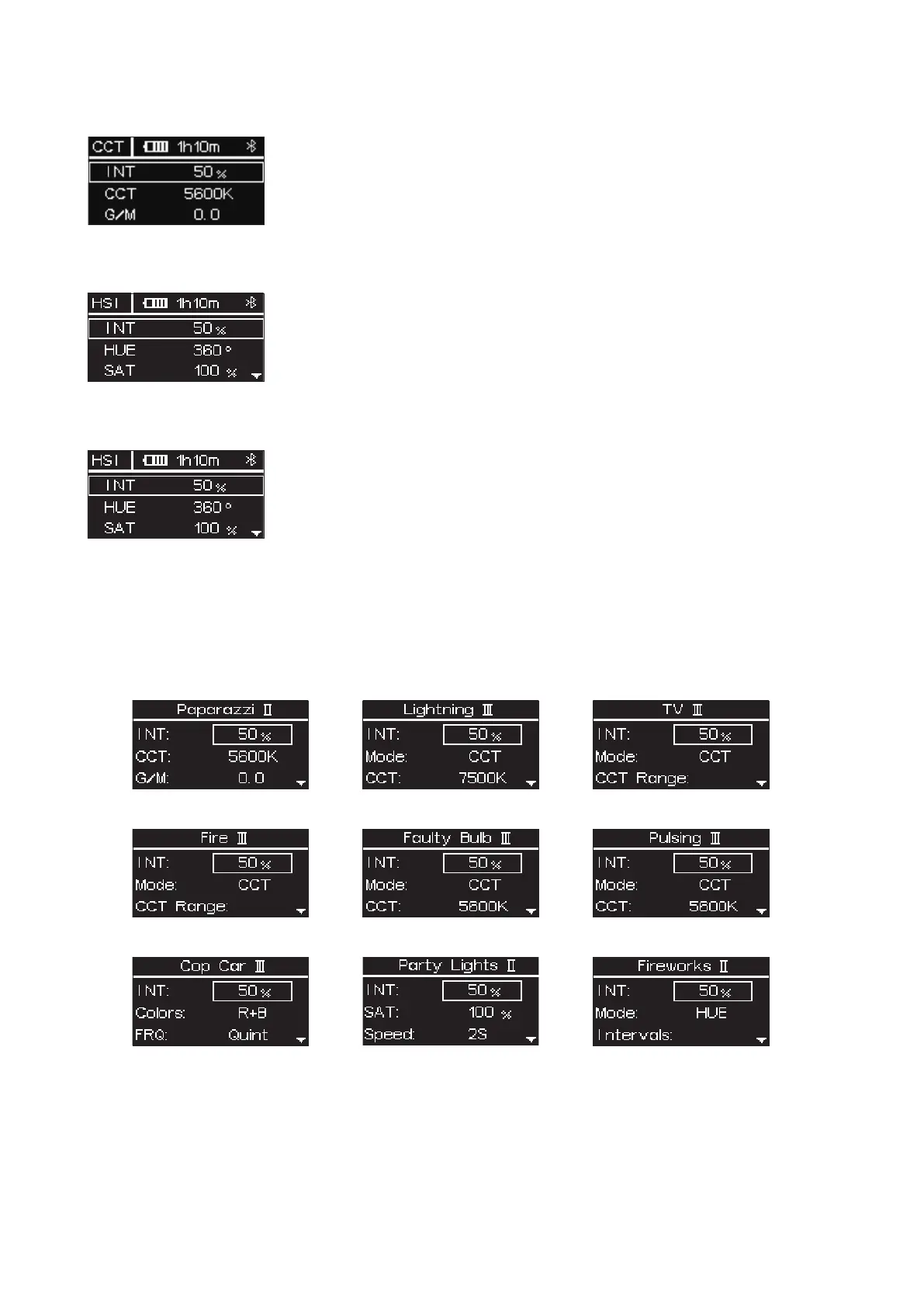
3.4 HSI
Press MENU to access the system menu, rotate and press the control wheel to select HSI mode.
INT (Intensity): 0.0 - 100.0 %
HUE (Hue): 0.1 - 360.0°
SAT (Saturation): 0.0 - 100.0 %
CCT (Correlated Color Temp.): 2000 K - 10000 K
3.5 RGB
Press MENU to access the system menu, rotate and press the control wheel to select RGB mode.
INT (Intensity): 0.0 - 100.0 %
R (Red): 0.0 - 100.0 %
G (Green): 0.0 - 100.0 %
B (Blue): 0.0 - 100.0 %
3.6 FX
Press MENU to access the system menu, rotate and press the control wheel to select FX mode.
3.6.1 System FX
Press the control wheel to select system FX, rotate and press the control wheel to select Paparazzi II / Lightning
III / TV IV / Fire III / Faulty Bulb III / Pulsing III / Cop car III / Party Lights II/ Fireworks II.
- 6 -
* Please refer to page 12-14 for detailed parameter info
3.3 CCT
Press MENU to access the system menu, rotate and press the control wheel to select CCT mode.
INT (Intensity): 0.0 - 100.0 %
CCT (Correlated Color Temp.): 2000 K - 10000 K
G/M (Green / Magenta adjustment): -1.0 - +1.0













 To Next Page