150Mbps Wireless Lite-N USB Adapter – APPUSB150 Guía de Usuario Español
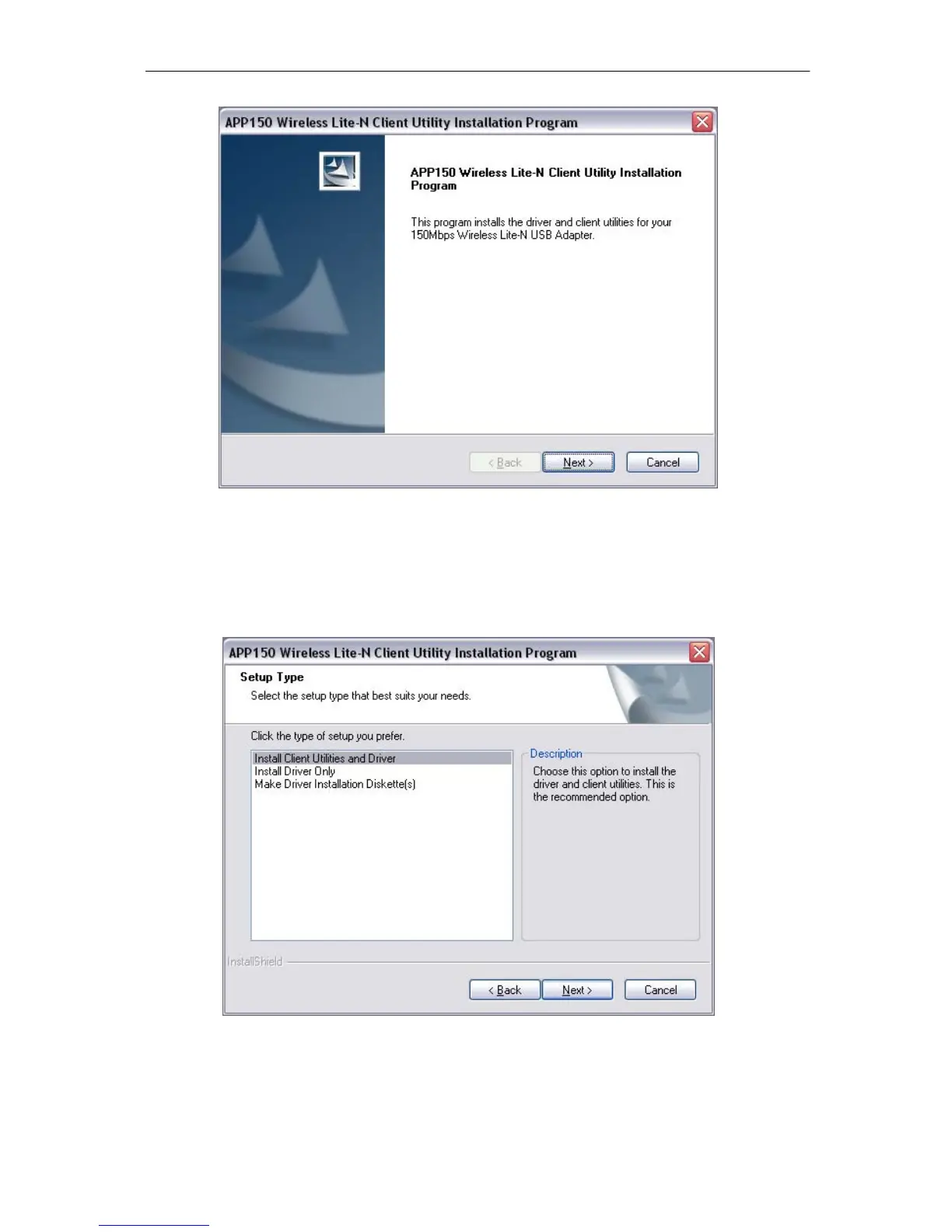
Imagen 2-2
3. A continuación, deb erá elegir el tipo de instalación. Se reco mienda sele ccionar “ Install
Client Utilities and Driver”. Seleccio ne “ Install Driver Only” si sólo quiere instalar el
controlador, seleccione “Make Driver Installation Diskette(s)” par a crear disco(s) de
instalación del controlador (Imagen 2-3)
Imagen 2-3
4. Haga clic e n Browse… para cambiar el directorio de instalación del Software, a
continuación haga clic en Next (Imagen 2-4).



 To Next Page