150Mbps Wireless Lite-N USB Adapter – APPUSB150 User’s Guide English
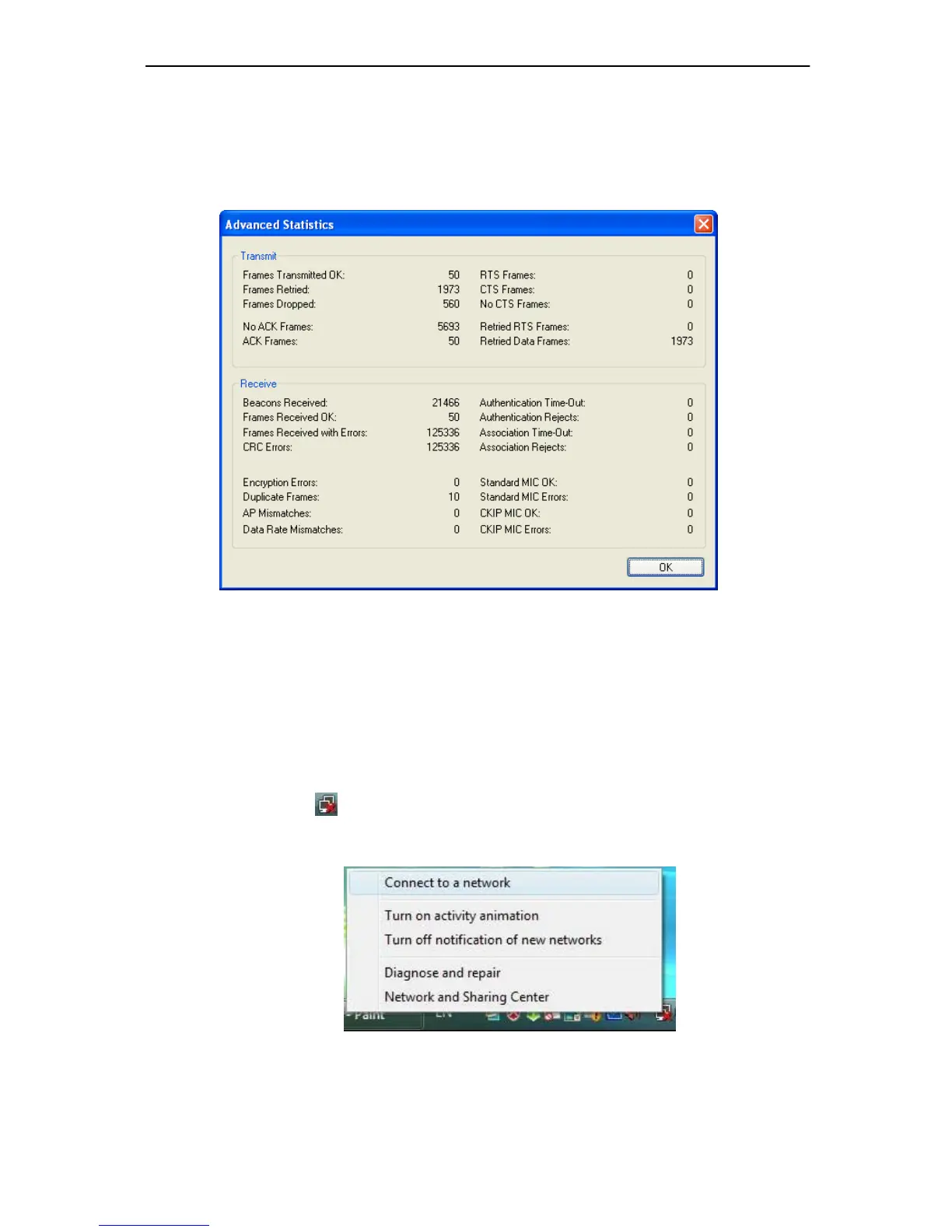
3.1.3.2. Check Receive and Transmit Statistical Information
The Advanced Statistics show receiving and transmitting statistical infor mation abou t the
following receiving and transmitting diagnostics for frames received by or transmitted to the
wireless network adapter.
Figure 3-13
3.2 For Windows Vista
APPUSB150 Wireless Lite-N Client Utility (AWCU) is not available for Windows Vista. So after
the Adapter's driver has been installed, we have to use Windows WLAN Autoconfig to establish
a connection. Please follow the steps below.
1. Right-click the icon
at the bottom of your screen in your system tray and then select
“Connect to a network”.
Figure 3-14



 To Next Page