150Mbps Wireless Lite-N USB Adapter – APPUSB150 User’s Guide English
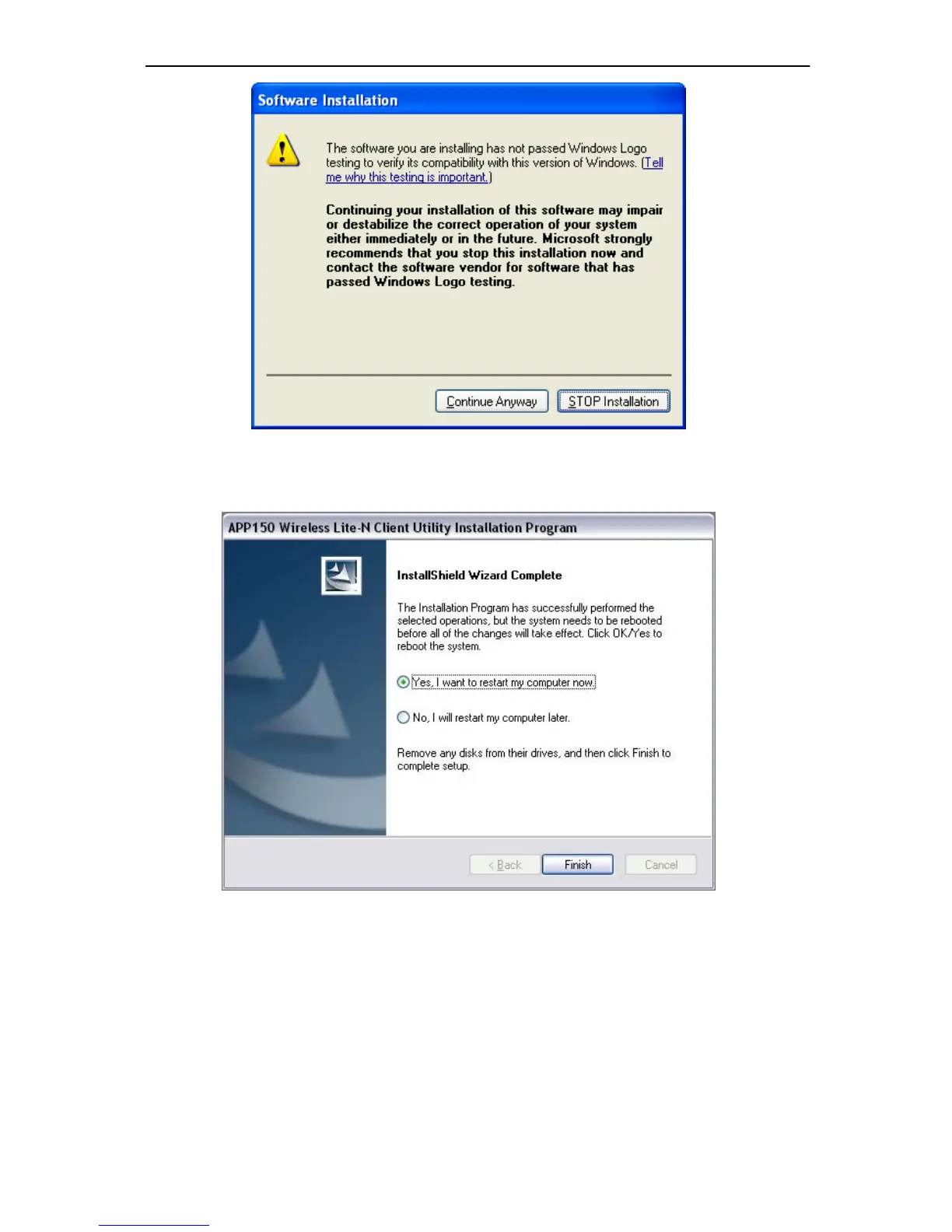
Figure 2-8
8. After all the steps above, you will see the screen below, click Finish to reboot the system.
Figure 2-9
2.2.2 For Windows Vista
1. Insert the Resource CD into your CD-ROM drive. To continue, double-click My Computer,
and then do uble-click the CD/DVD drive wh ere the installation CD was placed. Op en
APPUSB150 folder, and double-click Setup.exe. Then you will see Figure 2-10.



 To Next Page