150Mbps Wireless Lite-N USB Adapter – APPUSB150 User’s Guide English
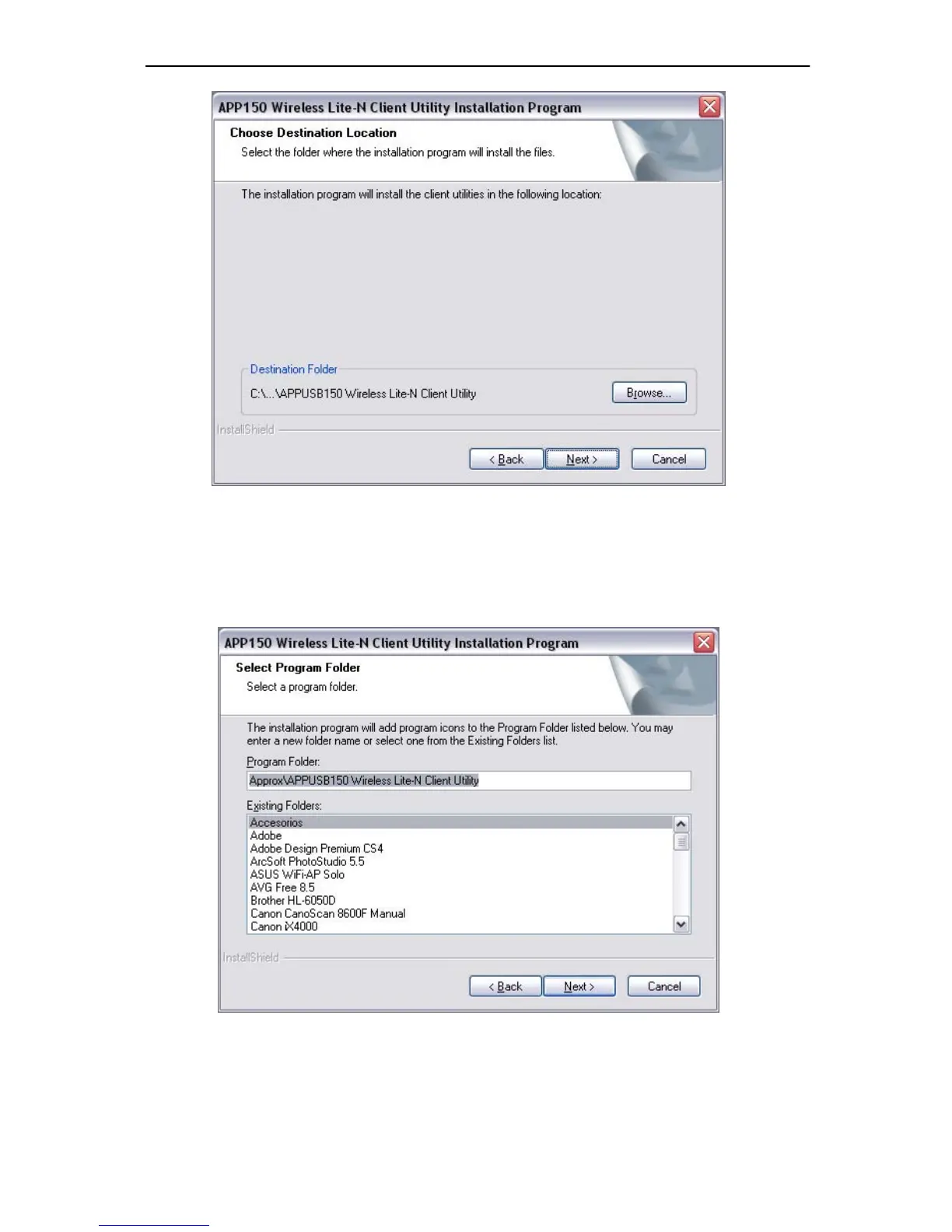
Figure 2-4
5. After that, select the program folder, y ou should c reate a new folder name or select one
from the Existing Folders list. It is recommended that you keep the default setting. Click
Next to continue the installation.
Figure 2-5
6. Choose configuration tool , if you are not sure, plea se leave it d efault. Then click Next to
continue.



 To Next Page