150Mbps Wireless Lite-N USB Adapter – APPUSB150 User’s Guide English
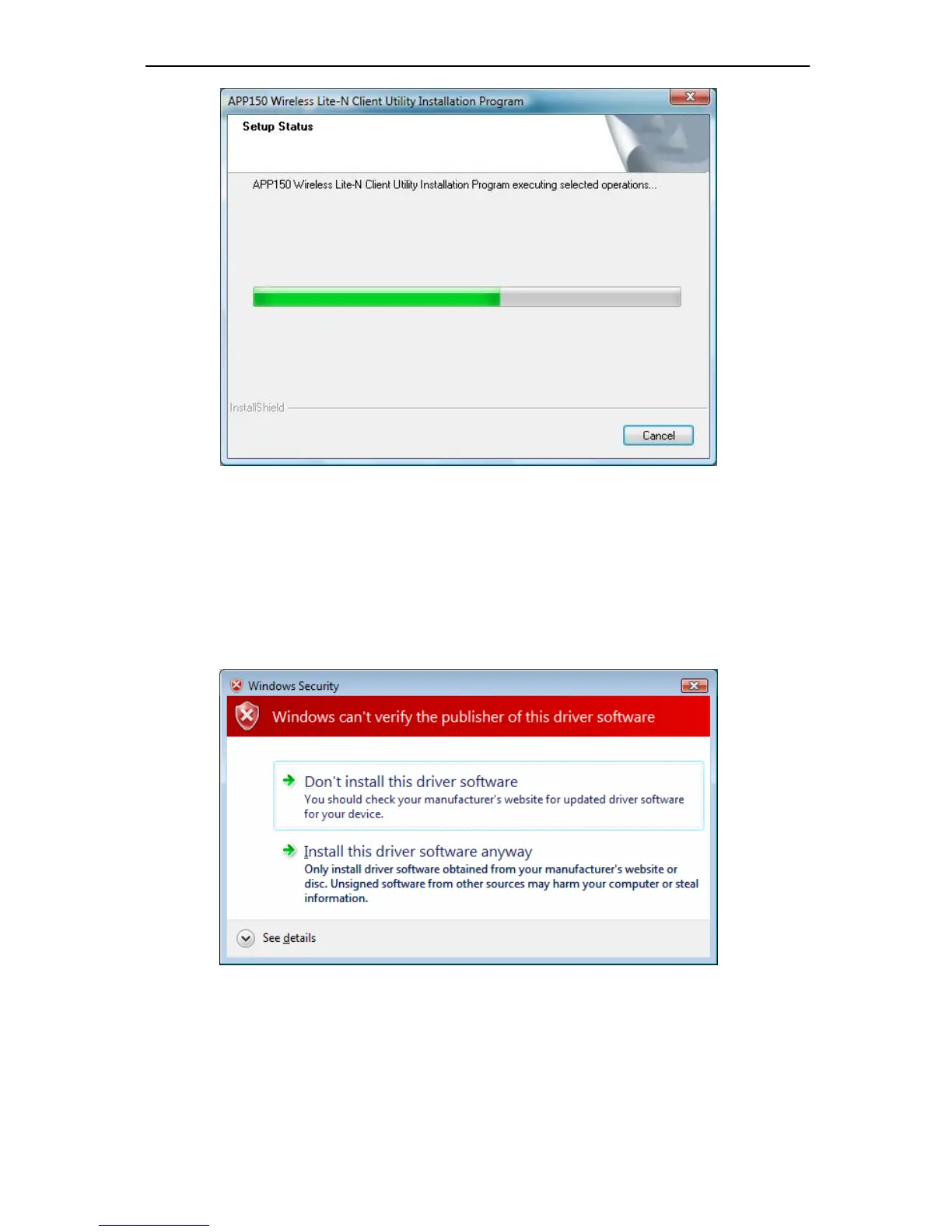
Figure 2-12
Note:
For Windows Vista, the Setup Wizard will noti fy you about the Windows Security with the
installation during these steps (shown in Figure 2-13). Ou
r drivers have been tested thoro ughly,
and are able to work with the operating system. Click Installati
on this driver software anyway
to continue the Installation.
Figure 2-13
4. Then you will see Figure 2-14. Click Finish to complete.



 To Next Page