150Mbps Wireless Lite-N USB Adapter – APPUSB150 User’s Guide English
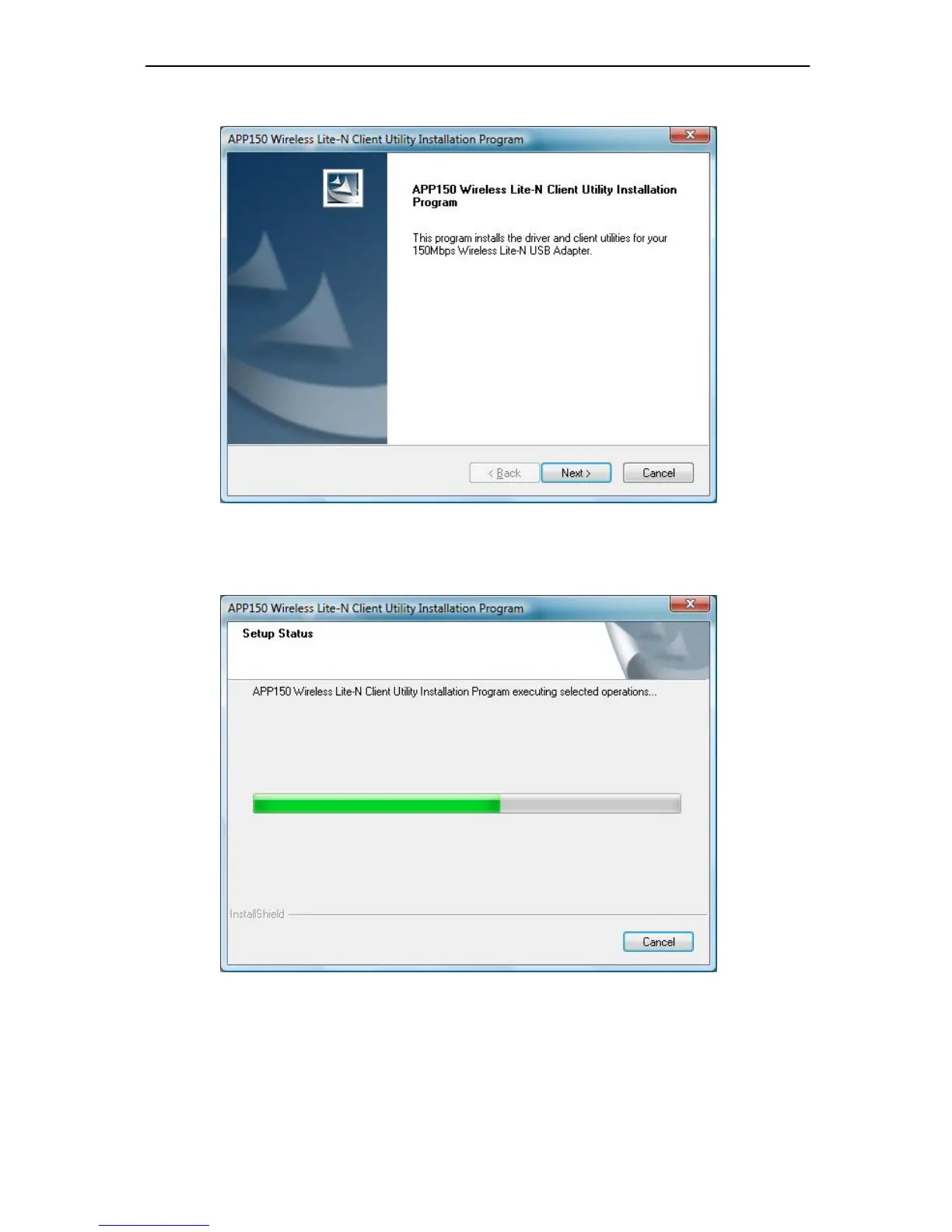
2. Soon, Figure 2-16 will display after a moment. Click Next to continue.
Figure 2-15
5. Wait a while for the setup as shown in Figure 2-12.
Figure 2-16
Note:
For Windows® 7, the Setup Wizard will notify you about the Windows Security with the installation
during these steps (shown in Figure 2-13). Our d
rivers have been tested thoroughly, and are able



 To Next Page