150Mbps Wireless Lite-N USB Adapter – APPUSB150 User’s Guide English
3.1.2.3. Switch another Profile
1. Go to the Profile Management screen (shown in Figure 3-2).
2. Select the profile name required in the Profiles List.
3. C lick Activate.
3.1.2.4. Export a Profile
1.
From the Profile Management screen (shown in Figure 3-2), highlight the profile to export.
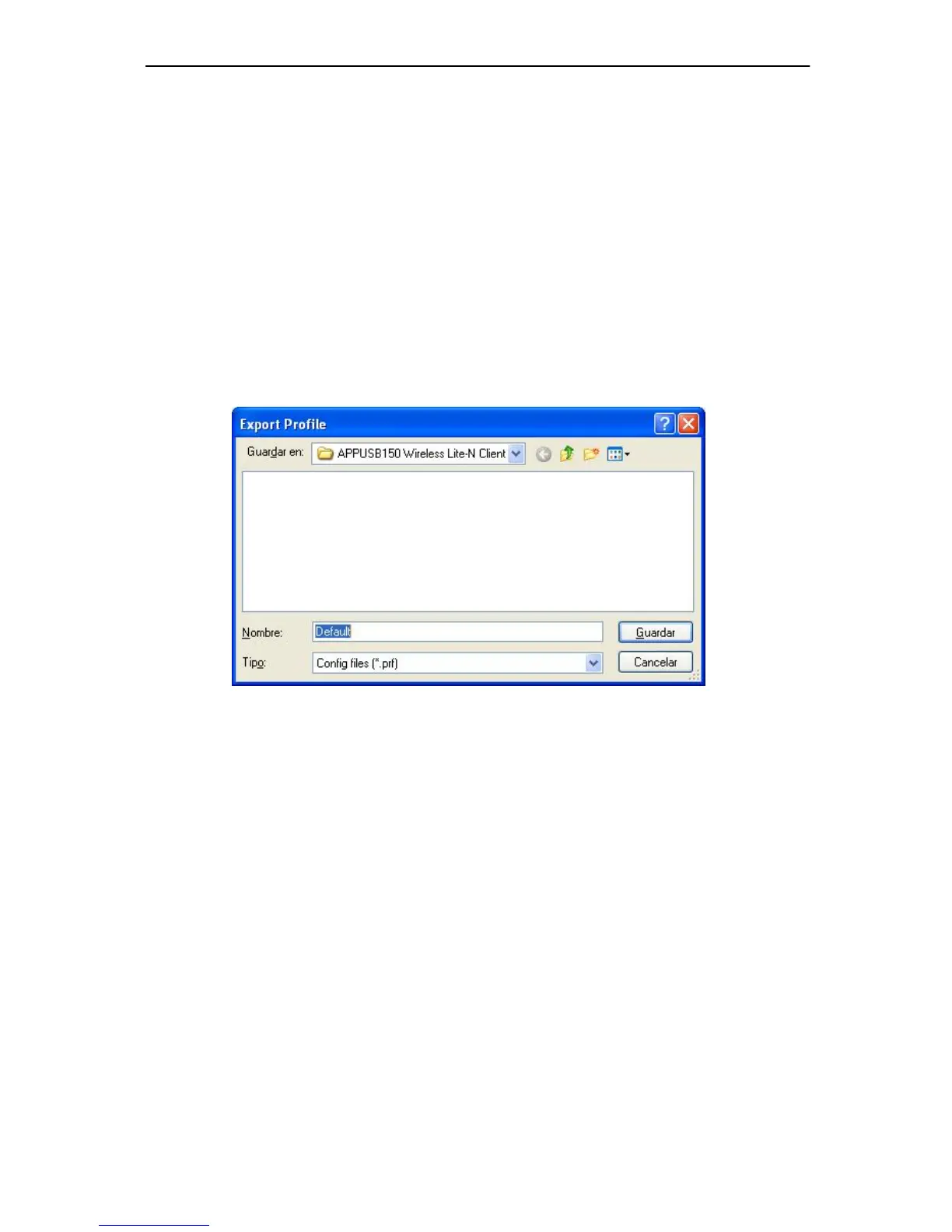
2. C lick Export…, the Export Profile window will then appear below.
3.
Browse the directory to export the profile to.
4. C lick Save. The profile should then be
exported to the specified location.
Figure 3-8
3.1.2.5. Import a Profile
1. From the Pr ofile Management screen (shown in Figure 3- 2), click Import…. Then the
Import Profile will appear below.
2. Browse to the directory where the pr
ofile is located.
3.
Highlight the profile name.
4. C lick Open, the imported profile will then appear in the Profiles List.



 To Next Page