150Mbps Wireless Lite-N USB Adapter – APPUSB150 User’s Guide English
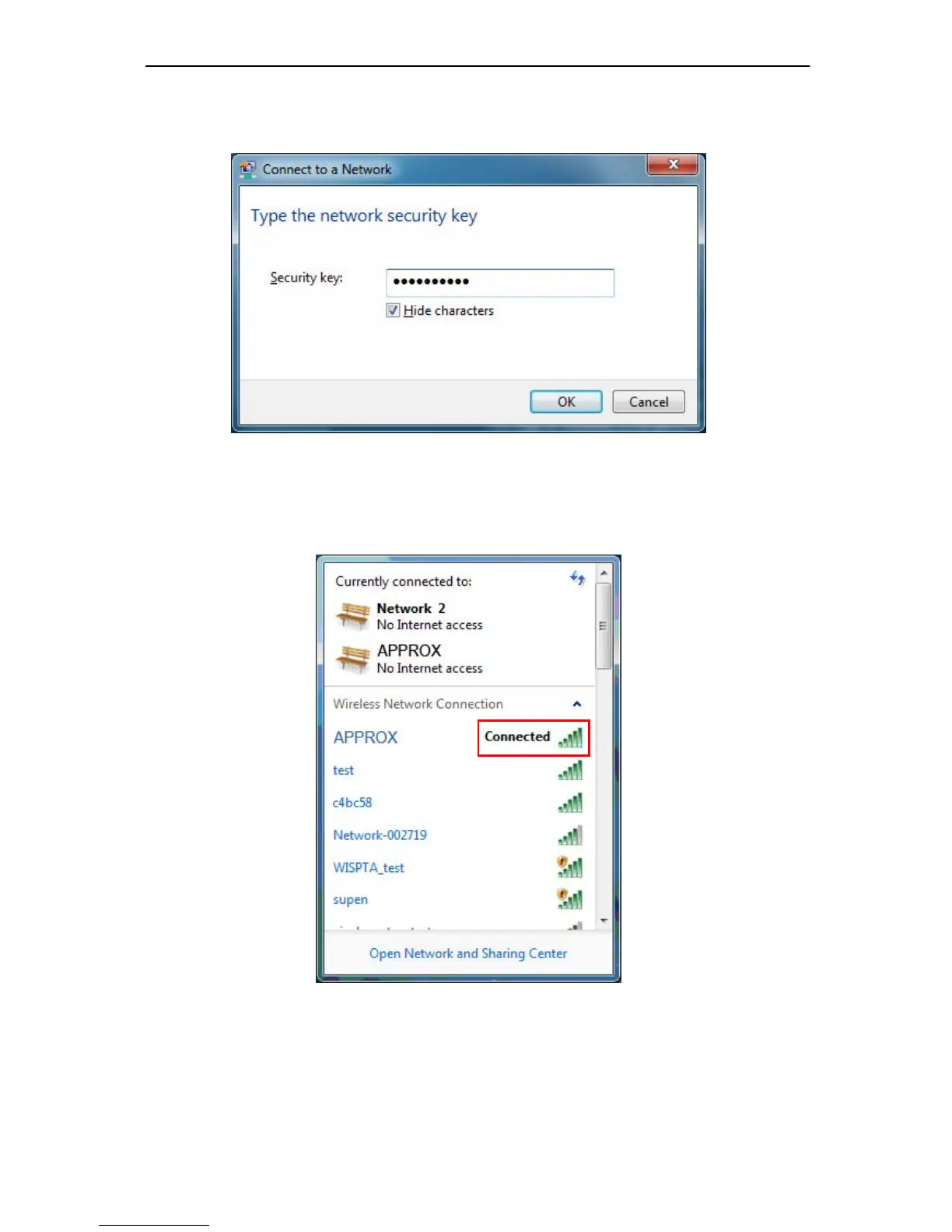
2. If your wireless network is secured, you will be required to enter the security key as shown
in Figure 3-20. Enter the passphrase, take 1234567890 for example. And then click OK.
Figure 3-20 Enter Passphrase
3. If the key e ntered is cor rect, you will succ essfully connect to the network as shown in
Figure 3-21.
Figure 3-21 Connecting



 To Next Page