Model 25A250B
Rev A 15
2.4.6.6 State
Query to find the state of the amplifier.
Syntax: STATE?
Parameters: None
Response Format: STATE=<space>xyza
Where:
x, y, z, and a are each an ASCII character representing a hexadecimal character.
They can be 0 to 9 or A to F.
Each hexadecimal character represents a 4-bit binary number. This 4-bit number is a
bit pattern which contains information about the state of the amplifier. The
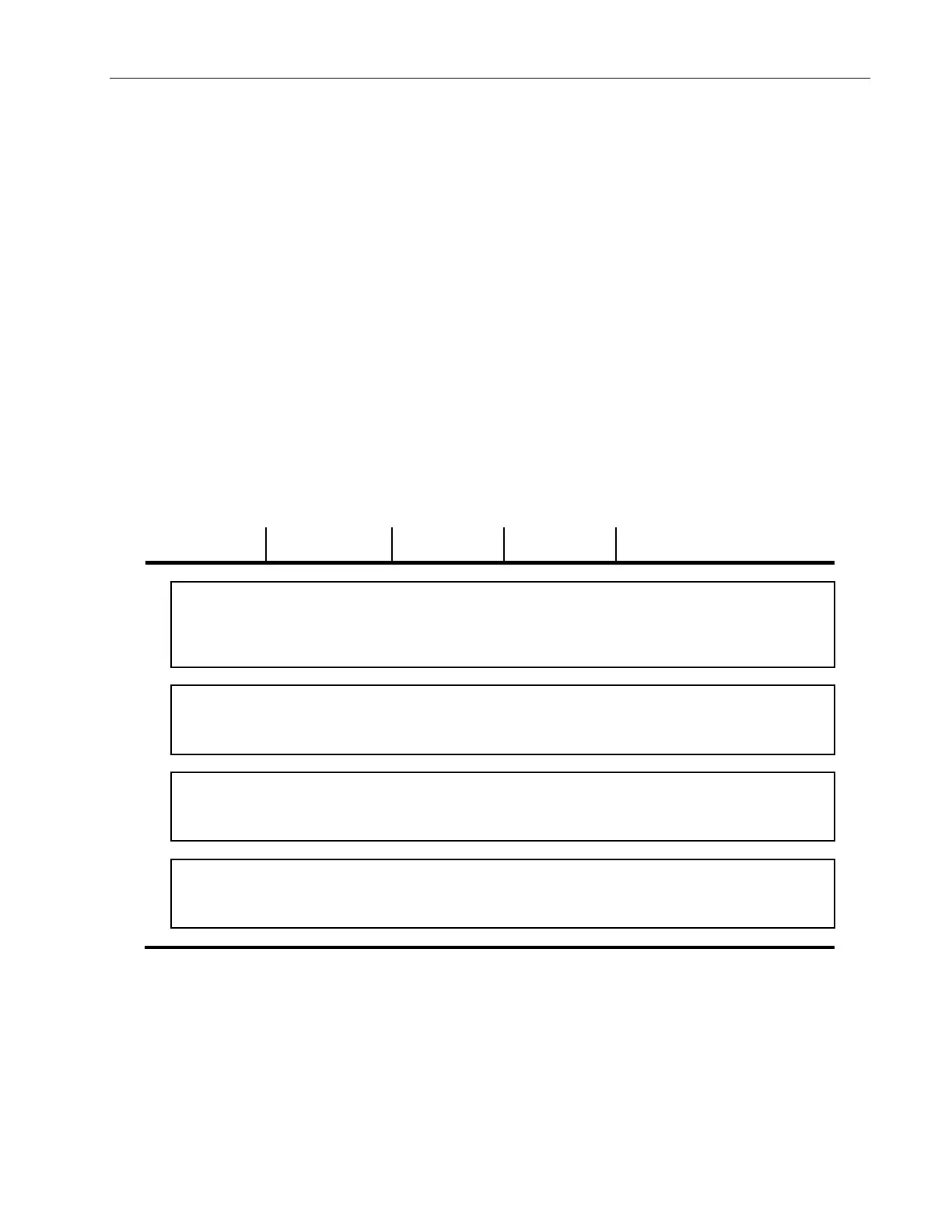
definitions of these bit positions can be found in the table below.
Note: Bits labeled NOT USED may be read as a bit state of 1 or 0
0 1 NOTES:
x
3
DISABLED ENABLED Response to mode switch position
y
z
a
Example: To read the state of the amplifier, send the following query: STATE?<LF>
Response: STATE= 8100<LF> (Remote Mode and Power On)



 To Next Page