5
2.1 Monitor rotation
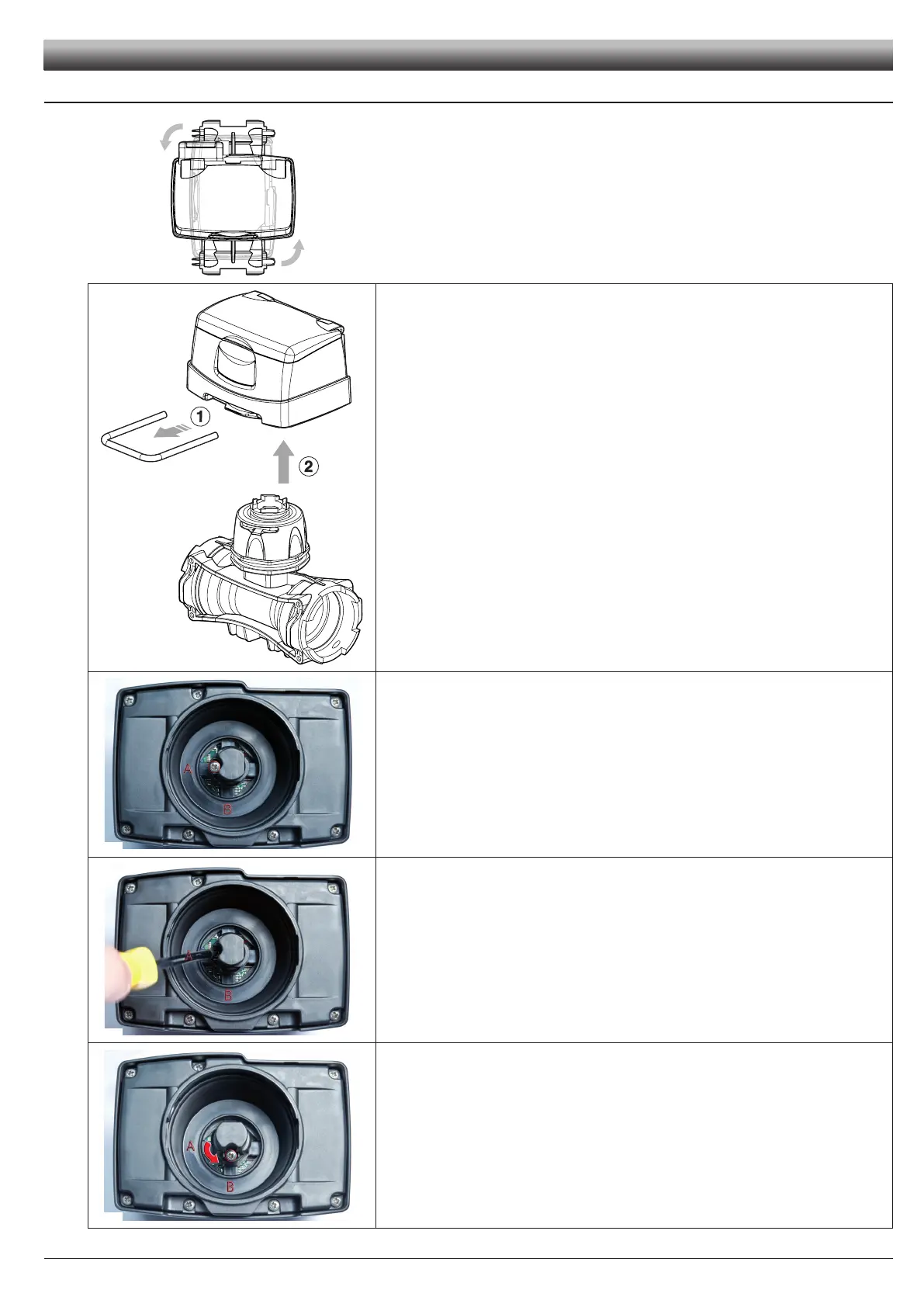
In case of vertical assembly, to simplify the use of the DigiWolf it is possible to rotate the
monitor by 90° with respect to the body (Fig. 3).
1) Remove the fork from the monitor using a screwdriver.
2) Remove the monitor from the owmeter body.
If the monitor is turned upside down, the letters A and B can be seen: these correspond to
the two possible monitor positions (parallel and perpendicular to the body).
DigiWolf is supplied with the sensor in position A (parallel to the body).
With the aid of a screwdriver, loosen the screw locking the sensor without removing it.
Rotate the sensor anti-clockwise until reaching B stop position.
Tighten back the screw without forcing it. The monitor is ready to be tted in perpendicu-
lar position to the body.
Fit the monitor back on the owmeter body.
Fig. 3
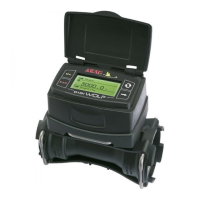
Fig. 4
Fig. 5
Fig. 6
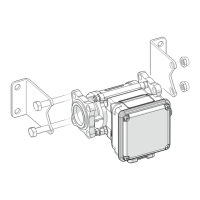
Fig. 7
INSTALLATION



 To Next Page