16
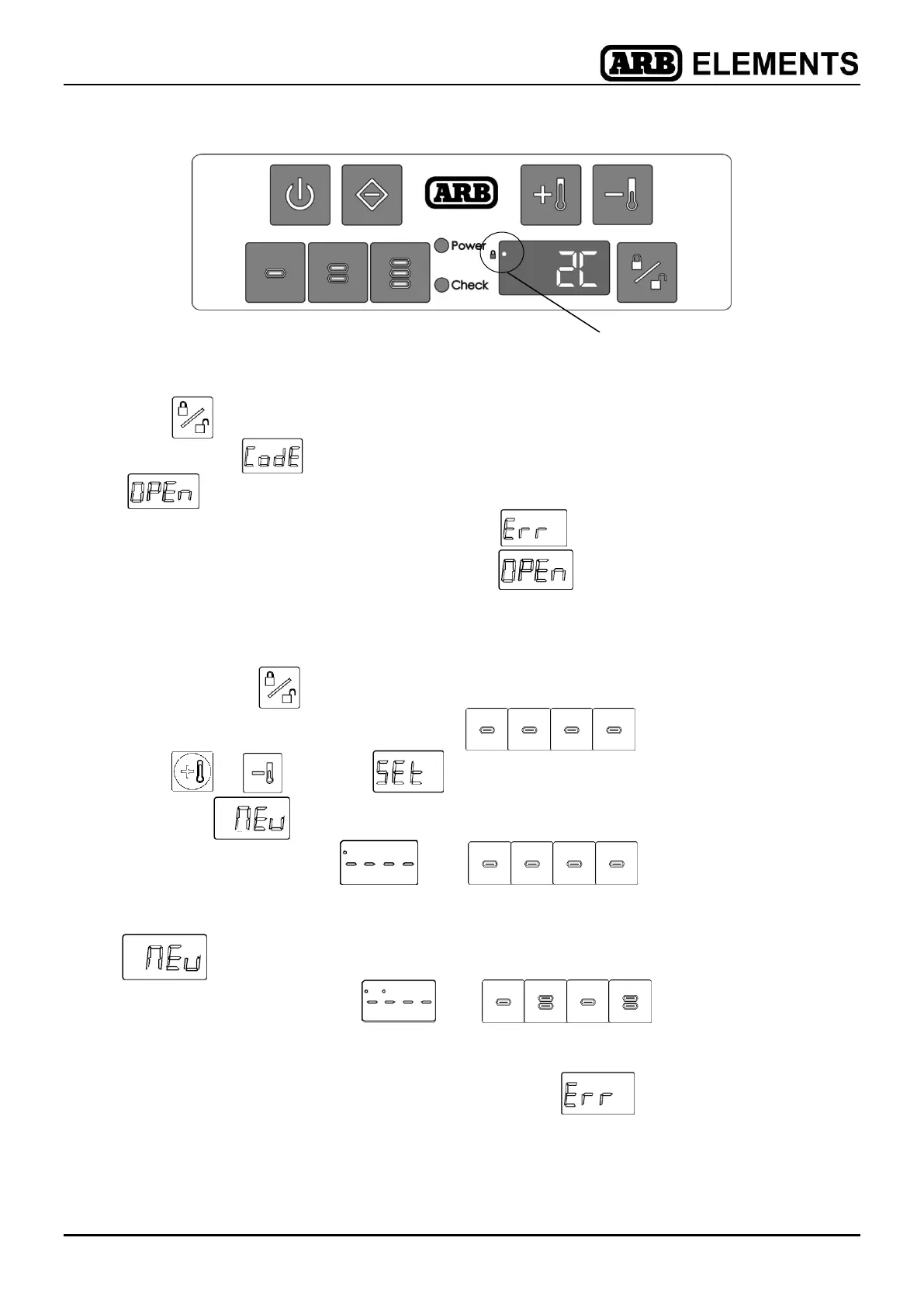
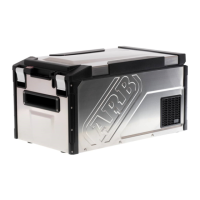
Figure 10.
6.11.4 To unlock fridge
Press to unlock fridge.
Enter 4 digit
using control panel.
will flash 3 times as the fridge is unlocked.
NOTE: If the incorrect code is entered, will display.
If the electric lock is turned off,
will display.
6.11.5 To change access code
Open lid and turn fridge on.
Press and hold
for 3 seconds.
Enter 4 digit code. The default code is .
Press or
to select .
Wait until
is displayed.
Enter new 4 digit code
- eg . Note single dot on top
LH corner to indicate 1st entry.
will be displayed again.
Re-enter new 4 digit code
- eg
. Note two dots on top
LH corner to indicate 2nd entry.
NOTE: If new codes are not the same then will display and user
will be prompted to re-enter new codes.


 To Next Page