11
USER MANUAL - version 3
3. sCHeduling TV reCOrdings
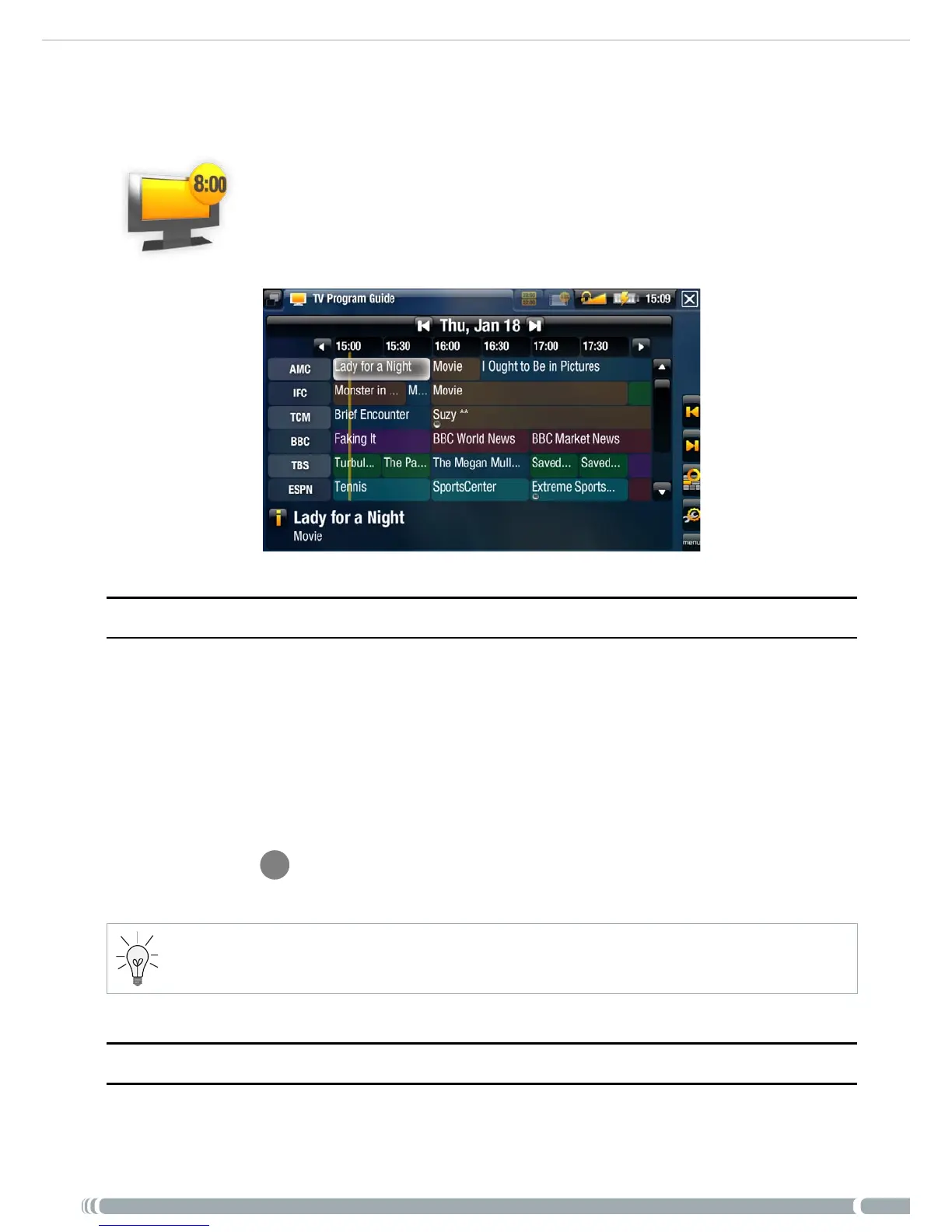
With the ARCHOS TV Program Guide (EPG), you will be able to sched-
ule recordings easily. You have a one year free subscription to the TV
Program Guide.
3.1. wHaT’s required TO use THis funCTiOn?
In order to use this functionality, you will need to connect the powered DVR Station
to your Gen 5 ARCHOS device and to a tuner, which can be either:
a satellite receiver
a Digital TV receiver
a cable/DSL box
a VCR
a DVD Recorder
See
Diagram
B
on the Connection Guide, and the ‘Hardware Setup’ chapter of this
manual.
You tuner will need to be connected to your home antenna/satellite/cable.
3.2. aCTiVaTing THe TV prOgram guide Online
After having set the DVR Station to your home television system, you will need to activate
the TV Program Guide (EPG) online. This is a one-time operation.
•
-
-
-
-
-
•



 To Next Page