20
DVR Station Gen 5
Be careful that the audio source is supplying a line-level and not an amplied signal (turning down the volume
of the player will work if you are using the headphone out signal of your audio device). A signal that is amplied
too much will result in a terribly distorted recording.
4.2. reCOrding VideO manually
With the DVR Station, you will be able to record video from most any
standard video source.
RECORDING PROCEDURE
Your ARCHOS needs to be connected to the DVR Station. Also connect your video
source’s outputs to the DVR Station’s inputs.
In the Home screen, select the “Recorder” icon and use the tabs ( button) to ac-
cess the “Video Recorder” mode.
This screen will allow you to adjust the recording sound gain (left/right arrows) as
well as congure other recording parameters
(see next section)
.
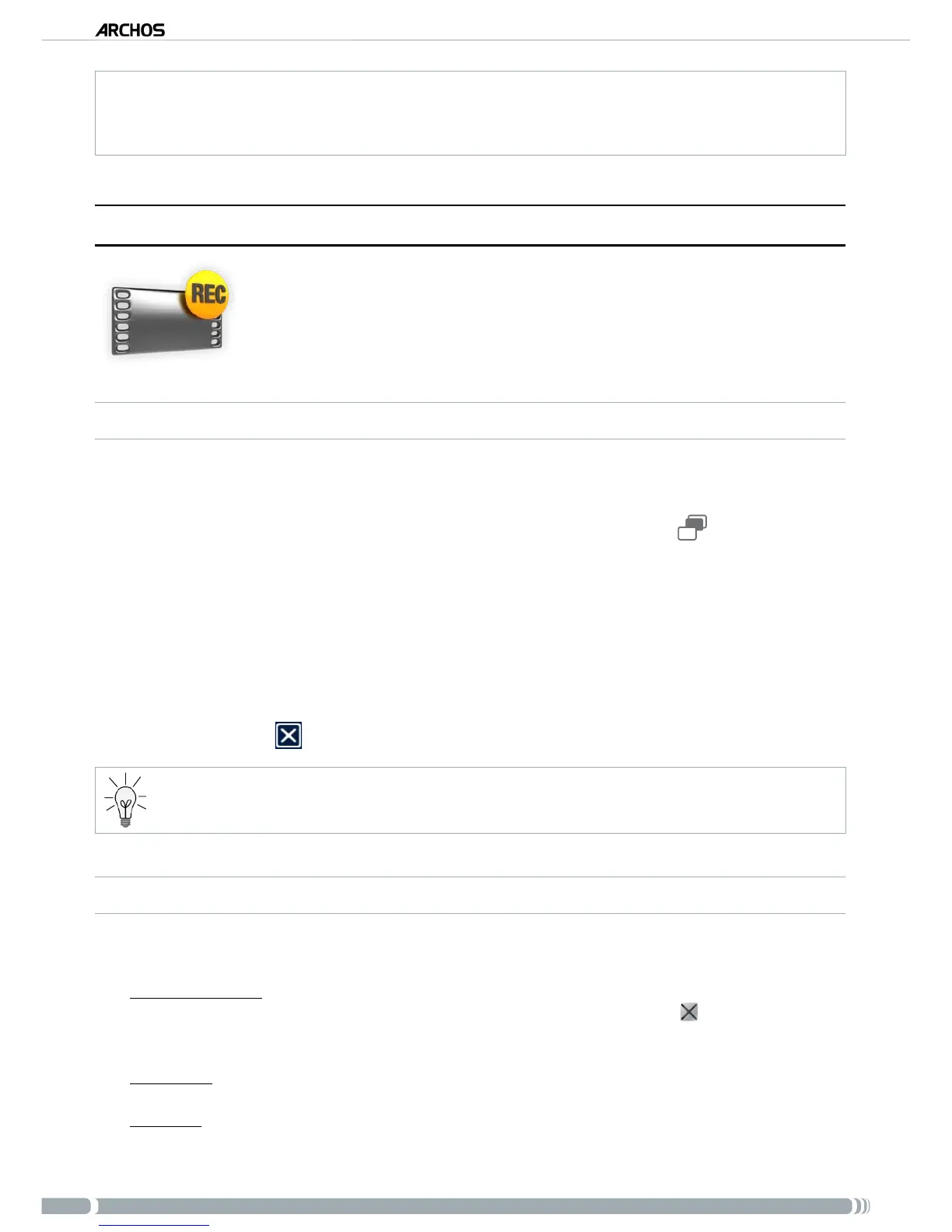
You can now tell the ARCHOS to start recording from the video source (“REC” yellow
icon, “Start Recording” menu item, or OK button). You can pause and resume your
recording at any time.
Close the screen to stop and save the recording*.
* All video recordings made by your ARCHOS device are saved in the
Video/(Rec)
folder. If you wish to keep
them in a different location, you can use the “
Move
” function of the ARCHOS le browser after recording.
“VIDEO RECORDER” SETTINGS
To access the “Video recorder” settings screen, select the “Settings” menu item:
“Auto Stop Rec”:
the duration of time after which the ARCHOS will automatically stop record-
ing. If you disable this function, the recording will continue until you press or until the entire
hard drive lls up.
“Rename”:
allows you to dene the lename before the recording begins, using the keyboard.
“Source”:
you can choose which video input (“
Auto
”/“
Composite
”/“
S-Video
”) you want the
ARCHOS to use. Normally, with a good video signal, you can set it to “
Auto
” and your ARCHOS
will scan the DVR station inputs to see which one is receiving video.
1.
2.
3.
4.
5.
-
-
-



 To Next Page