EN
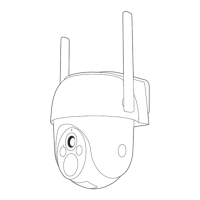
Product description
EN
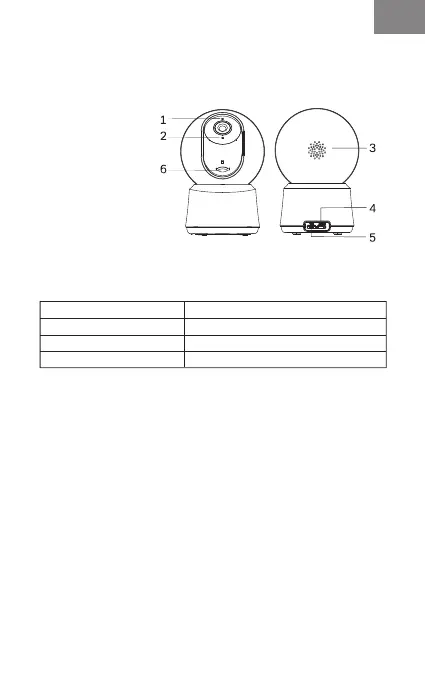
1. LED indicator
2. Microphone
3. Speaker
4. Reset
5. Micro USB
6. SD card slot
(Move the Lens up)
Constant blue
Blue slow flashing
Red flashing slowly
Red flashing fast
Connection succeeded
Manual configuration mode
Waiting to connect
Network abnormal
Network Indicator:
Set up Camera
• What you'll need:
1. Wi-Fi and a working broadband internet connection with
at least 2 Mbps upload speed.
2. A phone or tablet with iOS 9/Android 5.0 or later.
3. A power outlet.
•How the system works
After P2Q Wi-Fi Camera connects with WIFI, allows you to
check the view anytime and anywhere via Arenti APP.
• Power on
Plug the power cable into the Micro-USB power port on the
back of the camera, the camera will automatically turn on,
wait for 30s, the indicator light will flash red slowly means
boot up is finished.
Tip: Do not move the lens of the camera to force it to rotate
after turning it on.
Please read this manual carefully before using the product
and keep it properly. Label information is located on the
side of the camera.
Packing list:
Camera, Power adaptor, Power cable, Mounting accessory
bag, User manual.



 To Next Page