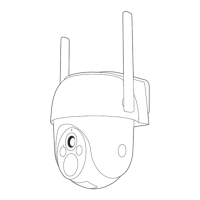
Installazione
EN
IT
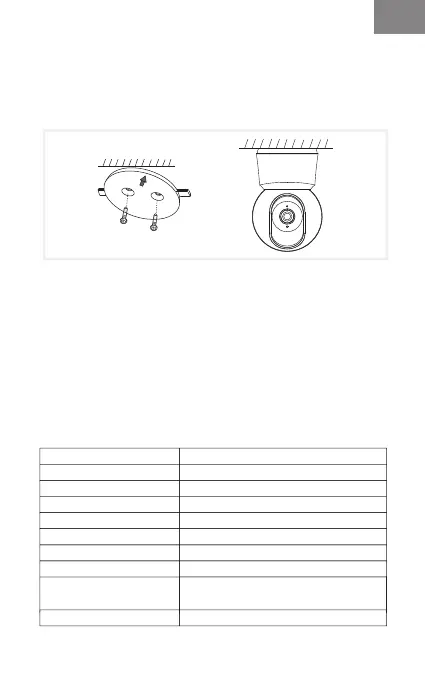
Find a position where you can get the desired field of view.
You can put the camera on a flat surface or mount it on the
wall.
Mount on the wall:
Tips:
1. The installation wall needs to be able to bear at least 3
times the total weight of the camera.
2. In case your camera is mounted upside down, its picture
shall be flipped as well. Please set from Arenti App >> Device
(tap device to live video page) >> Settings >> Basic Function
>> Image Setting >> Screen Flip.
3. Do not point the camera toward a glass window. Or it may
result in poor image performance because of the window
glare by infrared LEDs, ambient lights or status.
Parametro di base
Nome del prodotto
Angolo di campo
Panoramica/inclinazione
Temperatura di lavoro
Conservazione locale
Dimensioni (mm)
Potenza
Consumo
Sistema operativo
supportato
Connessione wireless
P2Q
100°
0°~355°/-15°~78°
Da -20°C a 50°C
Scheda Micro SD (fino a 128 GB)
76x73x117
DC 5V/1A
Fino a 4,5 W
iOS 9 / Android 5.0 e versioni successive
IEEE802.11 a/b/g/n (2,4 GHz e 5 GHz)



 To Next Page