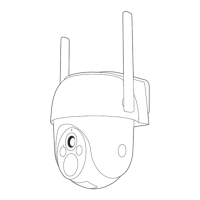
Installation
EN
EN
Find a position where you can get the desired field of view.
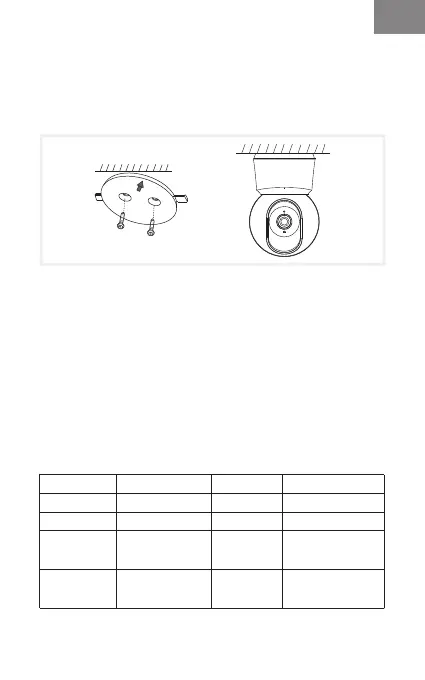
You can put the camera on a flat surface or mount it on the
wall.
Tips:
1. The installation wall needs to be able to bear at least 3
times the total weight of the camera.
2. In case your camera is mounted upside down, its picture
shall be flipped as well. Please set from Arenti App >> Device
(tap device to live video page) >> Settings >> Basic Function
>> Image Setting >> Screen Flip.
3. Do not point the camera toward a glass window. Or it may
result in poor image performance because of the window
glare by infrared LEDs, ambient lights or status.
Mount on the wall:
Basic Parameter
Product name
Angle of view
Pan/tilt
Working temp
Local storage
P2Q
100°
0°~355°/-15°~78°
-20°C to 50°C
Micro SD card
(up to 128GB)
Size(mm)
Power
Consumption
Supported
phone OS
Wireless
connection
76x73x117
DC 5V, 1A
Up to 4.5W
iOS 9 / Android 5.0
and above version
IEEE802.11 a/b/g/n
2.4GHz & 5GHz



 To Next Page