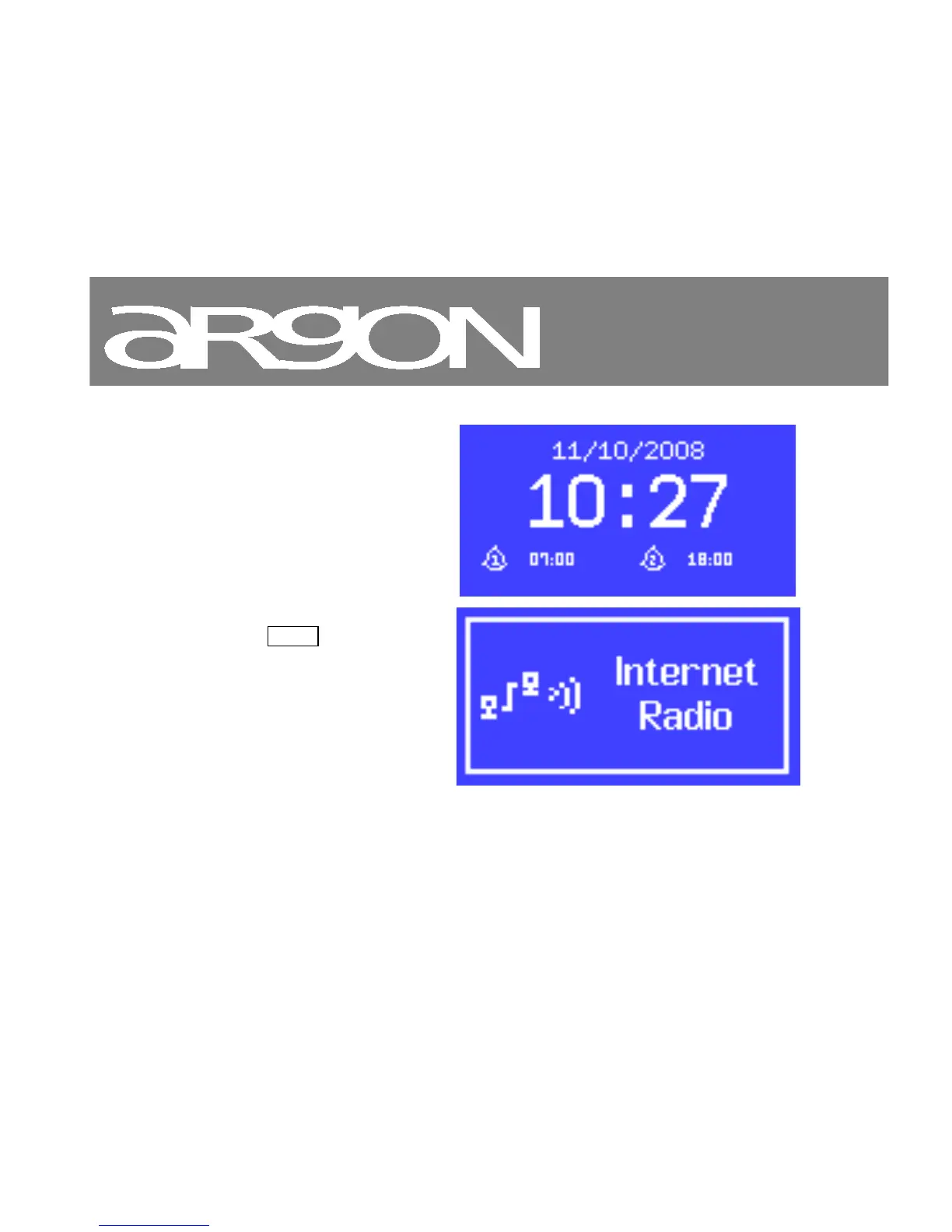
The Standby screen shows the
time, date and any active alarm
times.
As you cycle through the play
modes using Mode , Argon iNet2+
shows a splash screen for each
mode. After one second, Argon
iNet2+ enters the selected mode
and tries to start playing the last
station or track that was playing in
that mode. If this is not possible,
Argon iNet2+ tries to connect to the
selected source by scanning for
stations, networks, or prompting for
user input as appropriate.



 To Next Page