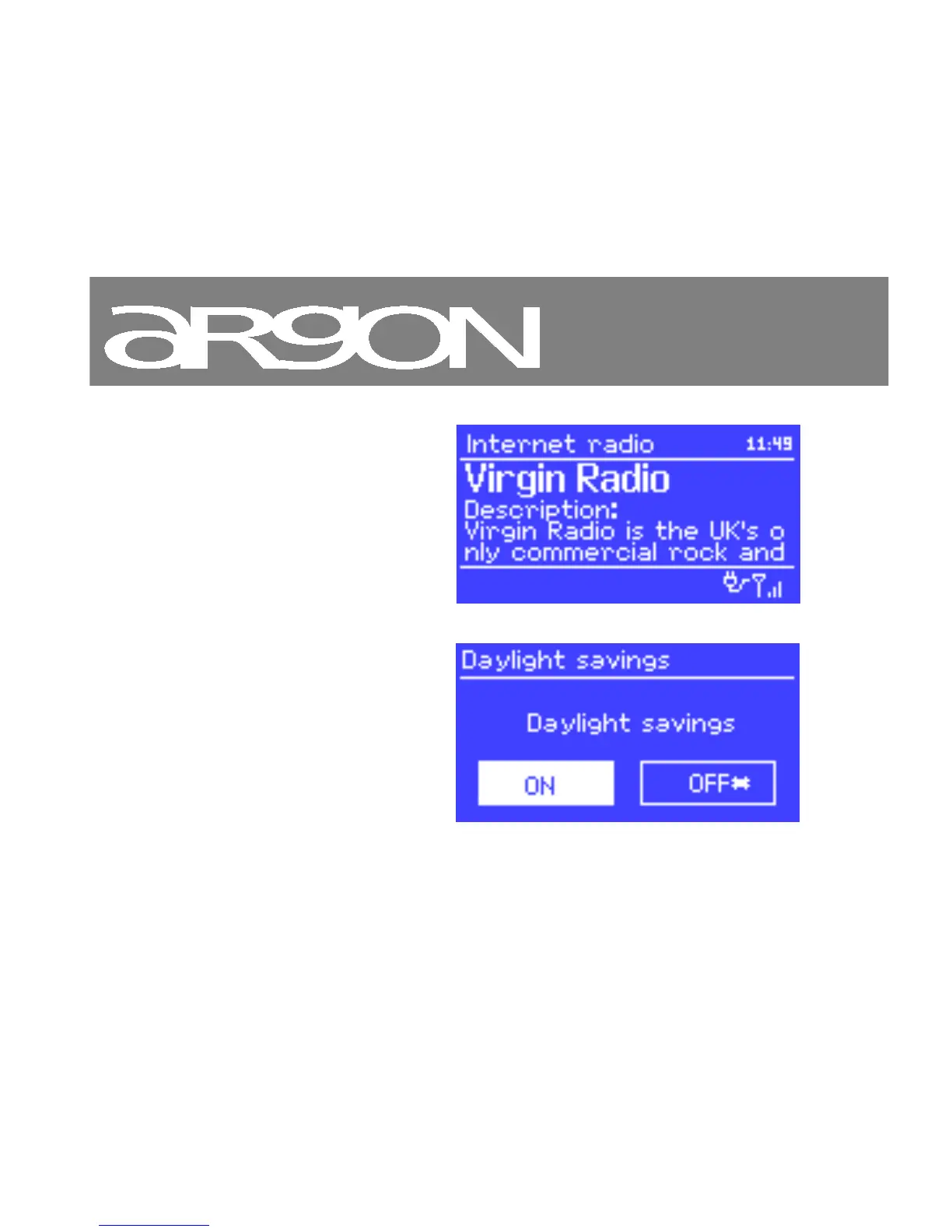
Now playing screens show
information about the audio source
and track now playing, where
available.
Dialogue screens are shown to
allow the user to change settings.
They vary in complexity from simple
Yes/No options up to the scrollable
network password input screen.
As with menus, the selected item is
shown with a white background.
Dialogue screens mark the current



 To Next Page