iNet2+ will auto-update from the selected source when time information is available.
Manual set
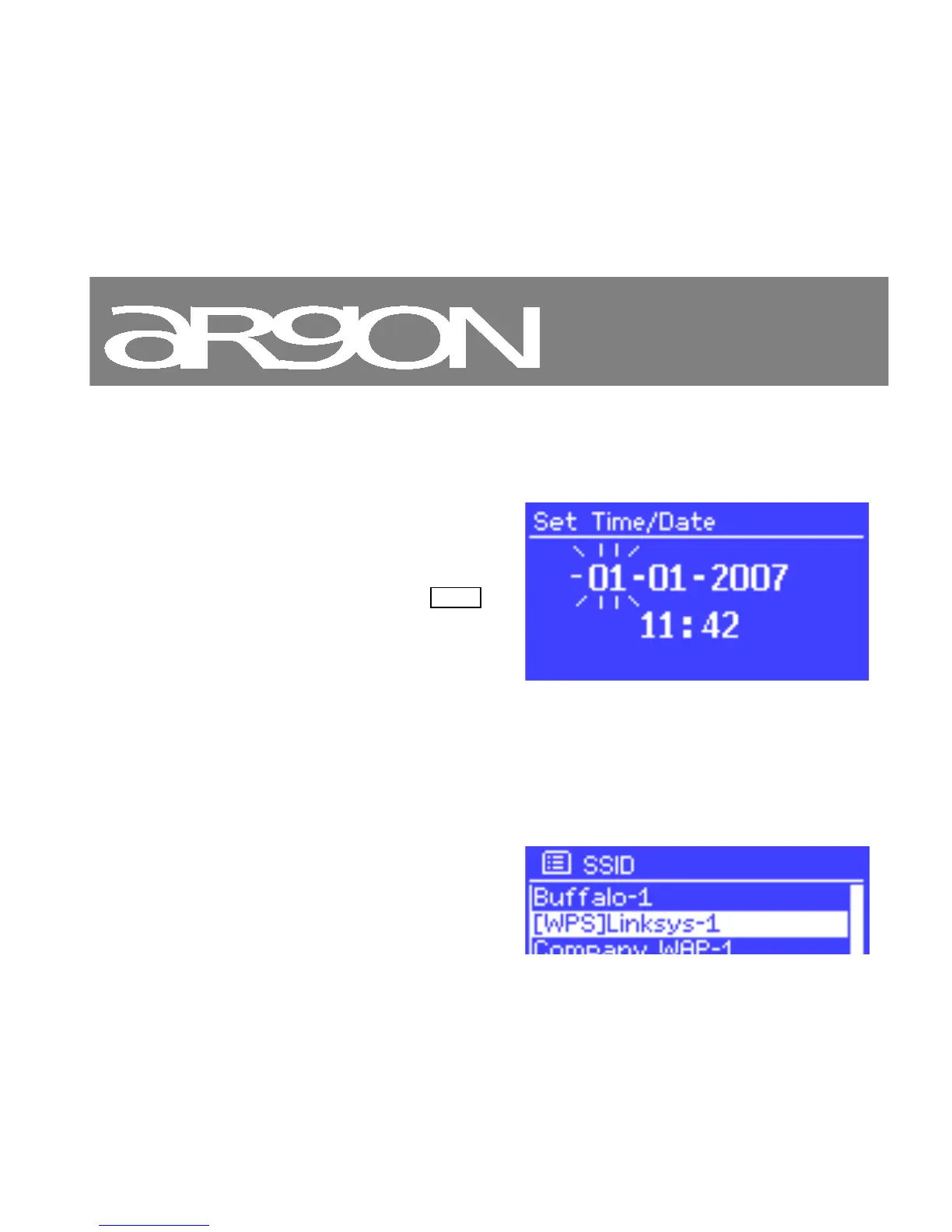
If you set No update, the wizard now prompts you to set the time and date manually.
The date and time are displayed as
dd-mm-yyyy and hh:mm AM/PM
with the first value, dd, active
(flashing).
Adjust each value with the Select
control. As each value is set, the
next value becomes active and
flashes.
3.1.3 Network
iNet2+ is compatible with all common network protocols and encryption methods, including Wi-Fi Protected
Setup (WPS).
To connect iNet2+ to your network, you need a Wi-Fi wireless router, together with password key if set
Select WLAN region/country > Wi-Fi network



 To Next Page