If the network is open (non-encrypted), iNet2+ connects
without any further ado; see Completion below.
Standard encrypted network
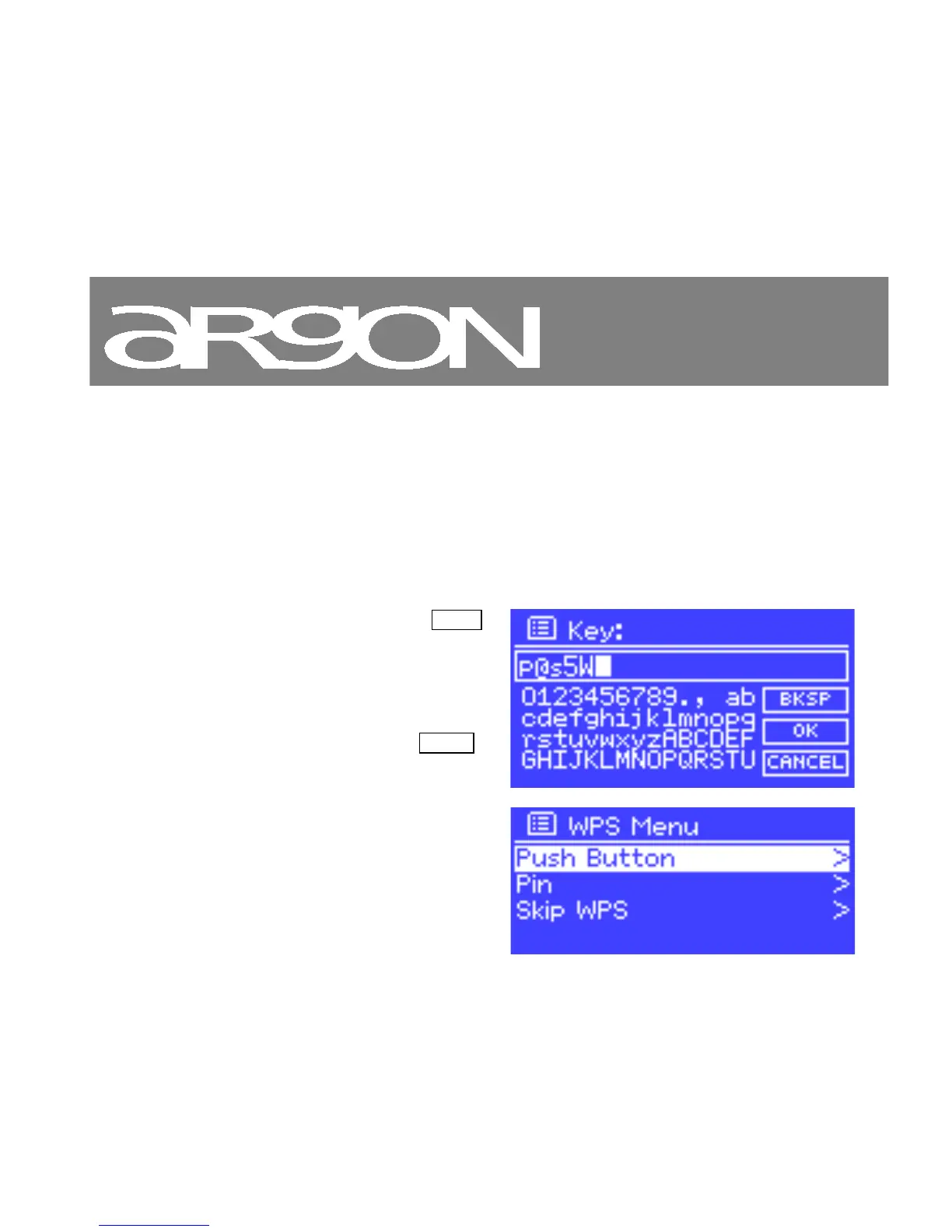
To enter the network’s key (password), use the Select
control to move the cursor through the characters and
select.
As each character is selected, the key is built up near the
top
of the display.
There are three options accessible by turning Select
back before the first characters (0123…)
– Backspace, OK and Cancel.
WPS encrypted network
WPS encrypted networks are identified by ‘[WPS]’ at the



 To Next Page