www.argonaudio.com
1.4 External resources
To operate Stream3M, the following external resources are needed:
• A power source (100-240 V mains supply)
• A wireless (Wi-Fi) or wired (LAN) network (provided through a router) with appropriate permissions
and password if necessary (for Internet radio and Network Music player modes)
• Broadband Internet access (for Internet radio mode and Internet Software Update)
• A music library stored on the network
• An Apple iPhone, iPad, iPod touch or Android device (for using the Wireless Device Remote Control
application UNDOK)
• An external audio source (for Aux in mode)
1.5 Conventions used in this manual
Button (press) Physical button on the keypad
Option (select) Menu option shown on the display
Name Menu, screen or other name
2. Controls, connectors and display
2.1 Main controls
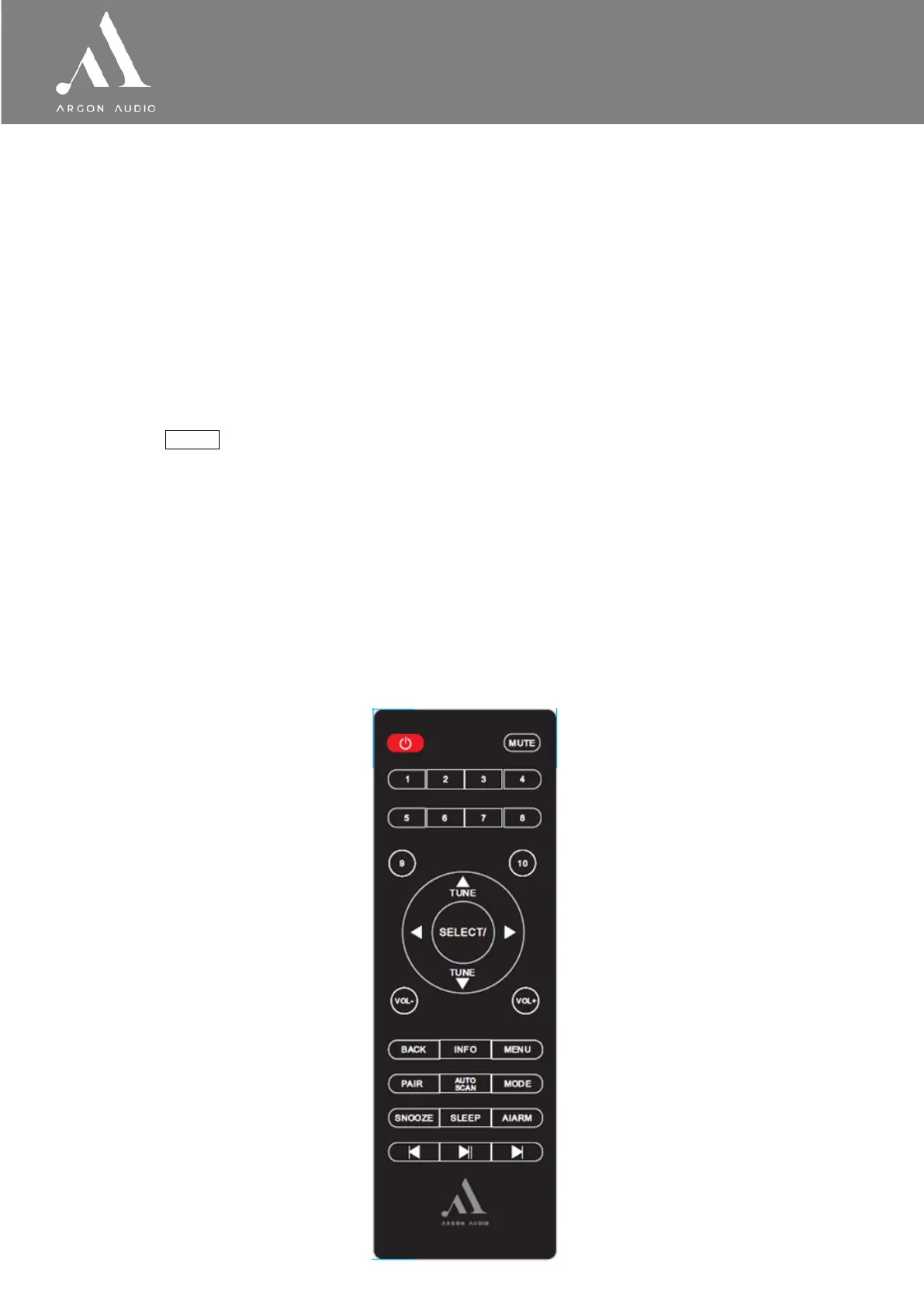
The Stream3M is fully and only controlled from the remote control.
(There are no operating controls on Stream3M itself).
Operations can also be done via UNDOK app for IOS and ANDROID (see page 23)
For basic first time set-up the included remote has to be used. (For button functionality see page 4)


 To Next Page