Page 7/17
FreewayCAM Install Guide
3. Connect the Cables
NOTE: Technical specifications are subject to change without prior notice.
IMPORTANT NOTICE! For cabling use quality, outdoor-certified cables! Improper cabling causes
warranty to void! Water may enter into the camera inside through loose cable ends. Use smooth
circular cables only.
SEAL THE UNUSED CABLE ENDINGS (END SLEEVES) BEFORE CONNECTING TO POWER IN ORDER TO
AVOID DAMAGES DUE TO SHORT CIRCUIT!
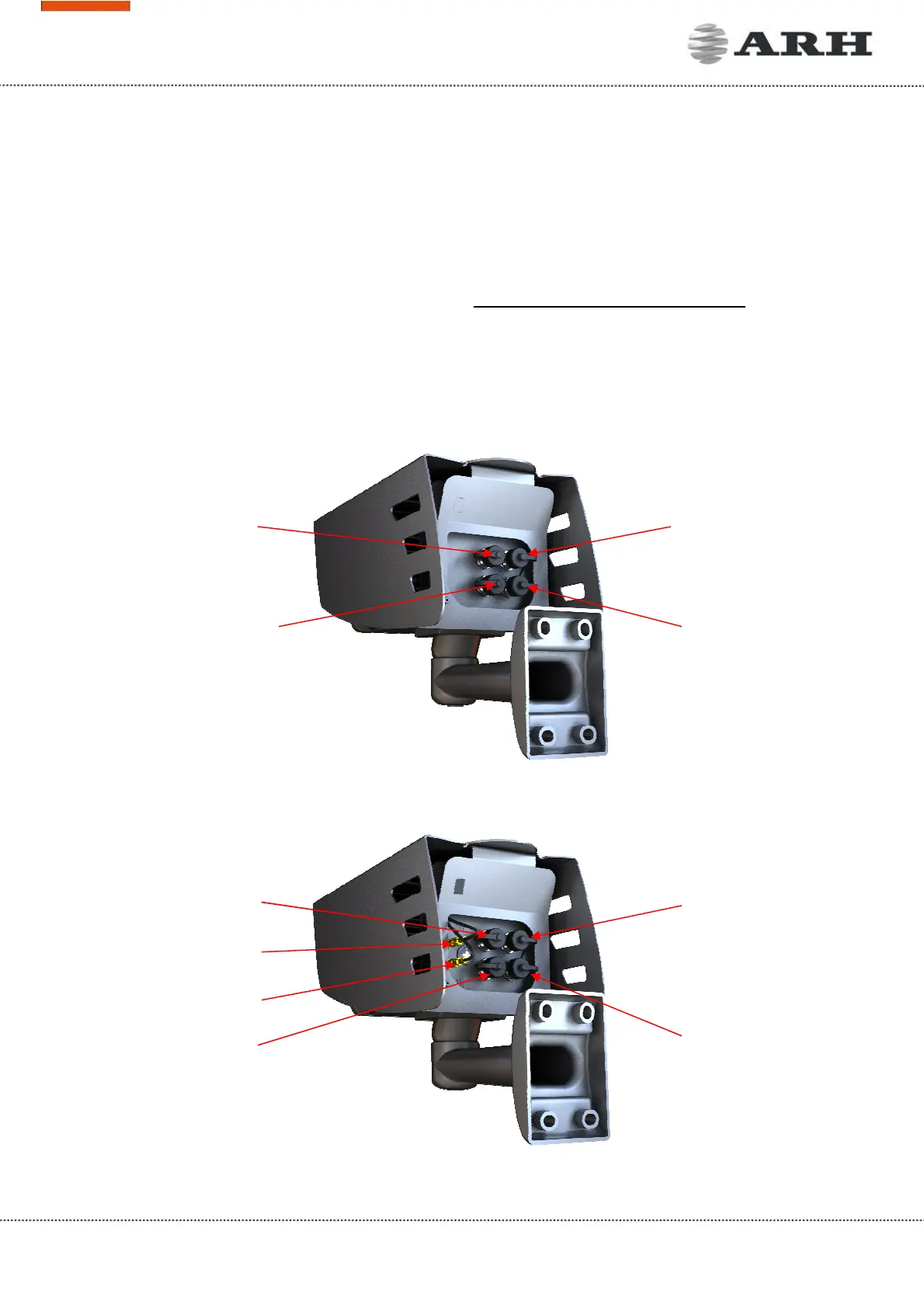
3.1 Cable Layouts
In case of cameras with four connectors:
In case of cameras with six connectors:



 To Next Page