OPERATING FROM THE REMOTE CONTROL (cont.)
Smart mode
In Smart mode the air conditioner will make automatic selections base
on room temperature.
●
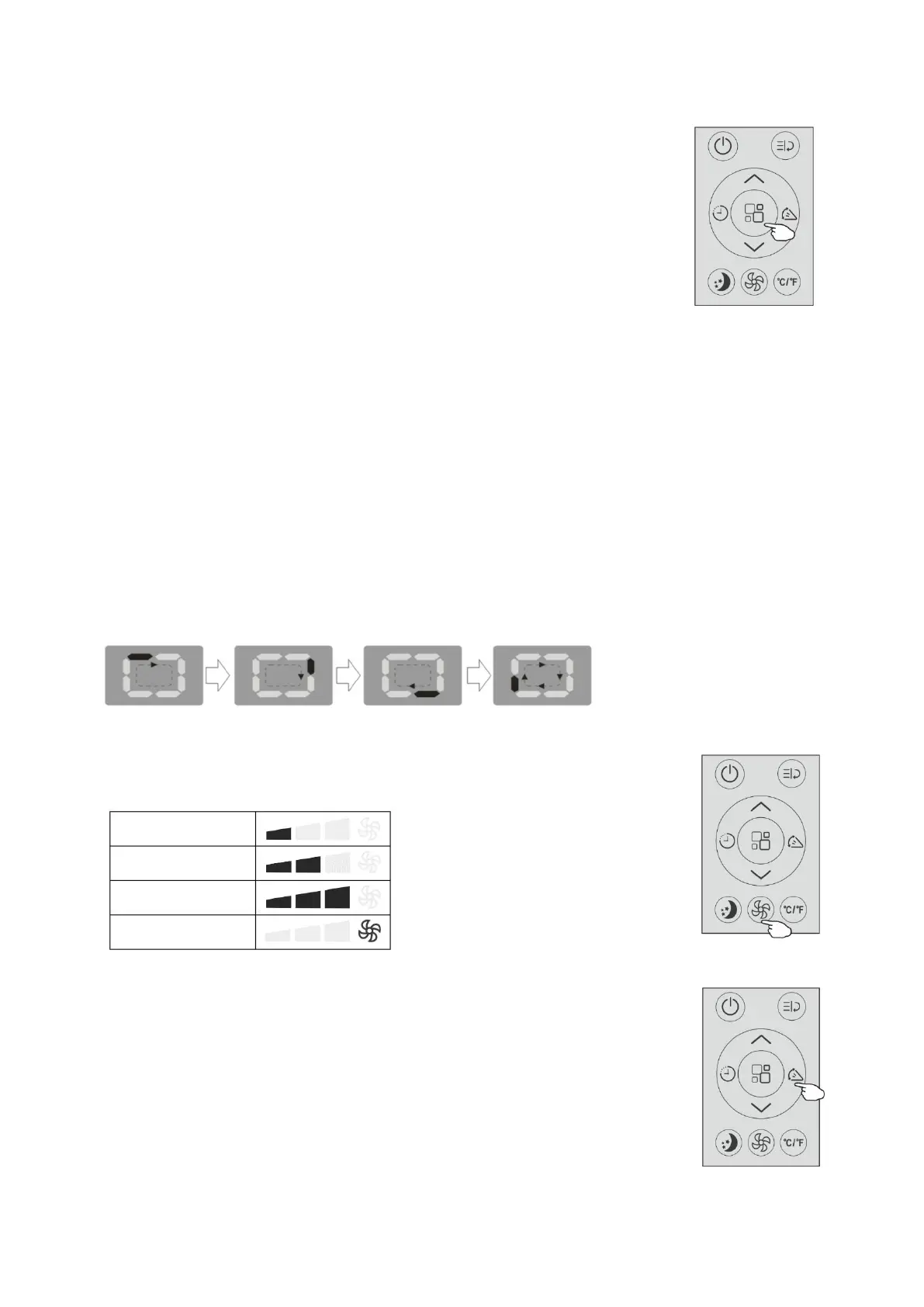
To set the Smart mode, press“Mode button” until the symbol
“Smart mode” appears on the display.
●Press the “Fan speed button” to select the fan speed:Low,Medium,
High or Auto.
NOTE:
●FOR COOLING ONLY MODEL
The air conditioner will automatically operate in Fan mode when the
room temperature is below 23
℃
(73
℉
)
,
It will operate in Cool mode when the room temperature is above 23
℃
(73
℉
).
●FOR COOLING AND HEATING MODEL
The air conditioner will automatically operate in Heat mode when the
room temperature is below 20
℃
(68
℉
)
,
It will operate in in Fan mode when the room temperature is below 23
℃
(73
℉
)
,
It will operate in Cool mode when the room temperature is above 23
℃
(73
℉
).
●Display on the control panel:
It is SMART mode when the display will be running circulating
Fan speed button
●Press the “Fan speed button” to set the running fan speed, it can be set to
:
Low/Medium/High/Auto speed.
Swing button
Normal 2 way air flow (vertical OR horizontal):
This function is useful for select the up/down(or left/right)swing of air delivery.
To set this function correctly:
Select the operating mode (cool, dry, fan,heat,auto) as described above.
Press the “Swing button”, the deflector will start or stop swing.
NOTE:Never poke fingers, sticks or other objects in the air inlet or outlet vents.
Such accidental contact with liveparts might cause unforeseeable damage
or injury.


 To Next Page