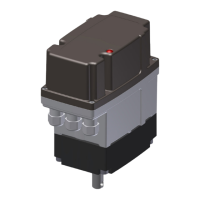
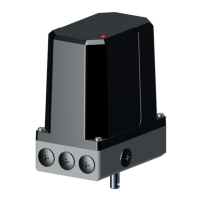
16 ExTensor
To open the drive cover, proceed as described under 5.1.
The connection diagram in the drive is binding for the electrical connection. Note the voltage type!
Grounding
The drive must be provided with a protective conductor connection / grounding both inside and outside. The connection threads /
positions are marked with the earth symbol
Outer PA connection at least 4 mm
2
.
Before switching on for the rst time, check:
• Is the drive externally undamaged?
• Is the mechanical attachment O.K.?
• Has the electrical connection been made correctly?
• Check whether the type of current, mains voltage and frequency match the motor data (see rating plates on the hood and in
the drive).
• Use cable glands suitable for the connecting cable.
• Be sure to observe the wiring diagram glued to the hood.
• For extra-low voltages (e.g. potentiometers), separate, possibly shielded cables should be used.
Temperature monitor
To protect against increased temperatures, the actuator is equipped with a manually resettable bimetallic temperature monitor on
the inside. This is connected in front of the operating voltage supply.
At increased temperatures > +85°C in the drive, the temperature monitor switches off the supply voltage and thus the drive.
This serves to comply with the type of protection, the temperature class and the fulllment of the ATEX/IECEx standards.
After a cooling phase of approx. 30 minutes and a temperature reduction of at least 10K, the temperature monitor can be reset
manually by pressing the actuating button (red).
In doing so, observe the procedure and instructions for opening and connecting the drive in these operating instructions.
De-energize the drive before opening.
Make sure that there is no explosive atmosphere in the area when working on the drive.
Also, before performing a reset, make sure that the causes of the elevated temperature have been eliminated.



 To Next Page