Chapter 3: Configuration and commissioning
104 2X-A Series Installation Manual
Zone configuration
Select Zone config to configure additional zone settings, such as the zone type
(normal or confirmed with corresponding parameters), area, CIT and ACT delays,
disabled or enabled, and operation mode. Default settings are shown in the table
below.
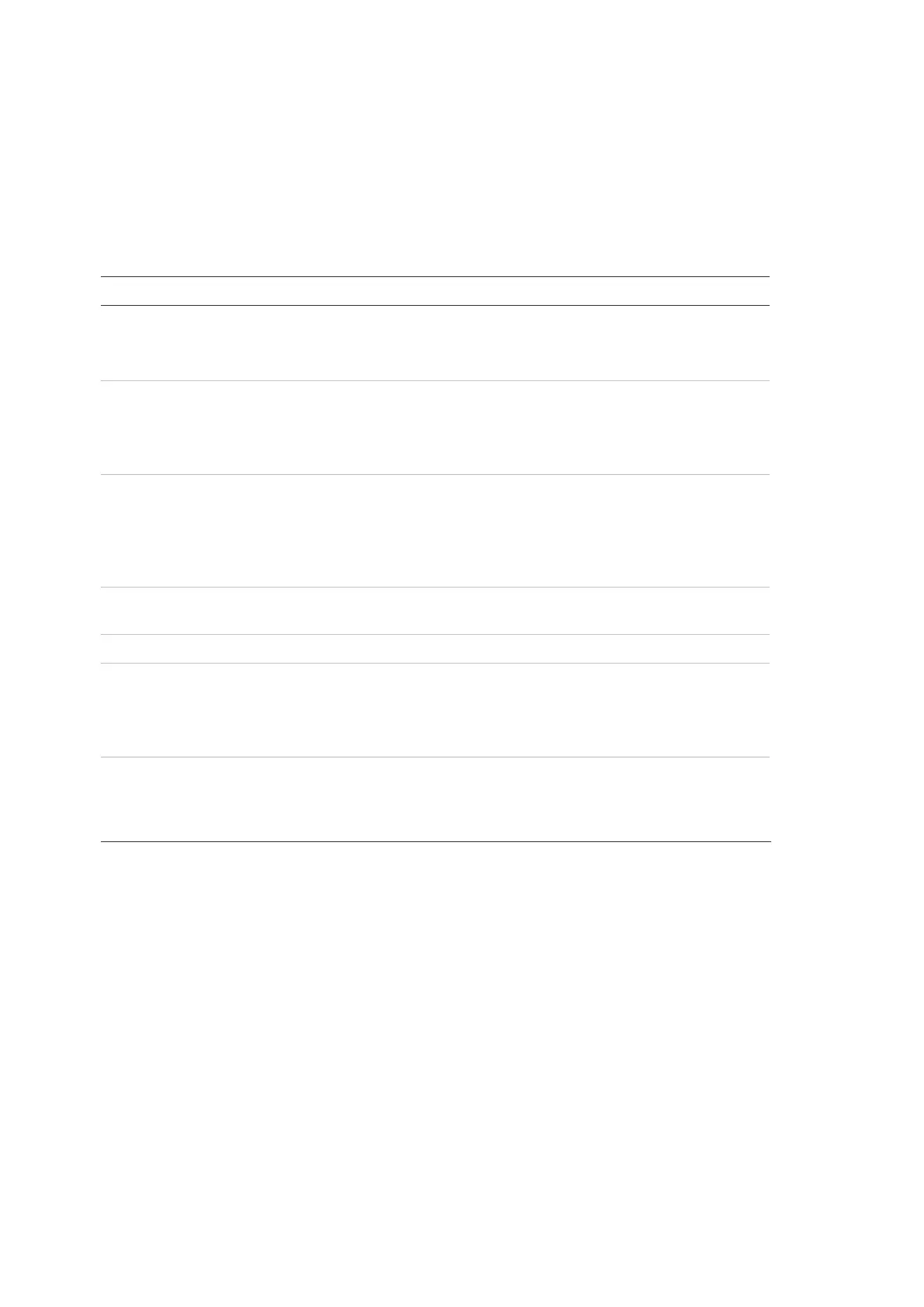
Table 50: Zone configuration options
Description Default value
Configures the zone alarm confirmation type.
See “Zone alarm confirmation” on page 105 for
more information.
NML (normal, no
confirmation required)
Configures the area number for zone types
requiring confirmation by an area.
See “Area configuration” on page 107 for more
information.
1
Configures CIT and ACT delays for zones that
require confirmation.
See “Confirmation Inhibition Time (CIT) and Alert
Cancellation Time (ACT)” on page 106 for more
information.
CIT: 60 seconds
ACT: 5 minutes
Enables or disables the zone (with options for
day/night mode disablement).
ENB (enabled)
Zone description.
Configures the zone operating mode (Mixed,
Manual, Auto, MSP, or MHA).
See “Zone operating modes” on page 106 for more
information.
Mixed
Configures MCP double detection for the zone. If
checked, when two automatic devices indicate an
alarm in the zone, the second alarm is processed
as a manual call point alarm.
Disabled
[1] Not required for zone type NML (normal, no confirmation required).
[2] Not required for zones that confirm an alarm in the same zone.
[3] Only available for zone type NML.
To change the zone configuration settings:
1. Select Field setup from the Main menu, and then Zone configuration.
2. Select Zone configuration, and then select the corresponding zone from the
list of zones displayed.
3. Make the required configuration changes.
4. Press F4 (Enter), and then press F1 (Back).
5. Press F1 (Save), F3 (Apply), F4 (Discard), or F2 (Exit).
Remember to apply saved settings from the Main menu.


 To Next Page
 Loading...