Exclusive distributor of Rx100
Terminology
All special terms or terms with more than one common usage
used in this manual are defined below. This definition as stated in
this section represents the intended meaning of the term
throughout this manual.
Background Only mode — Background pulse stimulation is
present, without Main pulses, when the Duty Cycle is set to
0/on, 1/off and the Duty Cycle indication is BKGD.
Continuous mode — Main pulse stimulation is present at all
times when the Duty Cycle is set to 1/on, 0/off and the Duty
Cycle indication is CONT.
Duty cycle — Variable amount of the time the main pulse is
generated, determined by the Duty Cycle On and Off
settings.
Electrode pads — Pliable, conducting pads used to deliver
electrical energy to the body areas being stimulated.
Description of the Operator Controls
Frequency — Number of main pulses per second.
Intermittent mode — Method of operation when Duty Cycle
is set for less than continuous mode.
Normal mode — Main pulses turn on gradually unless Sub-
second mode is activated.
Polarity — Indicates direction of electron flow.
Power — Effective stimulation intensity, which is determined
by amplitude and frequency.
Sub-second mode — In this mode, Duty Cycle On times of
less than one second can be selected, and Main pulses turn
on immediately instead of gradually.
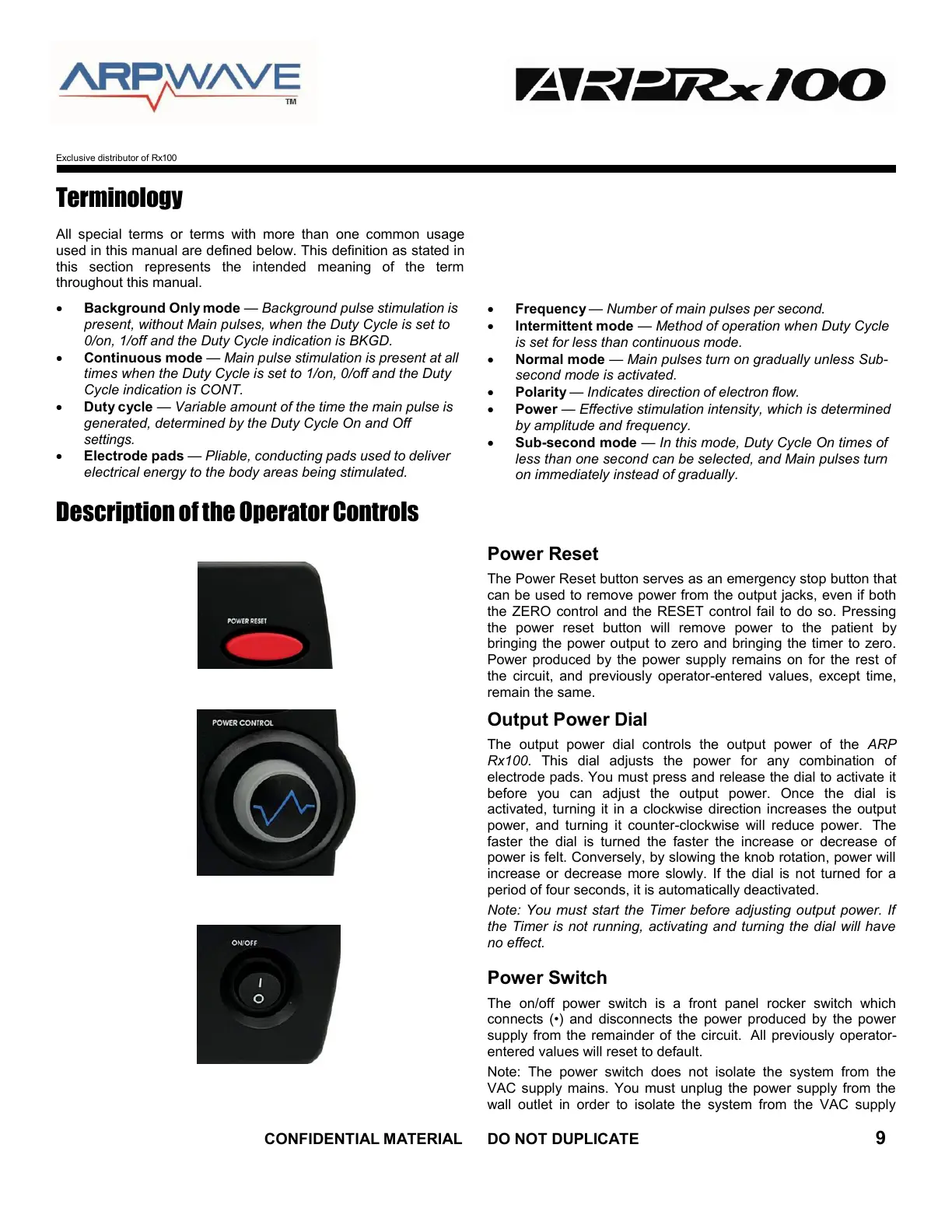
Power Reset
The Power Reset button serves as an emergency stop button that
can be used to remove power from the output jacks, even if both
the ZERO control and the RESET control fail to do so. Pressing
the power reset button will remove power to the patient by
bringing the power output to zero and bringing the timer to zero.
Power produced by the power supply remains on for the rest of
the circuit, and previously operator-entered values, except time,
remain the same.
Output Power Dial
The output power dial controls the output power of the ARP
Rx100. This dial adjusts the power for any combination of
electrode pads. You must press and release the dial to activate it
before you can adjust the output power. Once the dial is
activated, turning it in a clockwise direction increases the output
power, and turning it counter-clockwise will reduce power. The
faster the dial is turned the faster the increase or decrease of
power is felt. Conversely, by slowing the knob rotation, power will
increase or decrease more slowly. If the dial is not turned for a
period of four seconds, it is automatically deactivated.
Note: You must start the Timer before adjusting output power. If
the Timer is not running, activating and turning the dial will have
no effect.
Power Switch
The on/off power switch is a front panel rocker switch which
connects (•) and disconnects the power produced by the power
supply from the remainder of the circuit. All previously operator-
entered values will reset to default.
Note: The power switch does not isolate the system from the
VAC supply mains. You must unplug the power supply from the
wall outlet in order to isolate the system from the VAC supply



 To Next Page