TRINITY 2 camera setup quick guide 10
Prepare the TRINITY 2 Head
ATTENTION
Ensure that the Stabilizer is switched OFF.
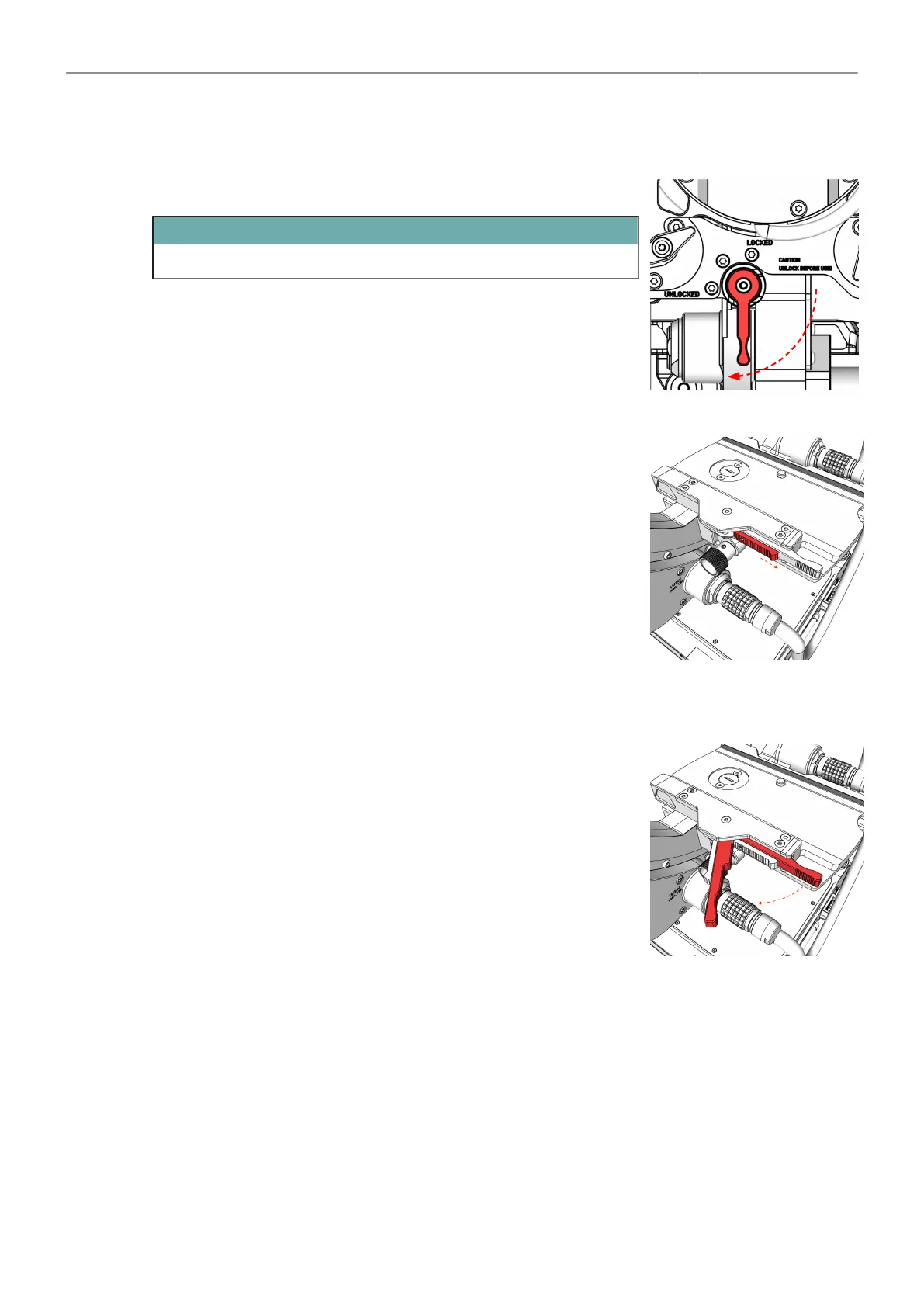
Tilt-Lock
► Move the Lock lever to the left in the Locked position.
Safety Latch
► Touch the safety latch with your thumb and slide it fully to the right.
Clamp Lever
► Place your index finger behind the clamping lever and pull the
clamping lever forward until it reaches the end stop on the left
side.



 To Next Page