TRINITY 2 camera setup quick guide 11
Installation of the camera in the TRINITY 2 head
Placing the camera
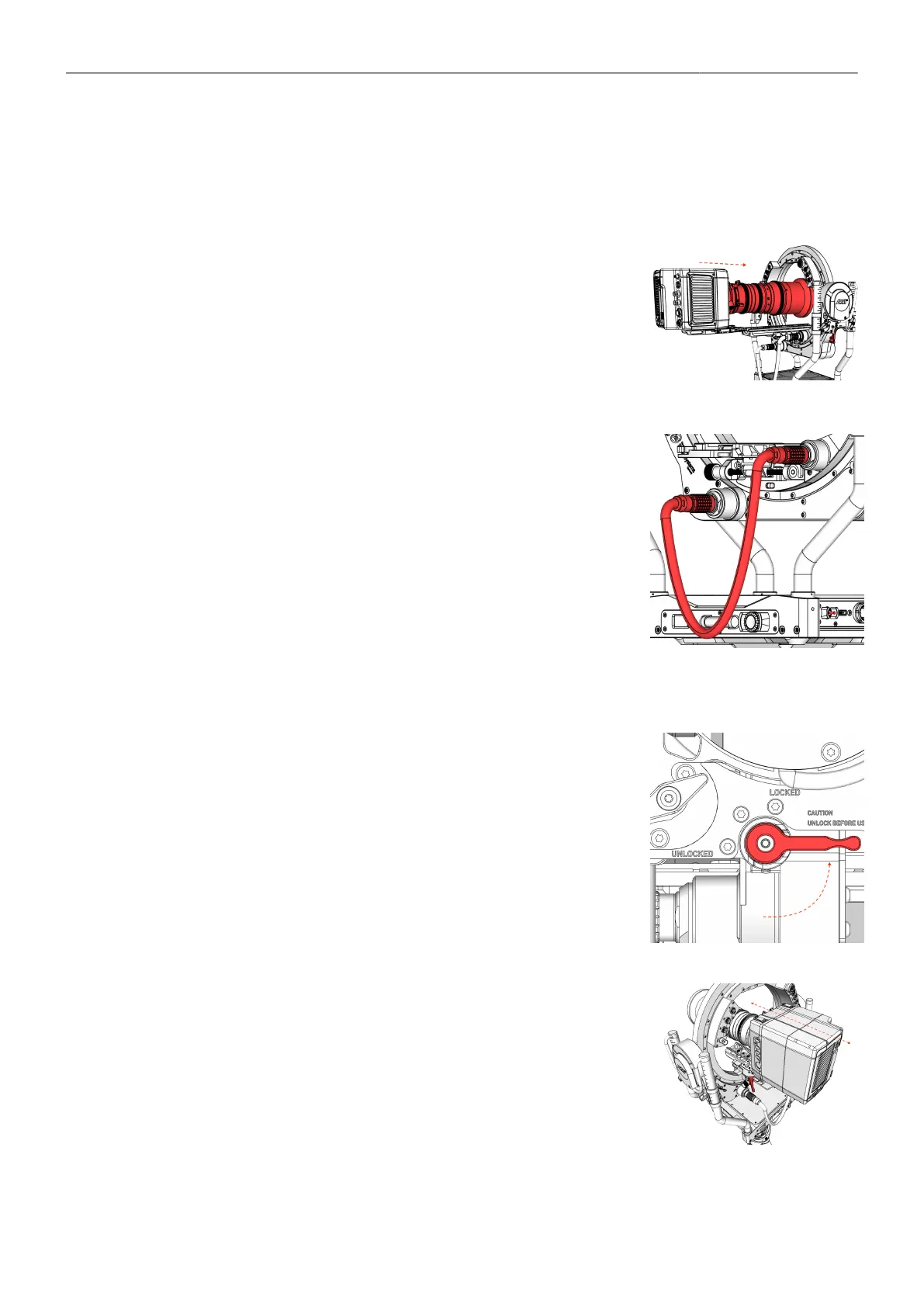
► Gently slide the camera into the ring from either the front or back.
► Bring the camera as close as possible to its center of gravity.
► Lock the dovetail clamp mechanism.
► Assemble all required accessories such as focus motors, transmit-
ters, connect all required cables such as camera power and video
cables.
Connecting the Ring Main Camera
► Plug in the Ring Main Cable.
► Take the part of the cable that is plugged into the inner ring and
attach it with a bongo tie to the back of the camera or to the rear
bracket of the ALEXA 35 / Mini LF.
COG / Fore and aft adjustment
► Open the Tilt-Lock.
► Move the camera forth and back until it reaches its
center of gravity.



 To Next Page