TRINITY 2 balance quick guide 17
Power up the TRINITY 2 Stabilization
CAUTION
Automatically move to the home position
Risk of crushing fingers. The camera / tilt and roll axis will automatically move to the home
position, after turning on the stabilization.
Make sure that your fingers do not get between the top cover and the camera while checking the
tilt axis.
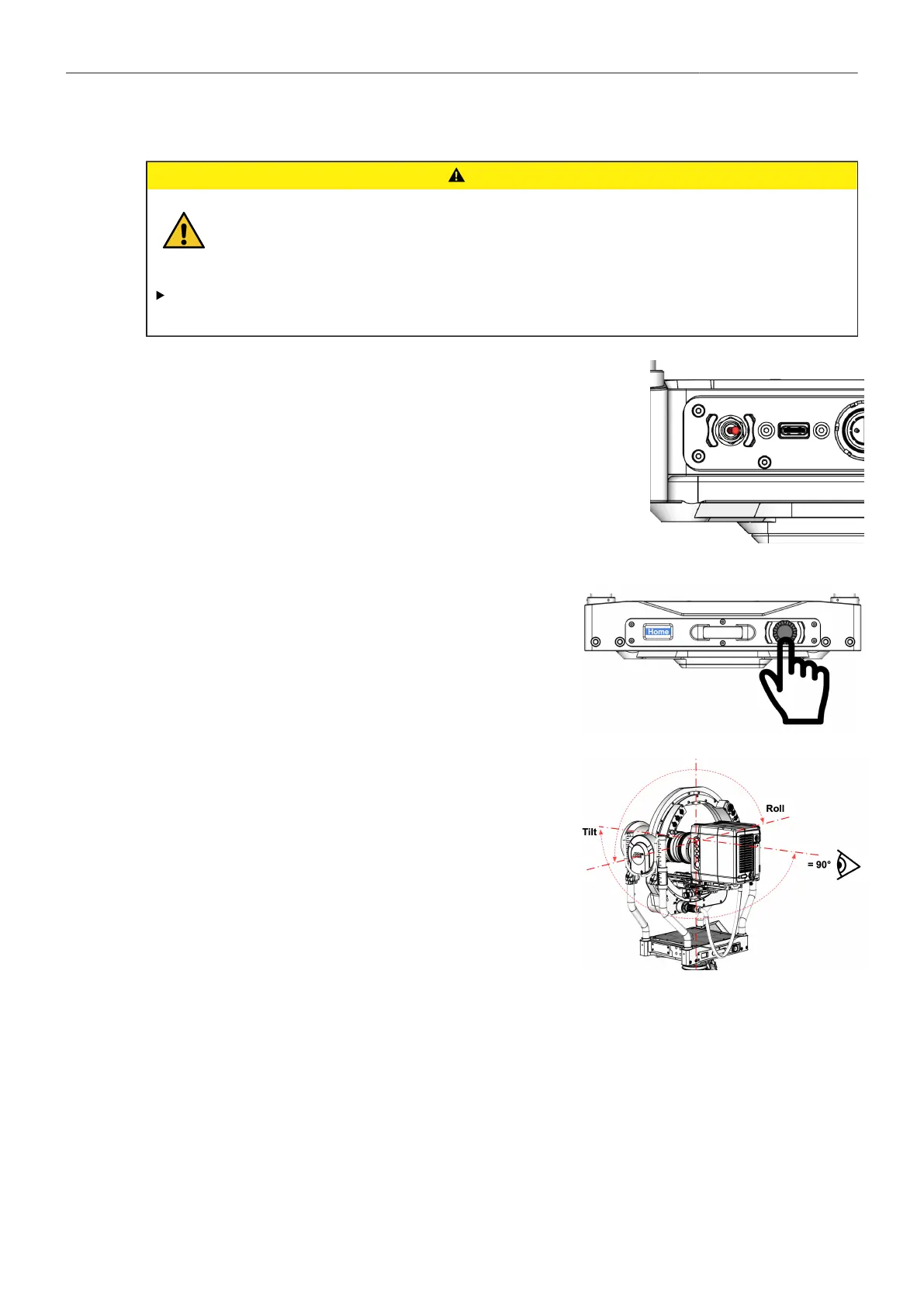
Stabilizer ON
► Turn the Stabilizer ON, when the camera preparation is complete.
Global Home Position / Display
► Home is displayed in the small display.
► Press the Jog-Wheel to move the Tilt and Roll axis in
the neutral Home position.
► Observe that the TILT and ROLL axis have automatical-
ly moved to the global / absolute zero position.



 To Next Page