TRINITY 2 balance quick guide 16
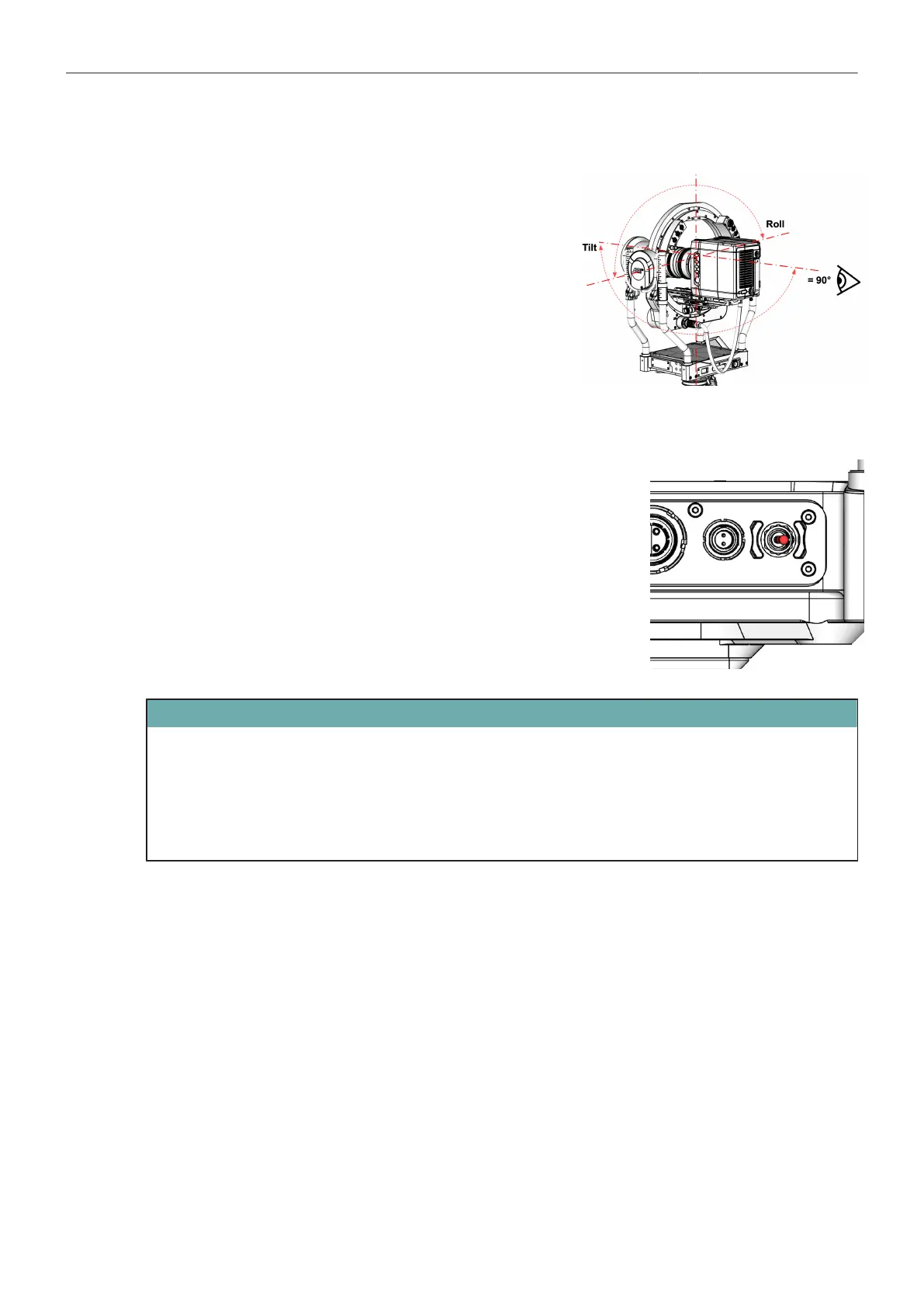
Center the Camera
► Move the camera to a neutral position in both the Tilt
and Roll axis.
Power up the TRINITY 2 Head Main Power
Main Power ON
► Bring the MAIN switcher into the ON position.
ATTENTION
After switching on, the TRINITY-2 head is supplied with 24V, camera, monitor, accessories are
supplied with 12V and 24V, depending on the case.
The motors are not yet active as long as the Stabilizer is set to OFF.
As long as the Stabilizer is OFF, you can work on the camera setting.



 To Next Page