TRINITY 2 balance quick guide 15
Power up the TRINITY 2 Battery Hanger
ADVICE
Powering TRINITY 2 Head, Top and Bottom Stage at the same time
This would cause more than the allowed amount of volts to flow through the
ARTEMIS 2 and TRINITY 2. Risk of damage to the accessories.
Only use the Top Stage TST-2 in combination with the Battery Hanger Module BHM-2 for the
internal power supply of the TRINITY 2 Head.
Alternatively, an external power source can be used to power the TRINITY 2 head.
DO NOT combine the internal with an external power supply!
Main Power Battery Hanger
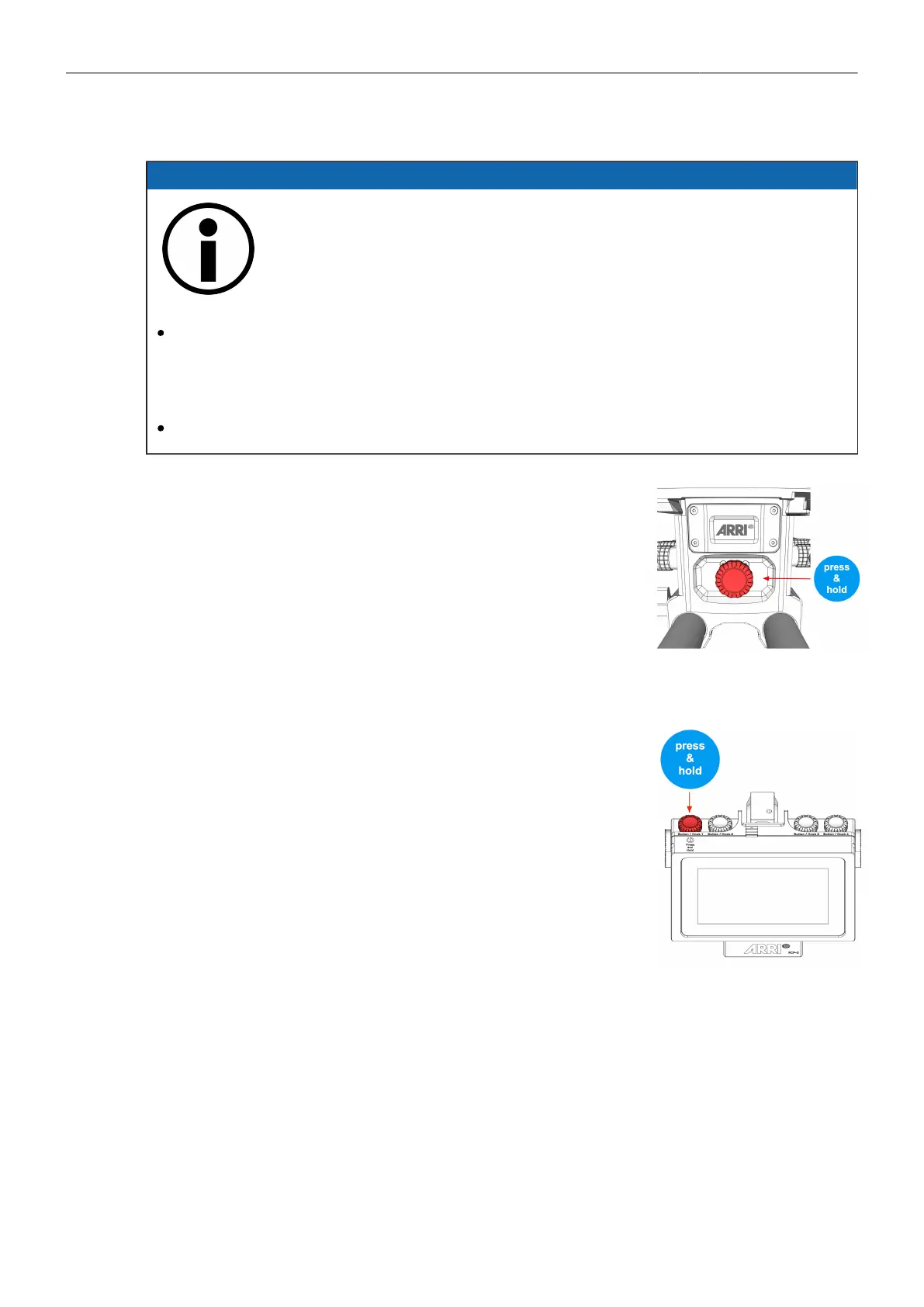
► To turn the BHM-2 / the entire system ON and OFF, press and
hold down the Jog-Wheel until the ARRI logo appears on the dis-
play.
Power up the RCP-3
Main Power RCP-3
► To turn the RCP-3 ON and OFF, press and hold down the Jog-
Wheel until the ARRI logo appears on the
display.
► Ensure that the TRINITY Mode is aktive and Follow Mode is
OFF.
(GUI main screen lower right)



 To Next Page