TRINITY 2 assembly quick guide 2
1 TRINITY 2 assembly quick guide
Preperations
ADVICE
Always ensure that you are using a proper C-Stand, Low Boy Stand
or an another suitable stand.
Make sure the stand is set up on even ground.
Make sure you are not exposed to strong wind or heavy rain.
Securing the stand with sand bags.
Make sure that the Yoke of the Docking Bracket is placed above
the longest leg of the stand.
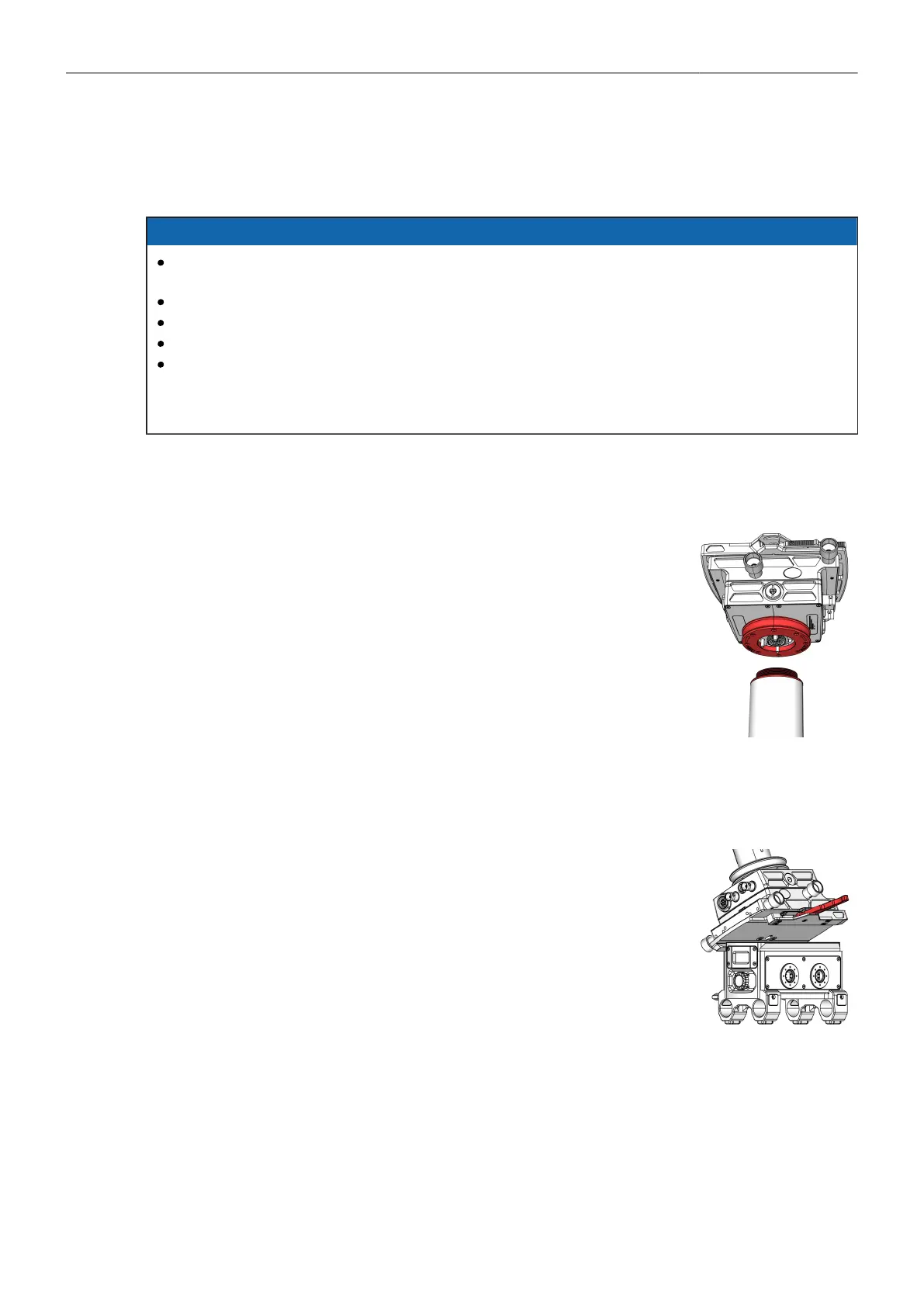
Mount the Top Stage TST-2
► Bring the top stage close to the bottom of the inner post.
► Locate the red dot on the main cable plug and socket.
► When both marks are aligned, insert the LEMO 3B plug
into the socket.
► Turn the blue docking ring with your fingers until the thread fully en-
gages.
► Use the Post Tool (K2.0040046) to finally tighten the Docking Ring.
Mount the Batteryhanger BHM-2 to the Top Stage TST-2
► Unlock and open the Top Stage clamp mechanism.
► Align the Battery Hanger Module dovetail with the Top / Bottom Stage
mount.
► Lift the Battery Hanger Module completely into the Top / Bottom Stage.
► Lock the dovetail clamp mechanism.



 To Next Page