56 Menu
11.7 Backlight
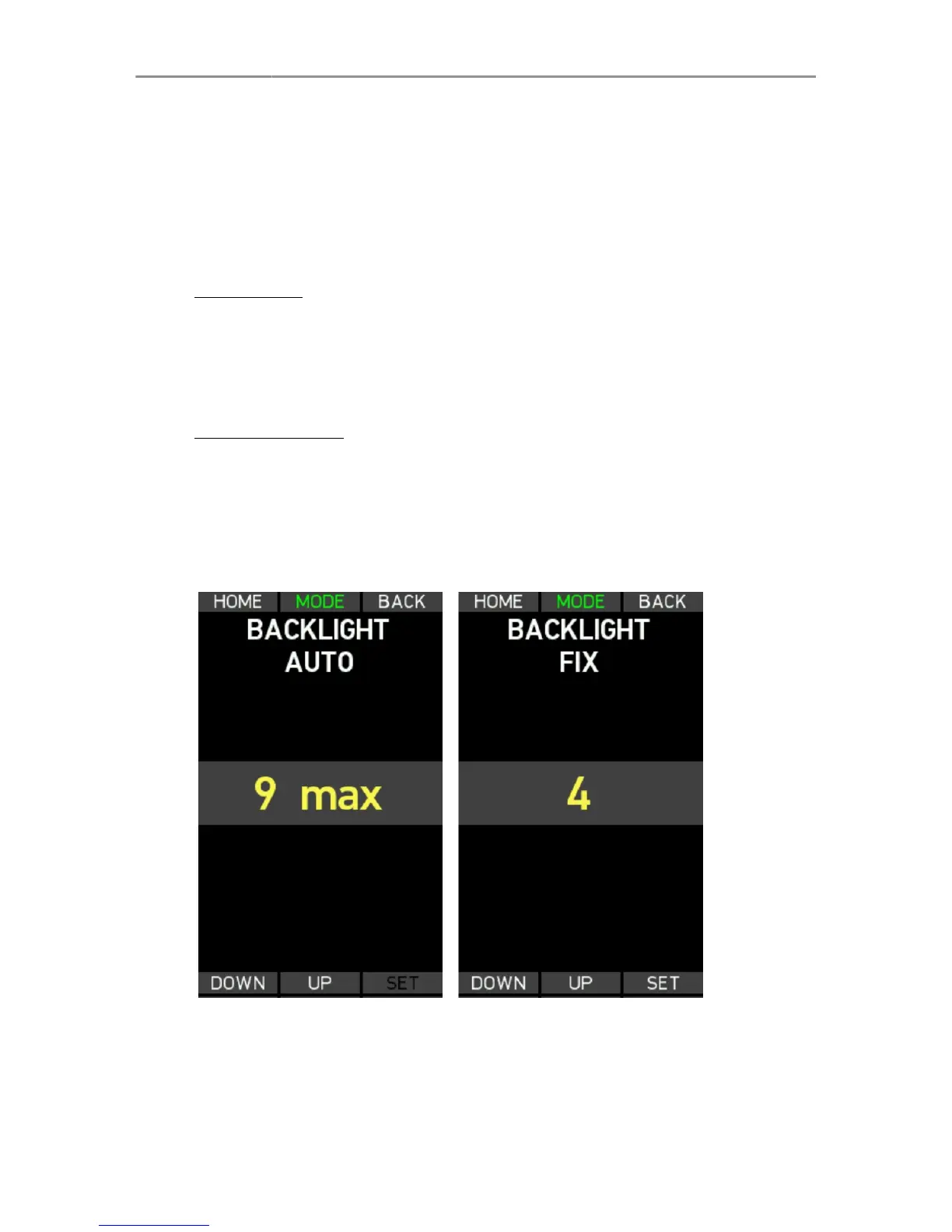
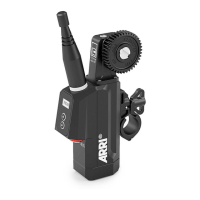
The WCU-4 display, buttons and focus knob illumination can be
dimmed according to operational needs. The Backlight menu lets
you select a fixed or an automatic backlight mode. Press the MODE
soft button to toggle between the two.
Fixed Mode
Select Fixed Mode to set a fixed value for the backlight intensity.
Use the UP and DOWN soft buttons or the zoom stick to select the
backlight level. Press the SET soft button or the User button to set
the backlight level.
Automatic Mode
Select Automatic Mode to have an automatic backlight adjustment
that depends on the ambient lighting conditions. Use the UP and
DOWN soft buttons or the zoom stick to select the maximum
possible backlight level. Press the SET soft button or the User
button to set the backlight level.
Backlight screen


 To Next Page