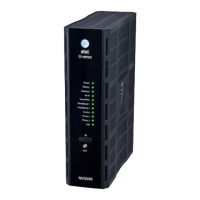
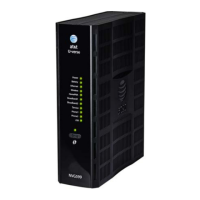
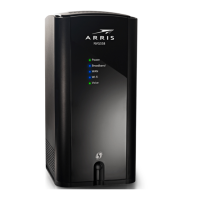
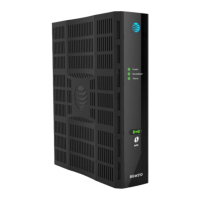
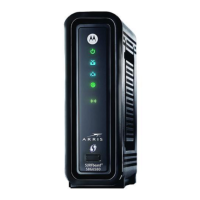
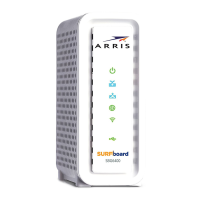
Powering and inial cabling
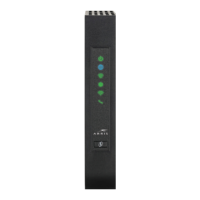
Press the Power buon on the back of the gateway. The Power indicator will inially ash GREEN to indicate that the gateway is boong and then solid GREEN
to indicate it is operaonal. Under normal operaon, while the gateway is powering up, LED status is as follows:
• Internet, Broadband, Coax, Wireless, and Phone indicators will be o.
• Broadband indicator will inially be solid RED, and upon Ethernet link, it will light solid GREEN.
• Coax and Wireless indicators will light solid GREEN to indicate that the Coax link is established and Wireless service is enabled. Internet will light solid BLUE to
indicate Internet connecon is acve.
• Phone indicator will light solid GREEN aer the Internet indicator lights BLUE to indicate that digital phone service is acve.
NOTE: During the inial setup, it may take several minutes to achieve service connecvity.
Broadband: Follow instrucons provided by your Service Provider. If no instrucons are provided, then call your Service Provider.
Digital Phone Service: To connect the gateway to a digital phone line:
1. Connect the supplied RJ-11 terminated phone cable to the Phone port on the back of the gateway.
2. Connect the phone cable to a phone or fax machine.
LAN Ethernet: To make an Ethernet connecon:
1. Connect the supplied RJ-45 terminated Ethernet cable to one of the Ethernet ports on the back of the gateway.
2. Connect the Ethernet cable to the Ethernet port on a local computer.
USB port: To connect the gateway to the USB port:
1. Connect the USB cable to the USB port on the back of the gateway.
2. Connect the other end of the USB cable to your device.
1. Open a web browser, such as Firefox, Chrome, or Microso Internet Explorer, from the computer connected to the gateway.
2. Type the following address in the address bar of the browser to open the Access Code Required Screen:
hp://192.168.1.254
On the wireless device, use the Wireless setup opon to nd the available wireless network names. The Wi-Fi Network Name for the gateway is printed on
the boom of the label along with the Wi-Fi password.
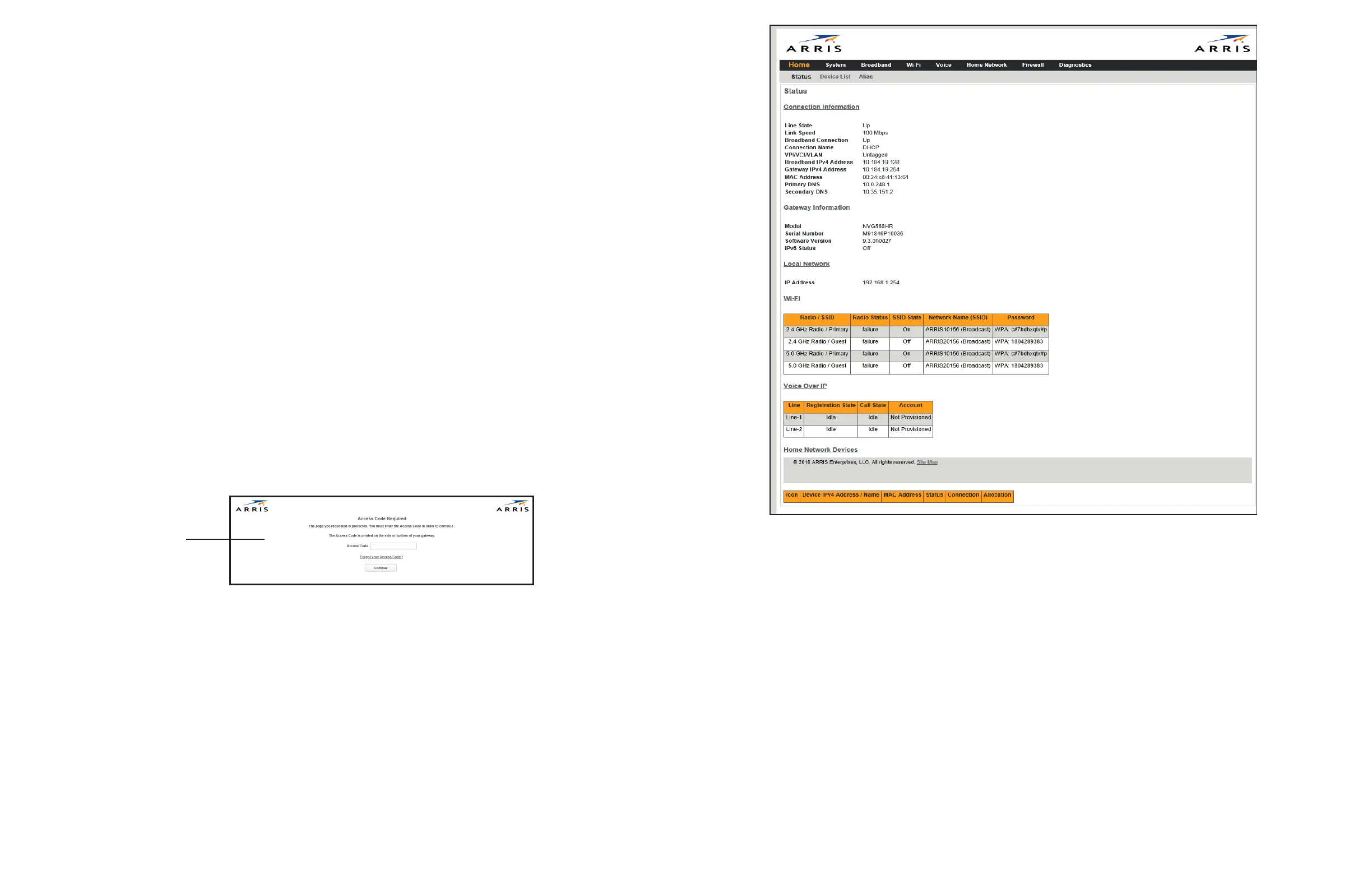
NOTE: The main page provides an overview about the connecon and home network status. You can also access informaon for the following:
• Home: Network Status/Conguraon
• System: System status, upgrade, restart and factory reset opons
• Broadband: WAN status, stascs, and parameter sengs
• Wi-Fi: Wi-Fi status and conguraon
• Voice: Voice status and QoS conguraon
• Home Network: LAN status and conguraon
• Wireless: Network Status/Conguraon, including security sengs
• Network: Status of all Devices in the LAN Host Discovery table
• Firewall: Firewall status/conguraon
• Diagnoscs: Gateway connecon and applicaon diagnoscs
1. Provide the Device Access Code, a unique code printed on a label on the base of the gateway.
2. Select Connue.
NOTE: Select the appropriate language buon in the lower right corner of the Access Code Required screen to connue with the selected language.
NOTE: The terms Device Access Code and Password are somemes used interchangeably.
To access the Web Management conguraon pages:
Access Code Required
Page
Access the Web Management Interface
Add a wireless device to the gateway
Declaraon of conformity
The following secons describe regulatory compliance by region.
FCC/ISED compliance
This device has been tested and cered as compliant with the regulaons and guidelines
set forth in the Federal Communicaon Commission - FCC Title 47 Part 15 and the
Innovaon Science and Economic Development (ISED) Canada CAN ICES-3 (B)/NMB-3(B)
and RSS-247 Radio and Telecommunicaon regulatory requirements.
Cet appareil a été testé et ceré conforme aux réglementaons et direcves dénies
dans les exigences réglementaires CAN CAN ICES-3 (B) / NMB-3 (B) et RSS-247 d’Innovaon
et Canada (ISED).
Manufacturer: ARRIS
Models: NVG5x8 Product Family
Part 15 of FCC rules
This device complies with part 15 of the FCC Rules and Industry Canada license- exempt
RSS standard(s).
Operaon is subject to the following two condions:
(1) this device may not cause harmful interference, and (2) this device must accept any
interference received, including interference that may cause undesired operaon of the
device.
Le présent appareil est conforme aux normes CNR d’Industrie Canada applicables aux
appareils radio exempts de licence. L’exploitaon est autorisée aux deux condions
suivantes:
1. l’appareil ne doit pas produire de brouillage, et
2. l’ulisateur de l’appareil doit accepter tout brouillage radioélectrique subi, même si le
brouillage est suscepble d’en compromere le fonconnement.
Users should be advised that high-power radars are allocated as primary users (i.e.
priority users) of the bands 5250-5350 MHz and 5470-5725 MHz and that these radars
could cause interference and/or damage to the LE-LAN device.
Les ulisateurs doivent être avisés que les radars de haute puissance sont désignés
ulisateurs principaux (c.-à-d., qu’ils ont la priorité) pour les bandes 5250-5350 MHz et
5650- 5850 MHz et que ces radars peuvent causer du brouillage et/ou des dommages
aux disposifs LAN-EL.
The device for operaon in the band 5150-5250MHz is only for indoor use to reduce the
potenal for harmful interference to co-channel mobile satellite systems.
Where applicable, antenna type(s), antenna models(s), and worst-case lt angle(s)
necessary to remain compliant with the e.i.r.p. elevaon mask requirement set forth in
secon 6.2.2.3 shall be clearly indicated.
Les disposifs fonconnant dans la bande 5150-5250 MHz sont réservés uniquement
pour une ulisaon à l’intérieur an de réduire les risques de brouillage préjudiciable aux
systèmes de satellites mobiles ulisant les mêmes canaux.
Lorsqu’il y a lieu, les types d’antennes (s’il y en a plusieurs), les numéros de modèle de
l’antenne et les pires angles d’inclinaison nécessaires pour rester conforme à l’exigence
de la p.i.r.e. applicable au masque d’élévaon, énoncée à la secon 6.2.2.3, doivent être
clairement indiqués
This equipment has been tested and found to comply with the limits for a Class B digital
device, pursuant to part 15 of the FCC Rules. These limits are designed to provide
reasonable protecon against harmful interference in a residenal installaon. This
equipment generates, uses and can radiate radio frequency energy and, if not installed
and used in accordance with the instrucons, may cause harmful interference to radio
communicaons.
However, there is no guarantee that interference will not occur in a parcular
installaon. If this equipment does cause harmful interference to radio or television
recepon, which can be determined by turning the equipment o and on, the user is
encouraged to try to correct the interference by one or more of the following measures:
• Reorient or relocate the receiving antenna.
• Increase the separaon between the equipment and receiver.
• Connect the equipment to an outlet on a circuit dierent from that to which the
receiver is connected.
• Consult the dealer or an experienced radio/TV technician for help.
Cauon: Changes or modicaons not expressly approved by the party responsible for
compliance could void your authority to operate this equipment.
Image: Home page
NOTE: This is a reference image and may slightly dier based on your device.


 To Previous Page
 Loading...