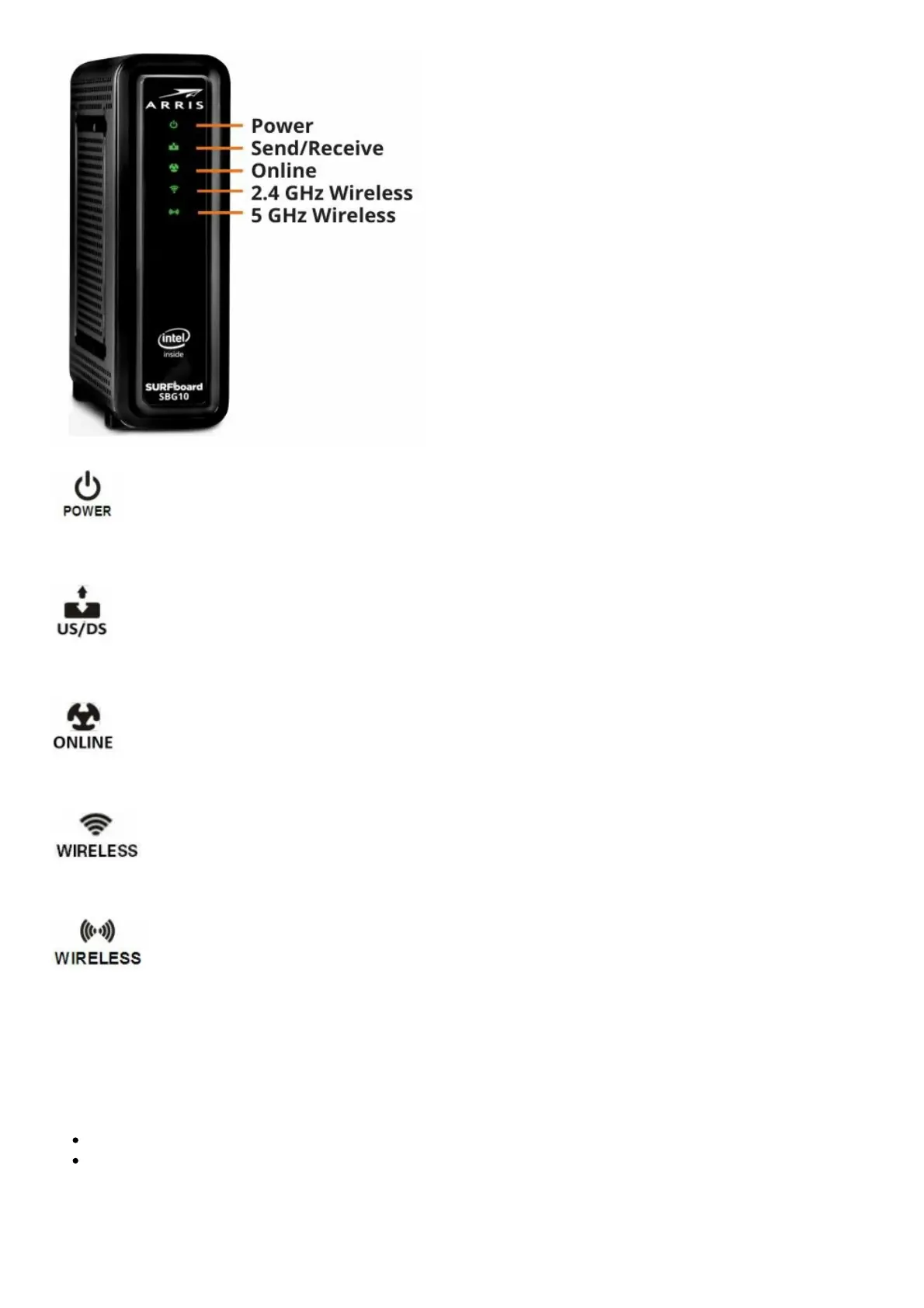
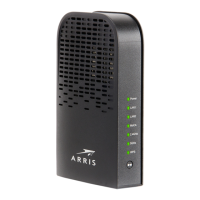
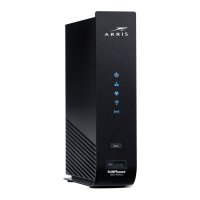
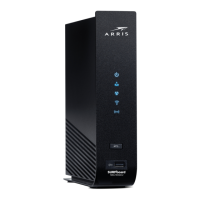
On – Power is properly connected to the SBG10
On – Upstream (Send) and Downstream (Receive) status
On – SBG10 is connected to the network
Flash – 2.4 GHz wireless connection is made between the SBG10 and your Wi-Fi device
Flash – 5 GHz wireless connection is made between the SBG10 and your Wi-Fi device
Set Up a Wi-Fi Network Connection
Choose one of the following options to set up your Wi-Fi home network connection. When done,
proceed with Test Your Wi-Fi Network Connection below.
Download the ARRIS SURFboard Manager Mobile App
Connect Using Your Mobile Device
Download the ARRIS SURFboard Manager Mobile App





 To Next Page